T
ARGET TEMP
Lock
Allows you to lock the 6025 (to prevent any changes in custom settings)
•
To enable or disable the program lock, press the following buttons one at
a time,in this sequence.
<tim then
FILTER
, then
SET CLOCK
, and last
HOME
.
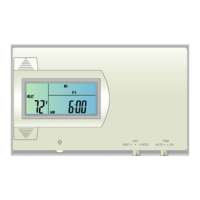
The LOCK icon (a key) appears when the system is locked.
•
Repeat to unlock
TIME
Spec. Featr. cont.
Temp HOLD
To change and hold the temperature until you return.
•
Open the door and push the
HOLD
button. The HOLD icon comes on.
Turn the temp control dial to set the hold temperature.
•
HOLD is canceled if the MODE switch is moved, or press
HOLD
again.
PG 9
Manual
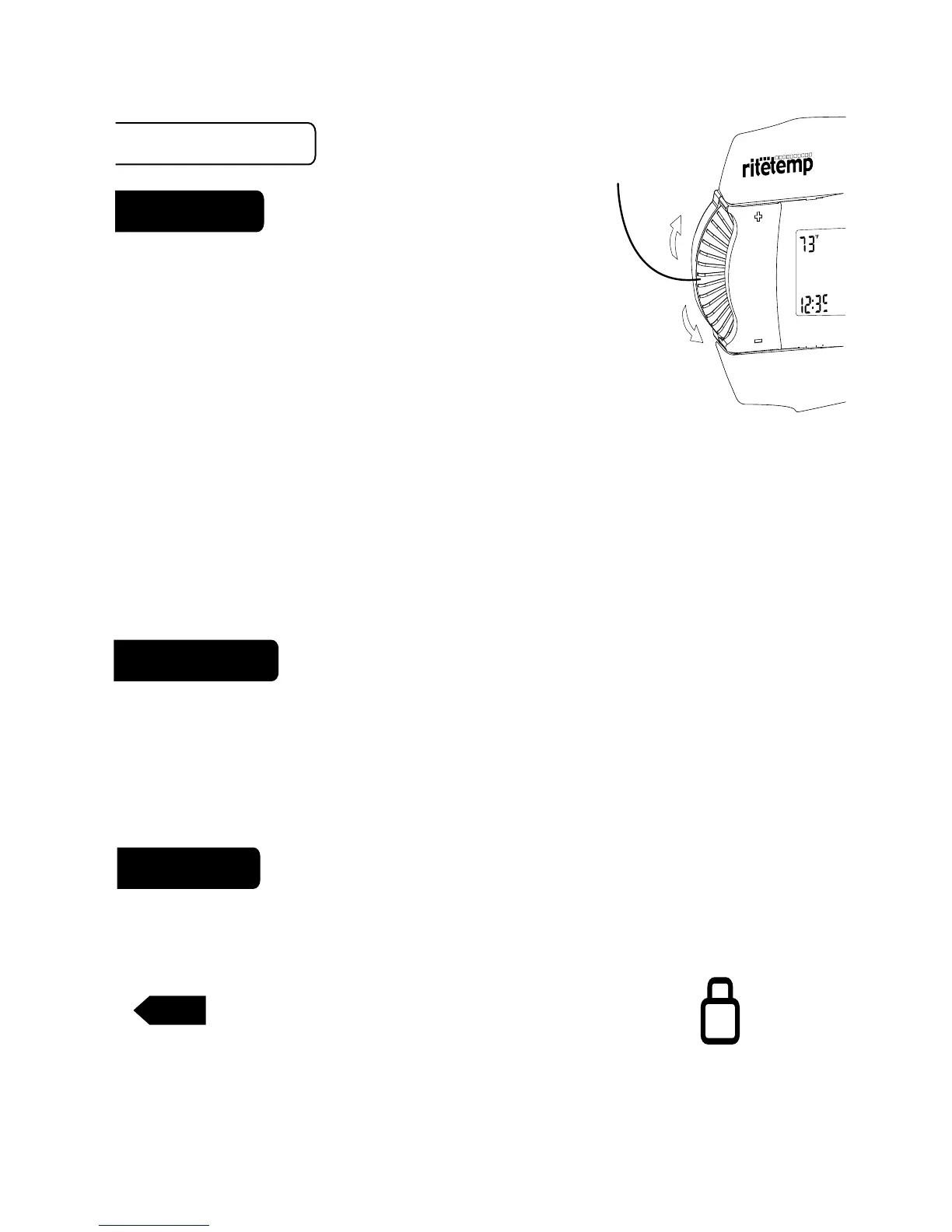
• With the MODE switch in HEAT or COOL,
turn
temp control dial
to temporarily change the control
temperature by 1 degree per step.
NOTE: to avoid accidental setting changes intial
touch is dely .5sec. After that all functions are instant.
• The OVERRIDE icon flashes to shows the displayed temperature may be
different from the programmed setting.
• The OVERRIDE is canceled at the start of the next time period,
or when the MODE switch is moved, or if
TEMP
HOLD
is pressed twice.
PG 8
TEMP control
dial
warmer
cooler



 To Next Page