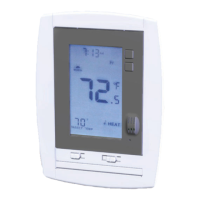
NOTE: Your thermostat comes from the factory calibrated to + or - 1
o
F actual
temperature. It is an accurate instrument. If you want your thermostat to
display the same temperature as another thermometer in your home, you can
adjust its calibration.
To change the calibration:
Mode switch of the unit must be in the HEAT or COOL position.
Press the <Time button.
Turn the Temp +/- dial to adjust the offset temperature reading.
Press HOME to save the new setting.
TIME
Calibration
PG
13
PG
12
C or F display
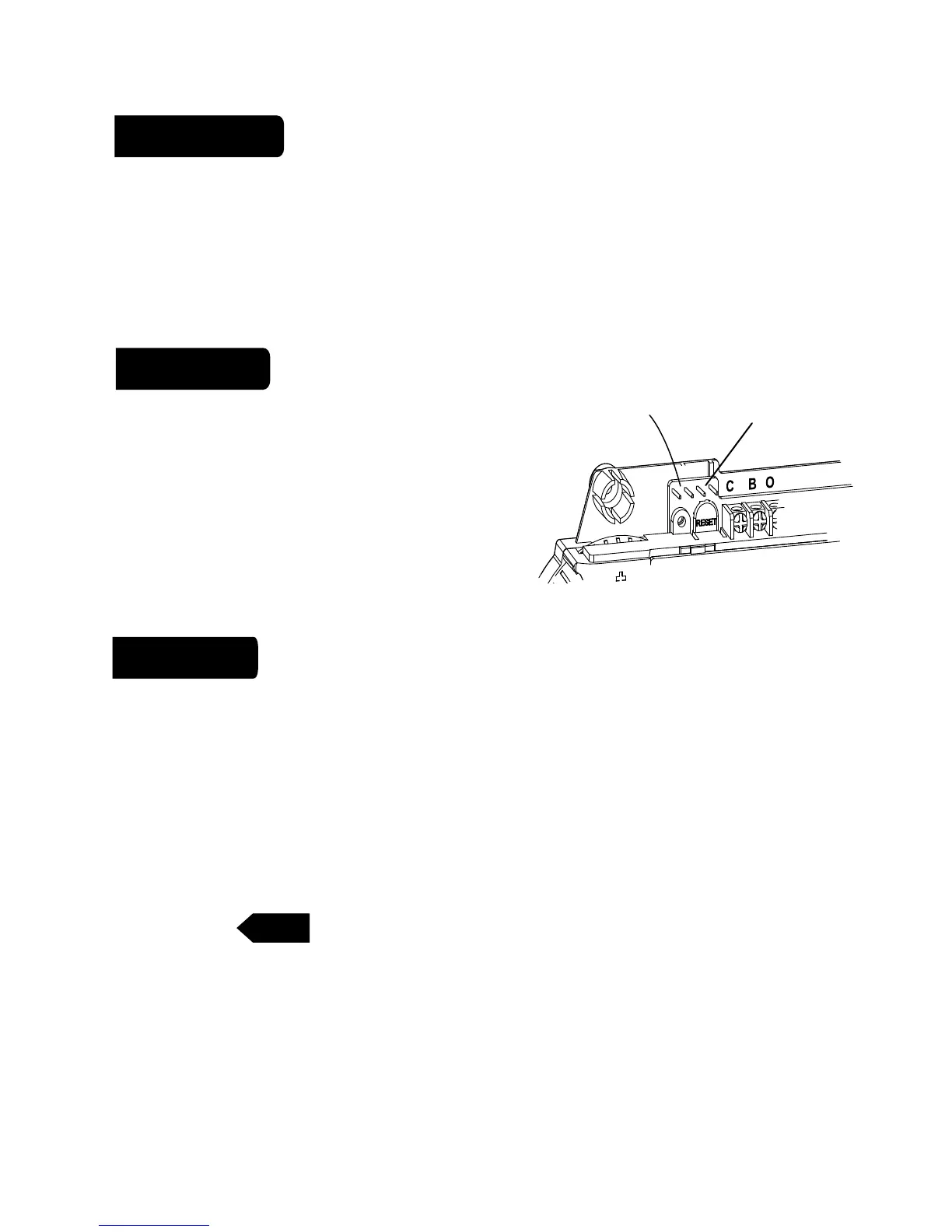
Celsius / Fahrenheit selection. The C/F jumper is on the top left of the 6025:
With the jumper OFF 6025 displays Fahrenheit.
When changed, the thermostat must be reset to activate the change. When
resetting, all custom settings and programming will be erased and only the
Energy-Star
TM
program will remain.
12/24 hour
o
C -
o
F jumper
12/24hr
jumper
The thermostat can display time in 12 or 24 hour
formats. The 12/24 jumper is on the top of the
6025. With the jumper OFF the 6025 displays 12
hour time, 24 hour time with the jumper ON.
When changed, the thermostat must be
RESET to activate the change.



 To Next Page