Press OK to access the manual
insertion of the bar code
characters.
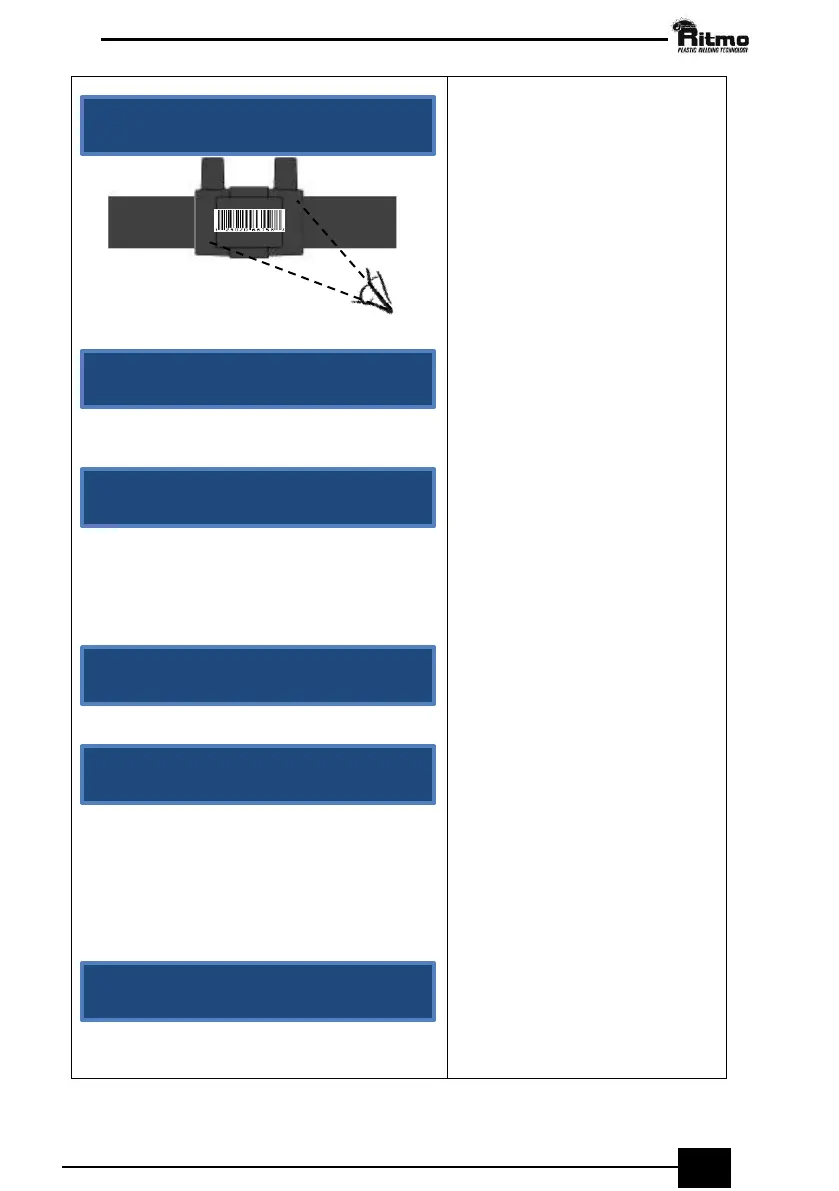
Read the 24 characters
underneath the bar code and
type them using the B
(Increase/Decrease)
pushbuttons. Press OK to confirm
each value typed. Proceed like
this for all the 24 characters. To
cancel the last number press
STOP.
As soon as all the characters are
inserted, press OK to start
welding.
The display will show the
information regarding the
coupler manufacturer and
diameter, welding voltage and
time. If the information is correct
press OK to confirm; otherwise,
repeat the insertion of the bar
code as explained above.
Most Important!
Before-welding operations
(scraping and cleaning) are
compulsory to obtain a good
welding. Don’t press OK until you
have performed these
operations. Once you press OK
you will assume all responsibilities.
Attention please! You can stop
the welding at any time by
pressing STOP but you must
absolutely contact the coupler
manufacturer to know if the
coupler may still be welded once
cooled off.
The good outcome of the
welding cycle is confirmed by the
message “WELDING CORRECT!”
on the display.
Press STOP to return to the main
menu.



 To Next Page