PROGRAMMING THE RADIO
-----------------------------------------------------------------------------------------
---------------------------------------------------------------------------------------------------------------
Ritron RCCR Clean Cab User Manual 20
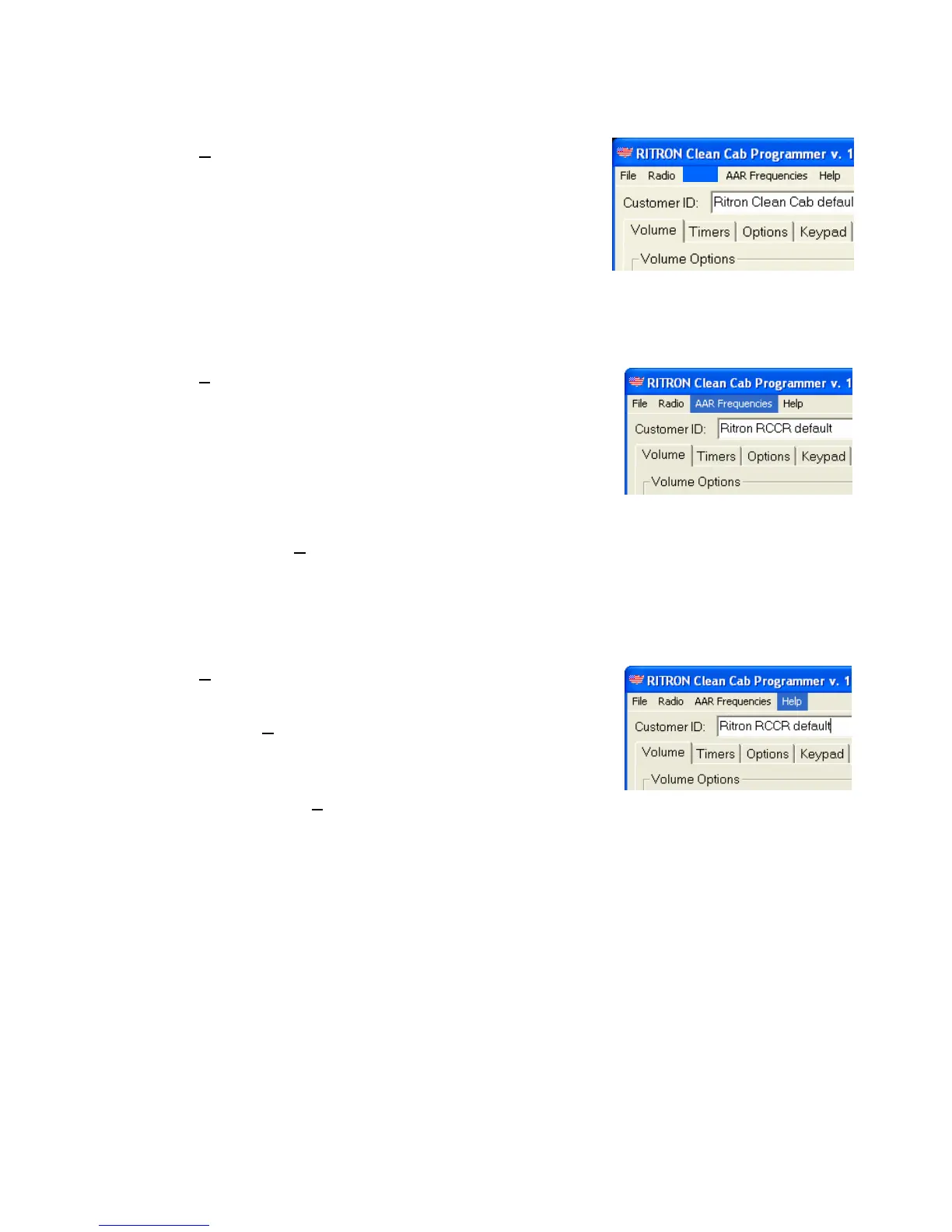
NXDN
The N
XDN selection on the menu bar will open the NXDN
programming screen on RCCR radio’s equipped with the
optional NXDN capability. If the radio does not have the
digital PCB installed this selection will be dimmed and
unavailable. Refer to the “NXDN” section of this manual for
specific information on NXDN programming.
NXDN
NXDN Menu Selection
AAR Frequencies
The A
AR Frequencies selection on the menu bar will open
a .pdf file with the complete AAR Frequency Table. This
allows you to review the frequency of all AAR channels
available to the RCCR radio. Reading these tables require
that Adobe Acrobat be installed on your computer hard drive
to view them, they cannot be edited, and are for reference
only.
AAR Frequencies Menu Selection
The “AAR_tables.pdf” file must be located in the same
Windows directory as the RCCR Programmer software to
access it from the A
AR Frequencies menu selection.
Help
The H
elp selection on the menu bar will open a Programmer
Guide. This guide is a “.pdf” file and requires that Adobe
Acrobat be installed on your computer hard drive to view it.
Selecting the H
elp menu will launch Adobe Acrobat and
open the “RCCR_programmer.pdf” file.
Help Menu Selection
The “RCCR_programmer.pdf” file must be located in the
same Windows directory as the RCCR Programmer software
to access it from the H
elp menu selection.


 To Next Page