41
I 1 Operation of CMC-TC master by browse
Tab – Setup
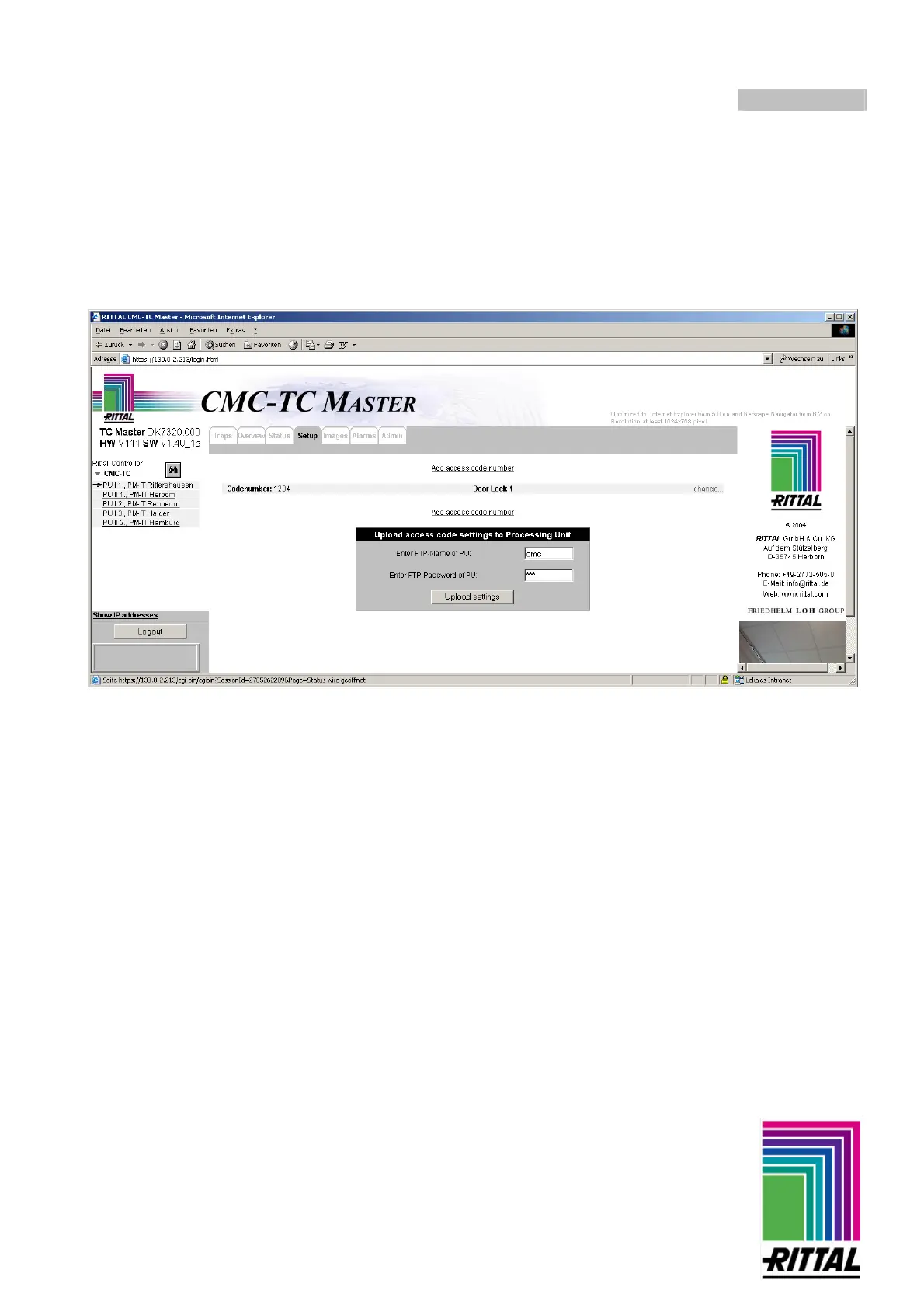
Changing access codes of the selected PU online
The codes now specified and the door assignments are displayed in a table like the one shown below. You can
set additional codes and door variations by clicking on the link “Add access codes numbers”. You must now
load the codes on the Master. This is done by entering the FTP name and FTP password. You confirm the
upload of the “AccessCodes” by clicking on the “Upload settings” button.



 To Next Page