6.2. View video on web page
View the live video on a web page using your IP device and its IP address. You can use
the IPAdminTool or enter the IP address on the web page.
6.2.1. View video using IPAdmin Tool
IPAdminTool automatically searches all activated network encoders and IP cameras
and shows the product name, IP address, MAC address and etc. IPAdminTool is
provided with SDK at the following SDK path.
{SDK root}\BIN\TOOLS\AdminTool\
To use the IPAdminTool and view the live video on a web page:
1. Start IPAdminTool. Names and info of currently activated devices appear as a
list.
2. Right-click on the desired device and select Web view.
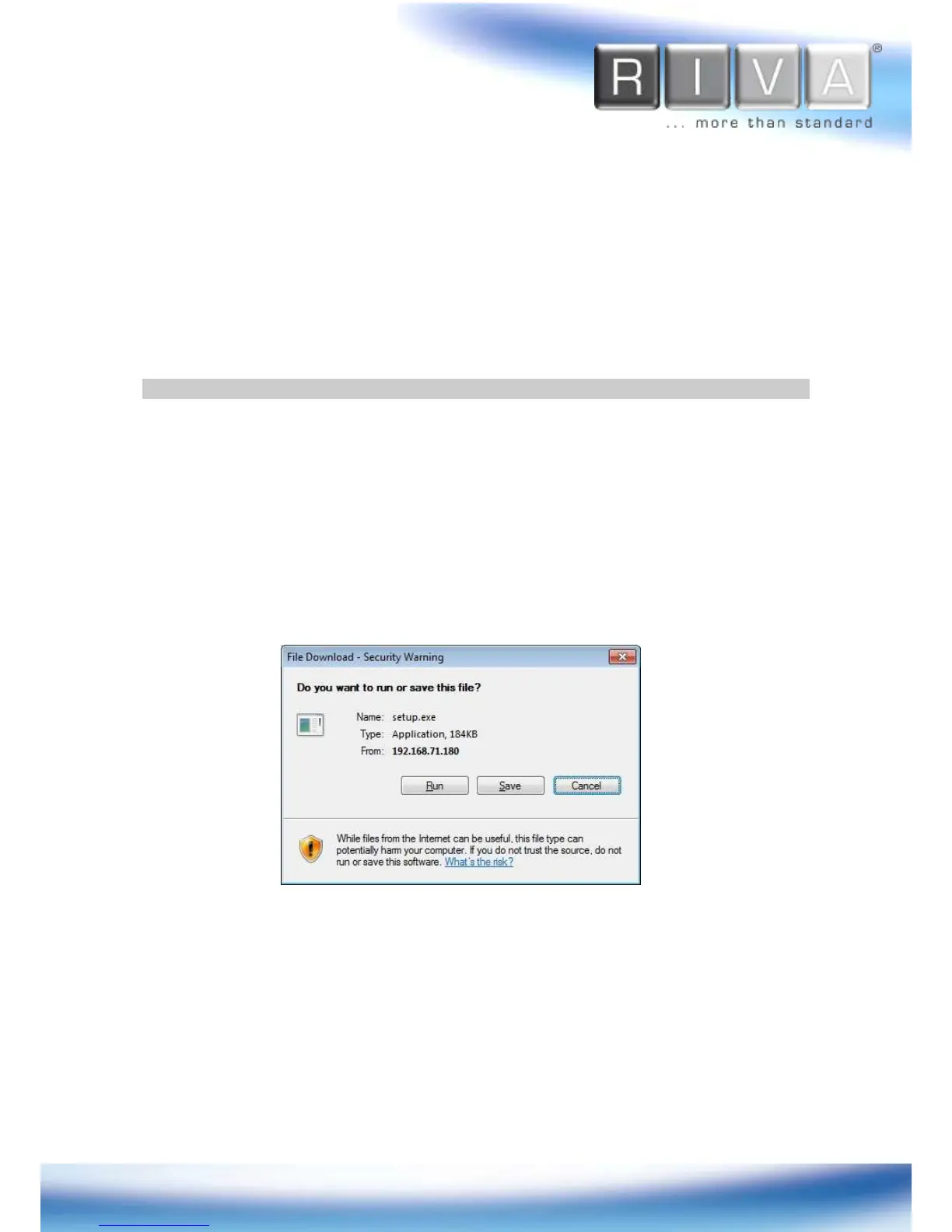
3. Click pop-up blocked and install the ActiveX setup.exe by clicking the Run or Save
button. You need to install the ActiveX for displaying the images.
4. Follow the instructions of the dialog boxes and complete the installation. Then the
live video is displayed on the main page of the web browser.
5. If the live video is not displayed with the message said,
“This software requires
the Microsoft XML Parser V6 or higher. Please download MSXML6 from the
Microsoft website to continue. Error code: Can not create XMLDOMDocument.”
,
please download and install the relevant MSXML.



 To Next Page