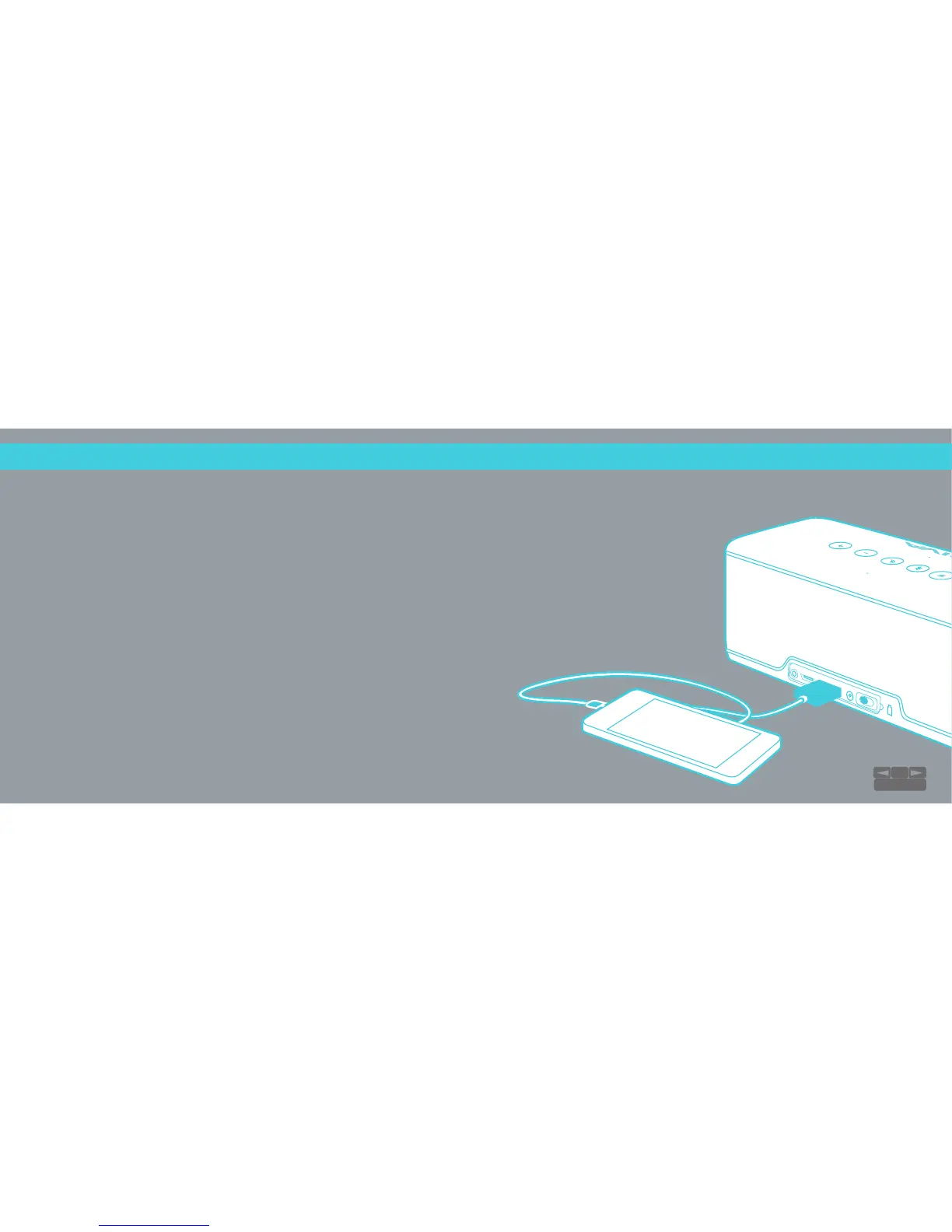
CHARGE OUT:
Charge your Phone / Tablet
●
Charge your phone or tablet by connecting your device’s USB cable into the
Charge Out port on the RIVA S.
●
Make sure slide the BATT ON/OFF switch to the ON position.
●
RIVA S can charge yor device when it has over 30% battery power.
The Battery icon LED will be green or orange.
10
TABLE OF CONTENTS


 To Next Page