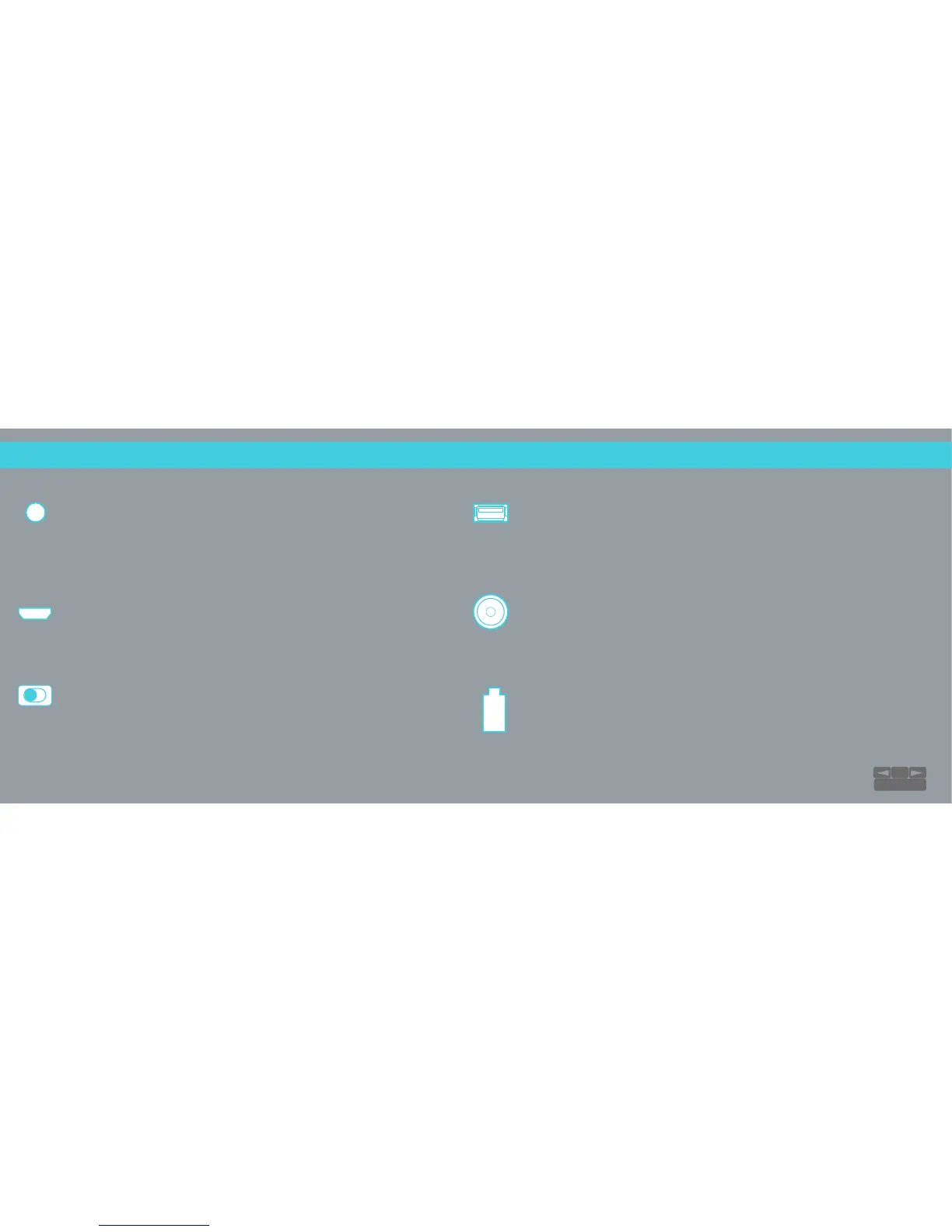
Auxiliary 3.5 Input
A 3.5 mm cable is included to connect your non-Bluetooth®
audio devices.
NOTE: Allowable input voltage range is 200mV to 2Vrms.
USB Data Input
This input is used for software upgrades and future updates.
Also supports USB audio playback from a computer.
CHARGE OUT
Plug in your phone or tablet using a compatible cord to charge from
the RIVA S’s powerful battery. The BATT ON/OFF button must be ON.
19V DC Power Adaptor Input
Use the provided external power supply to charge the RIVA S. Use of
any other non-approved power adapter may damage the electronics
and will void the warranty.
Battery Icon
Green: 60 – 100% charge remaining
Orange: 30 – 60% charge remaining
Red: 0 – 30% charge remaining
Battery icon will pulse while being charged.
Battery ON/OFF
Control battery power functions. Switch OFF to conserve
battery, especially when you will be separated from your
RIVA S for an extended period of time. When OFF, all
functions will be disabled.
HOOK UPS:
Inputs
21
TABLE OF CONTENTS


 To Next Page