
 Need help?
Do you have a question about the RKC INSTRUMENT PF Series and is the answer not in the manual?
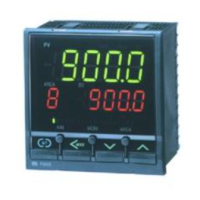
Main manual for the PF900/PF901 Ramp/Soak Controller.
Step-by-step guide for setting up the controller before operation.
Specifies environmental conditions and critical precautions for safe mounting.
Critical warnings, power supply, input/output, and general wiring practices.
Detailed connection instructions for power, inputs, outputs, and communication.
Detailed explanation and navigation of various operational parameters.
Step-by-step guide for configuring input, event, control, and program parameters.
Detailed steps for setting up and executing program control sequences.
Explanation and procedure for the Autotuning function to optimize PID values.
Describes displays, actions, and solutions for input range or abnormality errors.
Lists internal errors detected by the instrument and their corresponding solutions.
 General
| Output Type | Relay contact, Voltage pulse, Current |
|---|---|
| Communication Interface | RS-485 (optional) |
| Control Method | PID Control |
| Input Type | Thermocouple, RTD, DC voltage, or DC current |
| Number of Control Outputs | 1 |
| Power Supply | 100 to 240 VAC |
| Protection Rating | IP66 |








 To Next Page