
 Need help?
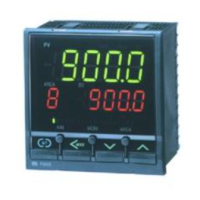
Do you have a question about the RKC INSTRUMENT REX - C410 and is the answer not in the manual?
Guide on how to access the initial set mode for the controller.
Steps to exit the initial set mode and return to normal operation.
Details and explanations for various parameters available in the controller.
Instructions for configuring individual parameters of the controller.
Procedure for verifying parameter settings after initial configuration.
 General
| Brand | RKC INSTRUMENT |
|---|---|
| Model | REX - C410 |
| Category | Controller |
| Language | English |







 To Next Page