11
Checking alarm times
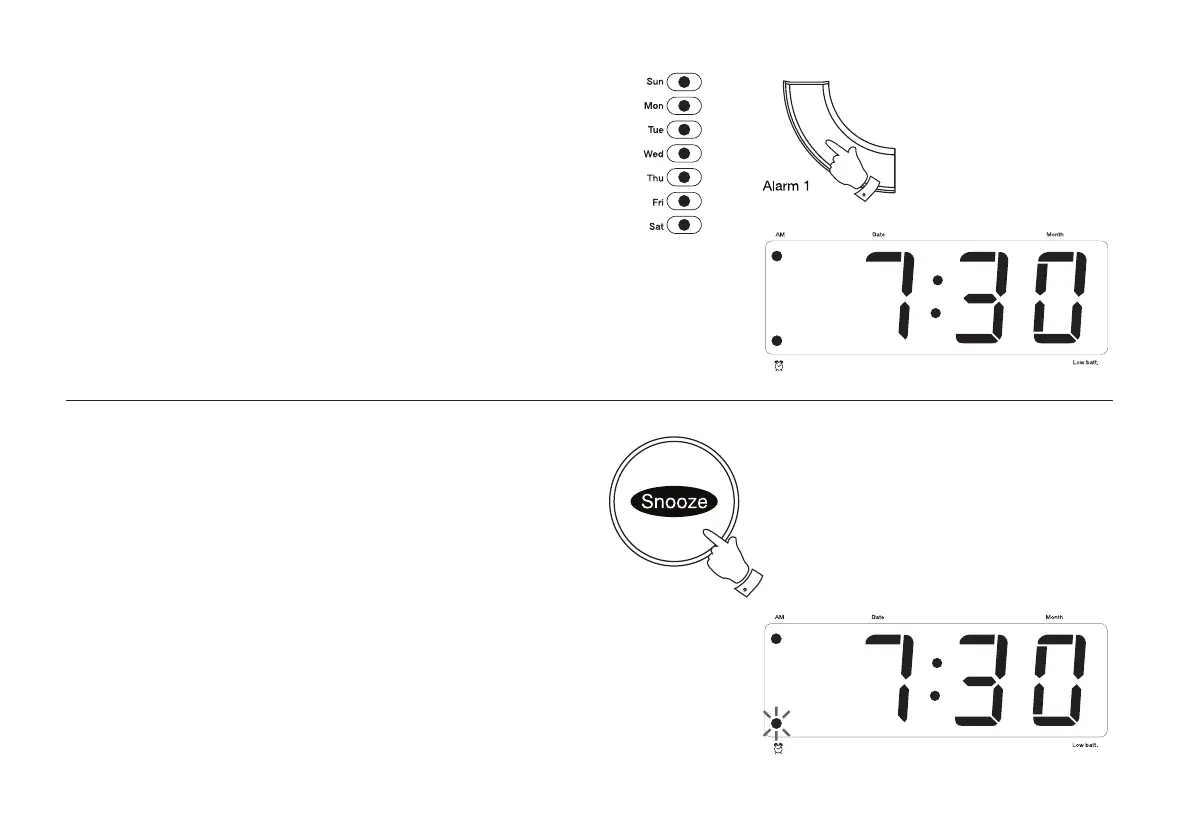
1. Press and hold down either Alarm 1 or Alarm 2 buttons depending
which alarm you want to check.
2. The display will change from normal time to alarm time and the Day
indicator will light up to show the alarm day set.
3. Release the button to return to normal time.
Snooze control
1. The radio or buzzer alarm can be silenced for approximately 9 minutes
by pressing the Snooze button. This sequence can be repeated during
the 90 minute alarm period.
2. During the snooze interval the Alarm indicator will fl ash.
1
1














 To Next Page