If you need any further advice, please call our Technical Helpline on :-
020 8758 0338 (Mon-Fri)
34
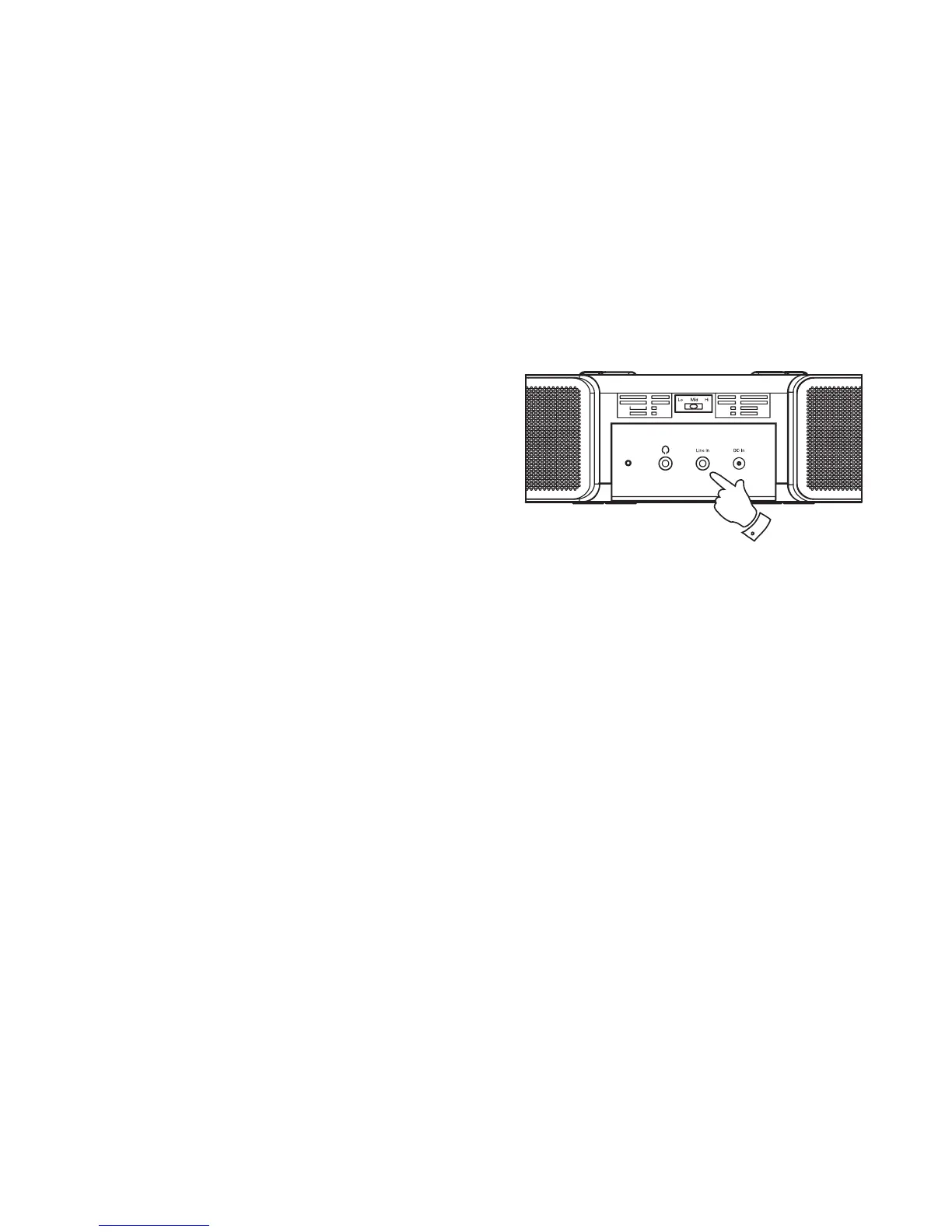
Auxiliary Input (Line in) socket
A 3.5mm stereo Auxiliary Input socket is provided on the rear of your
clock radio to permit an audio signal to be fed into the unit from an external
audio device such as iPod, MP3 or CD player.
1. Press the
Mode button until "AUX IN" is selected on the display.
2. Connect a stereo or mono audio source (for example, iPod, MP3 or
CD player) to the Auxiliary Input socket (marked "Line In").
3. Adjust the Volume control on your iPod, MP3 or CD player to ensure
an adequate signal and then adjust the volume on the clock radio for
comfortable listening.
2














 To Next Page