22
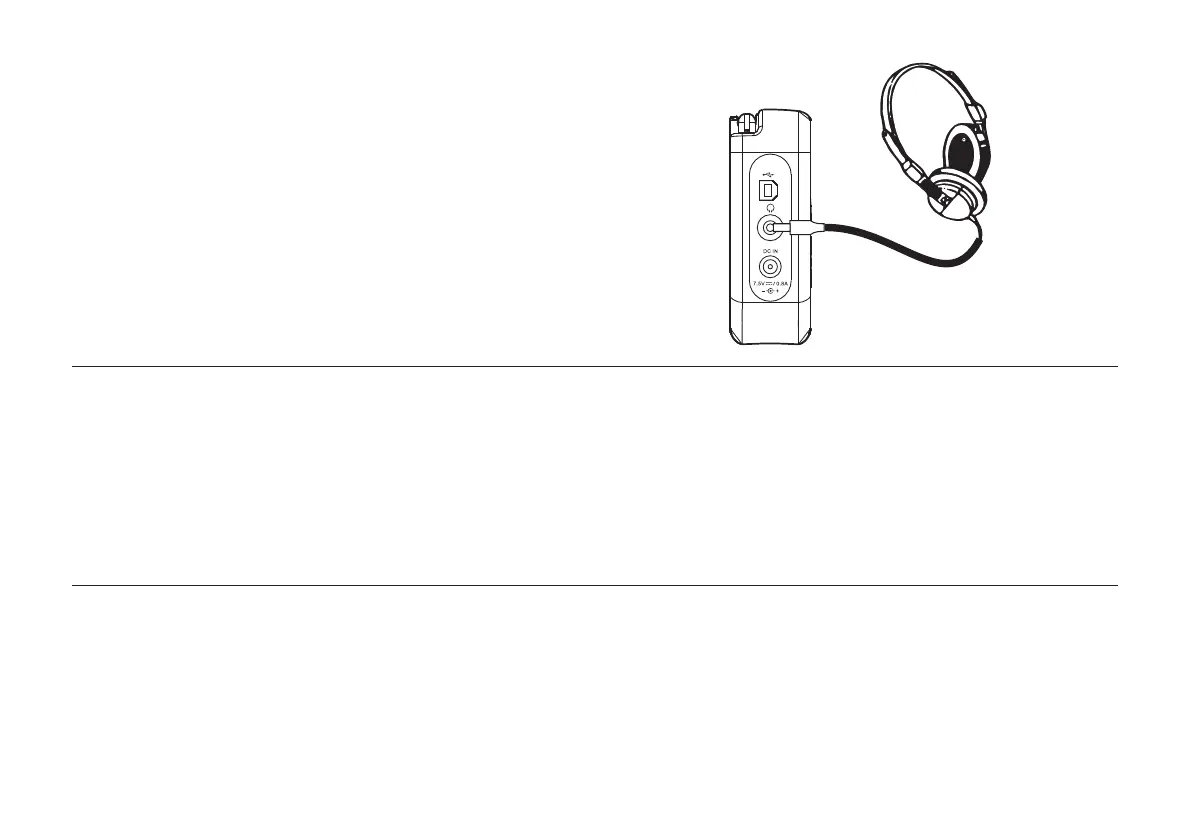
Headphone socket
A 3.5mm Headphone Socket located on the left hand side of your radio
is provided for use with either headphones or an earpiece. Inserting a plug
automatically mutes the internal loudspeaker.
Please be aware that the sensitivity of headphones can vary widely. We
therefore recommend setting the volume to a low level before connecting
headphones to the radio.
IMPORTANT: Excessive sound pressure from earphones and headphones
can cause hearing loss.
Display backlight
1. When using on batteries, the display backlight will be switched on for
approximately 12 seconds when any button is pressed.
2. When your radio is powered by AC mains the display backlight will
always be on when the radio is switched on.
USB socket for software upgrade
In the event that any software update is made available for your radio
information on how to update your radio will be made available via our
website at http://www.robertsradio.co.uk



 To Next Page