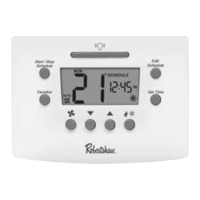
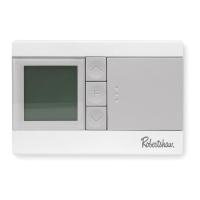
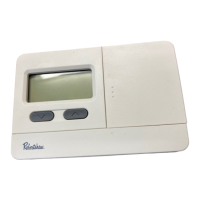
Set Time
Set temperature
1. Press the MENU button.
2. Press SET TIME.
3. Day of the week will be ashing. Use or to select the
current day of the week.
4. Press NEXT STEP.
5. The current hour will be ashing. Use or to select the
current hour. Note the correct a.m. or p.m. indicator is selected.
6. Press NEXT STEP.
7. The minutes will be ashing. Use or to select the
current minutes.
8. Press DONE when completed.
1. Use or to select set temperature.
PROGRAMMING
7



 To Next Page
 Loading...