41
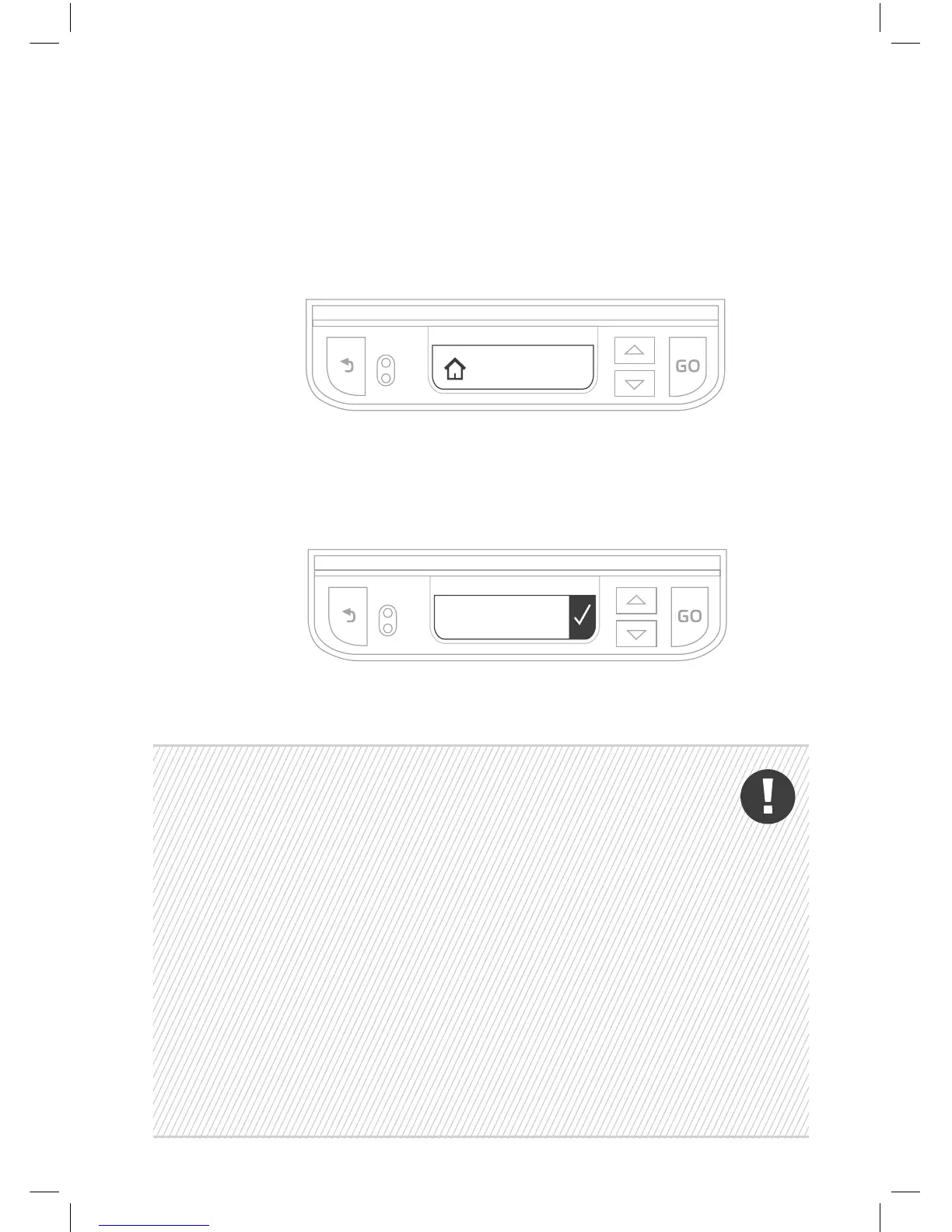
The mower will drive to the Base Station and enter it.
Next, it will drive out and wait in front of the Base Station and
tell you to Peg Base. Insert the remaining four stakes into the
Base Station. Press GO.
Peg
Base
• If the “No wire signal” message is displayed, check
that the Power Supply unit, extension cable and Base
Station wires are all connected properly. Check for
possible Perimeter Wire cuts.
• If the “Change wires in plot connector” message is
displayed, swap the wires at the plot connector.
• If the “Reposition Base Station” message is displayed,
check that the Base Station is aligned with the
Perimeter Wire. Move any obstacles preventing entry
into the Base Station.
• Be careful not to damage irrigation pipes when
hammering down the stakes.
Searching
Base



 To Next Page