Manual
operation
Manual Operation is used when you want to start a mowing
operation, regardless of the mowing schedule.
Manual Operation with or without edging
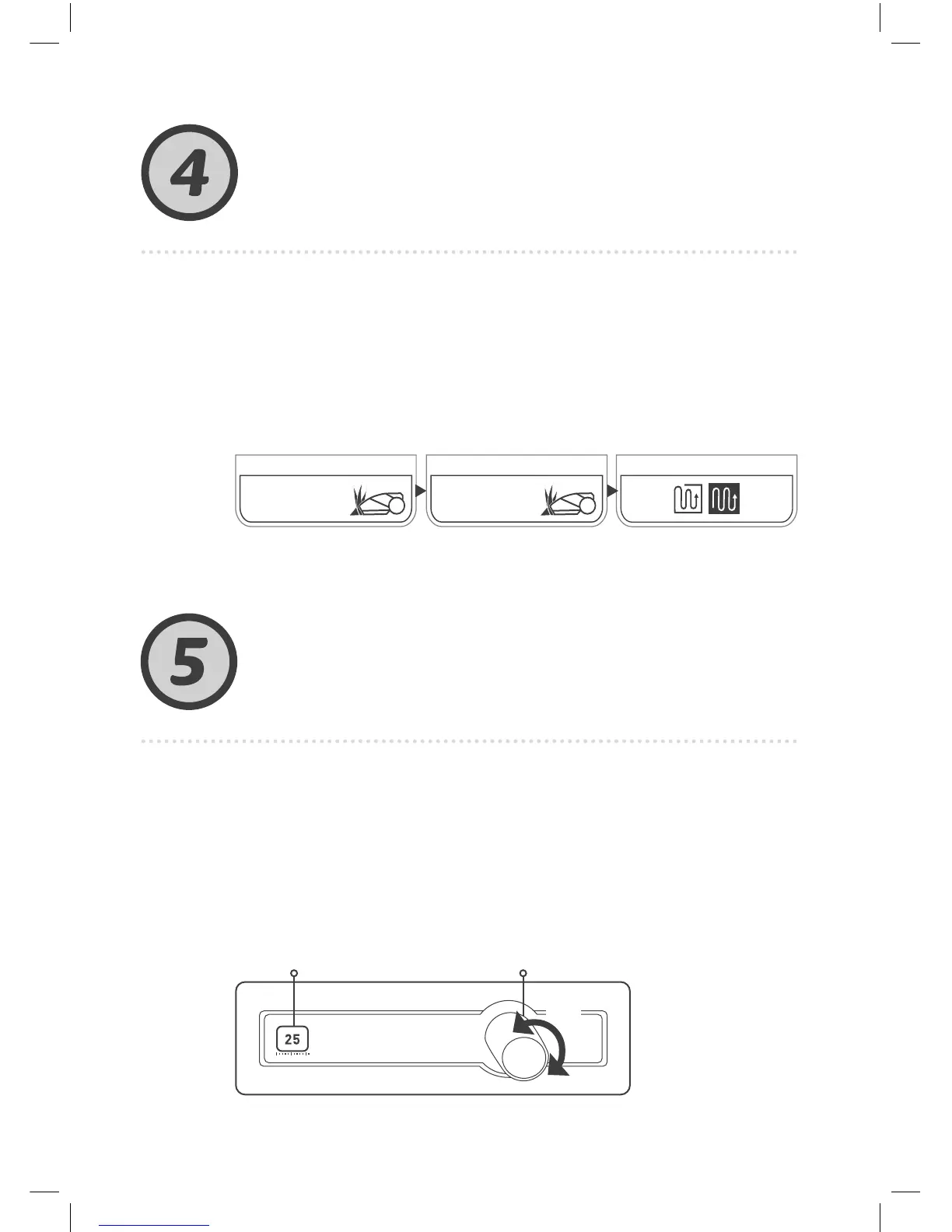
To initiate Manual Operation:
Scroll to the zone you want
the mower to mow.
Press Go
.
Press
Go
.
Scroll to the operation mode
(Edge+Mow or Mow Only).
Press
Go
.
PUSH
AB
Features -
how to
Adjusting the mowing height
• Lift the Bumper Door at the top of the mower.
• Set the mowing height by turning knob (A) while pushing
it down. The cutting height is displayed to the left of knob (B)
• The mowing height’s range is 20-80 mm (0.8-3 in)
Zone
Main
Zone
A



 To Next Page