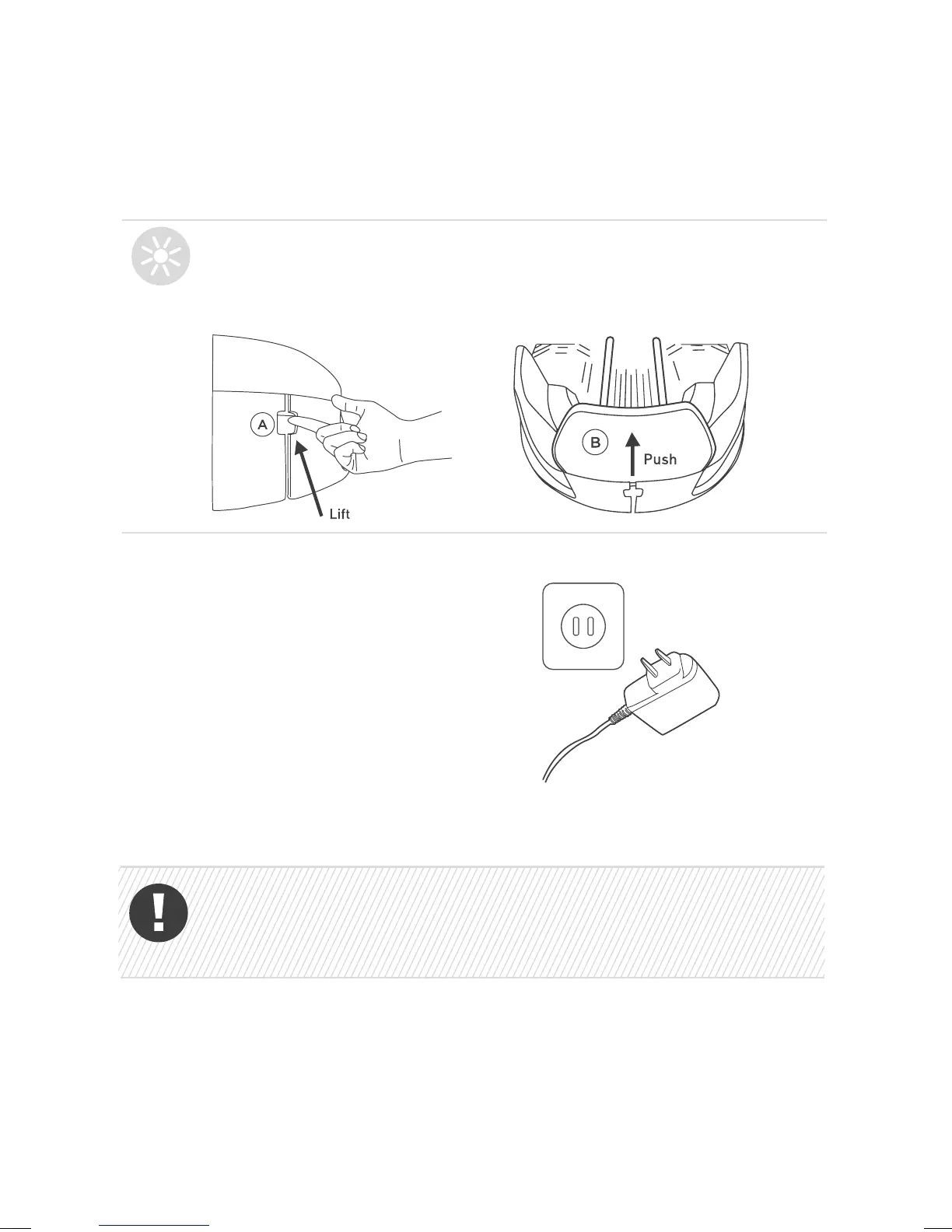
6. Plug in the power supply into
a socket.
Take the power cord out of the mowing area (to prevent
the mower from damaging it) and secure the cord firmly to
the ground (so that it does not become a tripping hazard).
TIP
If for some reason you need to remove the base station head,
you can do so by lifting the lever (A) and pushing it towards the
inside of the base.



 To Next Page