Operating the Disabling Device
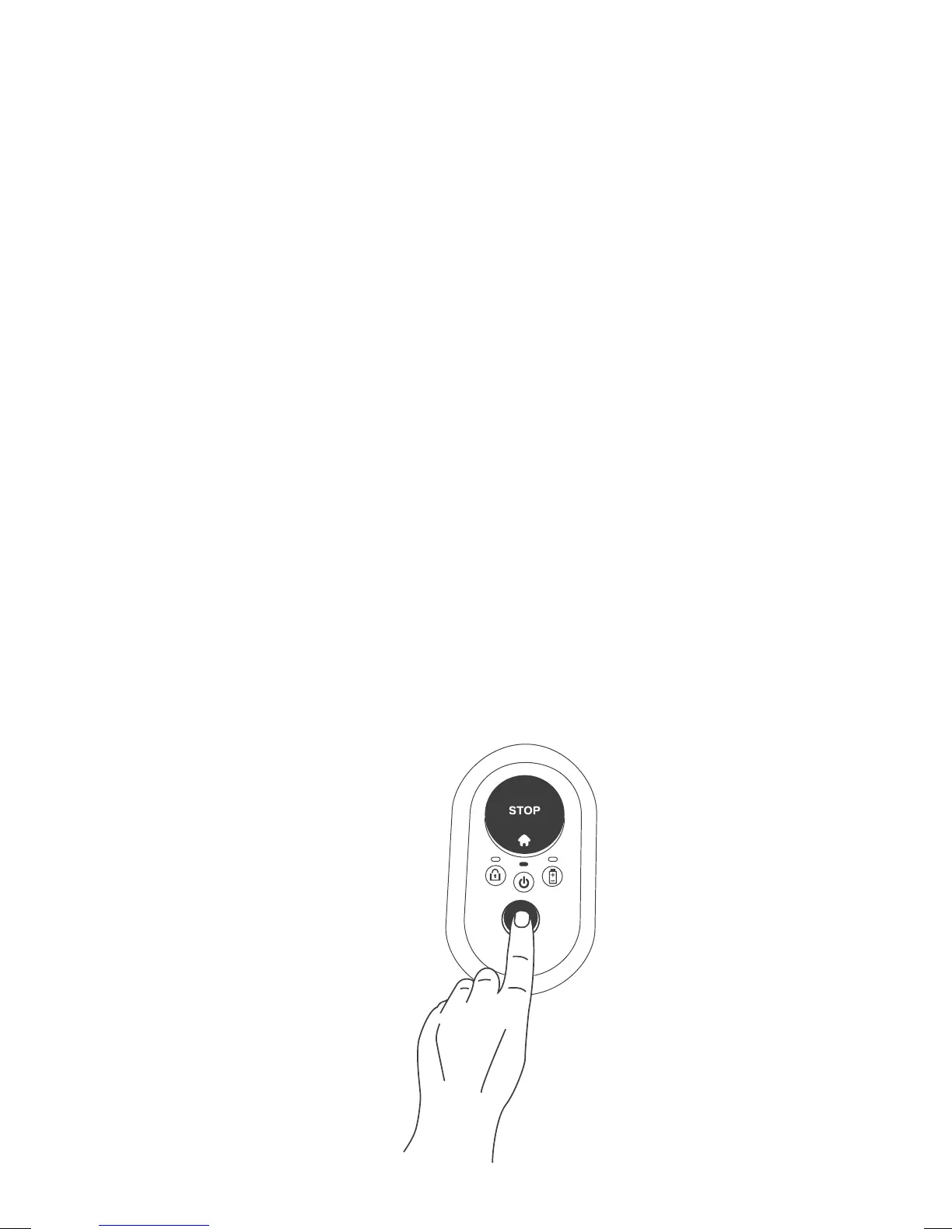
• The Disabling Device prevents the operation of your mower when it is
removed.
• If the Disabling Device is pulled out, the current operation will be
immediately halted, the Lock indication will blink three times and the
ON/OFF LED will switch off.
• If any button on mower’s operating panel is pressed, the Lock indication
will blink three times to indicate that the Disabling Device is missing.
• If theft protection is enabled, it will remain active even though the
Disabling Device is removed.
Replacing the blade
1. Power the mower off by pressing GO button for 2 seconds.



 To Next Page