ECOPLAT PLUS FRD - NEW -
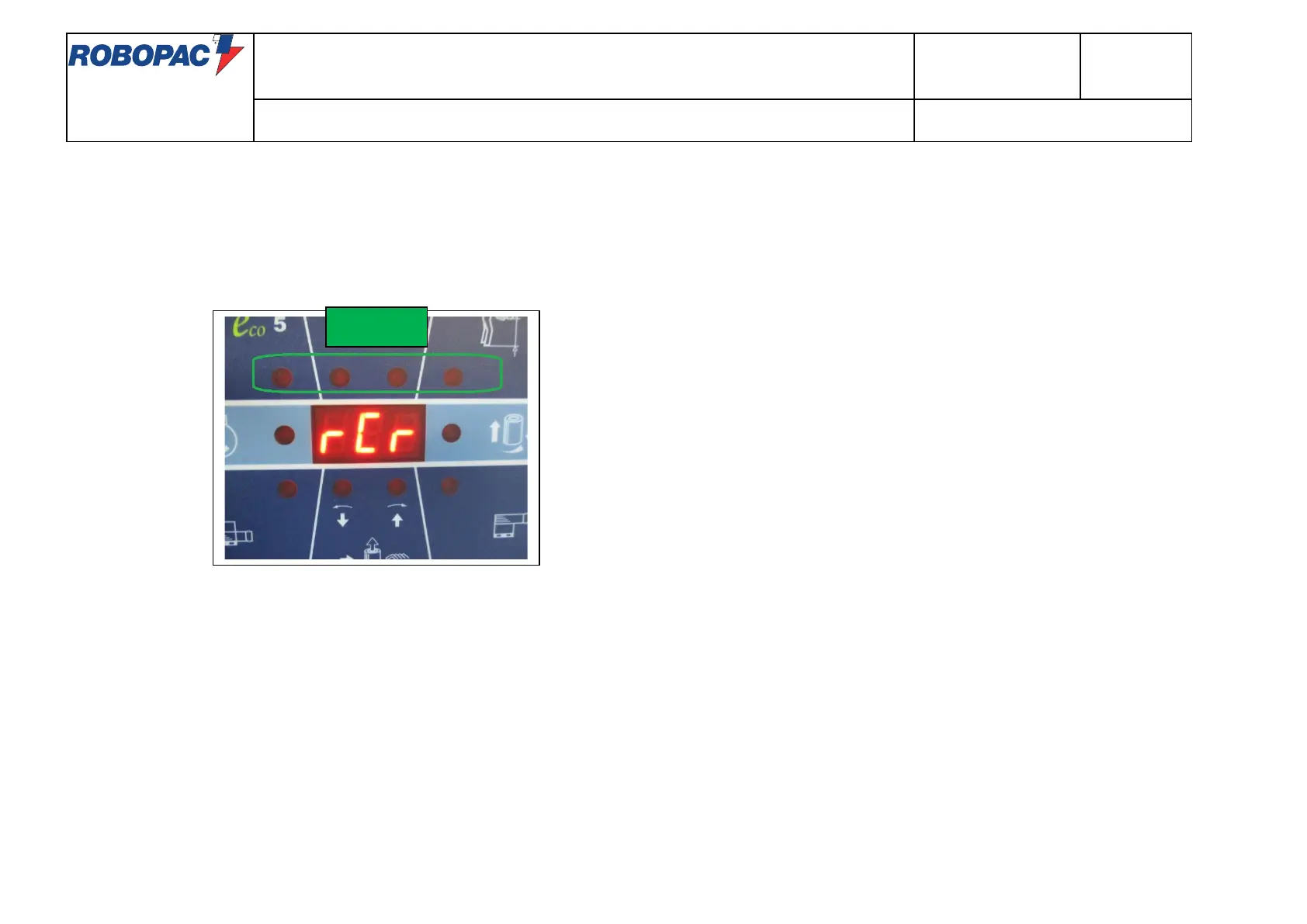
To activate R-Connect it is necessary to reach the "RCR" page in the counters display mode
(turn on the machine keeping pressed the jog, the display will show P1, then press the jog till you reach RCR)
and press the "START" button.
Wait for all four LEDs to light up in the top line of the display.
At this point the procedure is deemed to have ended.
Pressing the JOG returns to the value "D1".
By pressing the "STOP" button the machine will go to the "RESET" status.



 To Next Page