12
The chemical substances contained in the
built-in lithium-ion battery of this product
can cause environmental pollution.
Before disposing of this product, remove
the battery. The battery should then be
properly recycled either through local
authorities or by providing the batteries to a
battery recycling facility.
1. Operate the robot without connecting to
the dock until it runs out of battery.
2. Turn off the robot.
3. Unscrew the battery cover.
4. Remove the battery cover.
5. Press the clip to pull out the battery connector.
6. Remove the battery.
How to remove the battery:
Environmental
Protection Description
Note:
Notes:
The following information is only suitable for the
situation that the robot will be disposed of or its battery
cannot function normally after recharging.
• Before removing the battery, make sure it is fully
drained. Do not attempt to remove the battery if the
robot is connected to the charging dock.
• Remove the entire battery pack. Avoid damaging the
battery pack casing to avoid short-circuits or leakage
of hazardous substances.
• In the event of accidental contact with battery fluid,
rinse thoroughly with water and seek immediate
medical care.
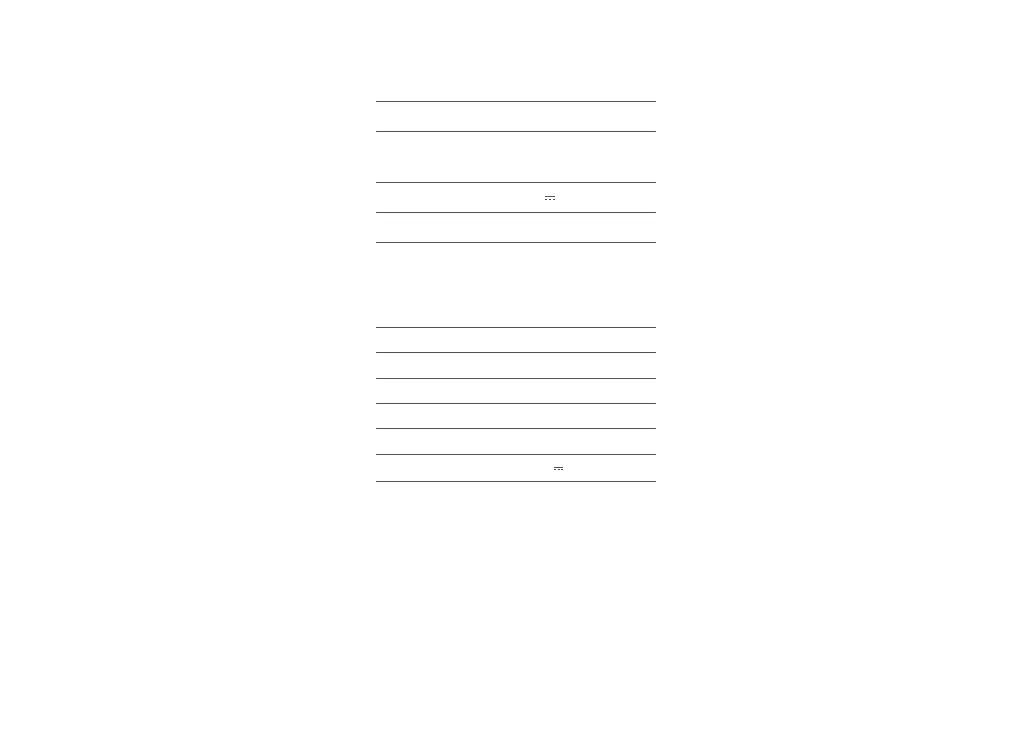
Basic Parameters
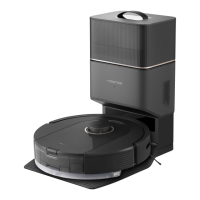
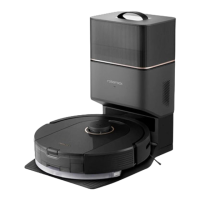
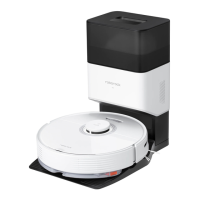
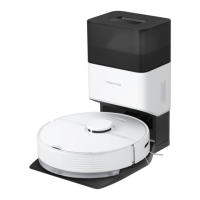
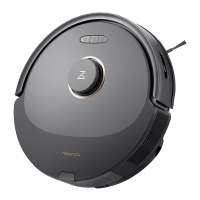
Robot
Note: The serial number is on a sticker on the
underside of the robot.
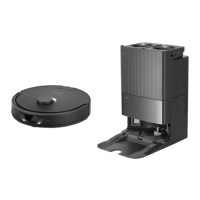
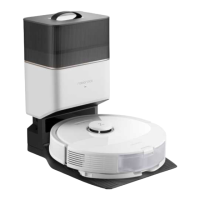
Auto-Empty Dock
20 V 1.2 A
50-60 Hz
9.5 A
Rated Input (Dust Collection)
Rated Output
Rated Input (Charge)
AED06LRR, AED07LRRModel
120 V~
Rated Input Voltage
Rated Frequency
0.5 A
Q50ULEModel
14.4 V/5200 mAh (TYP)
lithium-ion battery
Battery
< 6 hoursCharging Time
Rated Input 20 V
1.2 A



 To Next Page