EasyManua.ls Logo

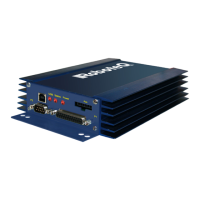
RoboteQ HDC2450 - Power Wires Identifications and Connection

RoboteQ HDC2450
12 pages
Print Icon
To Next Page IconTo Next Page
To Previous Page IconTo Previous Page
Loading...
HDC2450 Motor Controller Datasheet 3
Power Wires Identifications and Connection
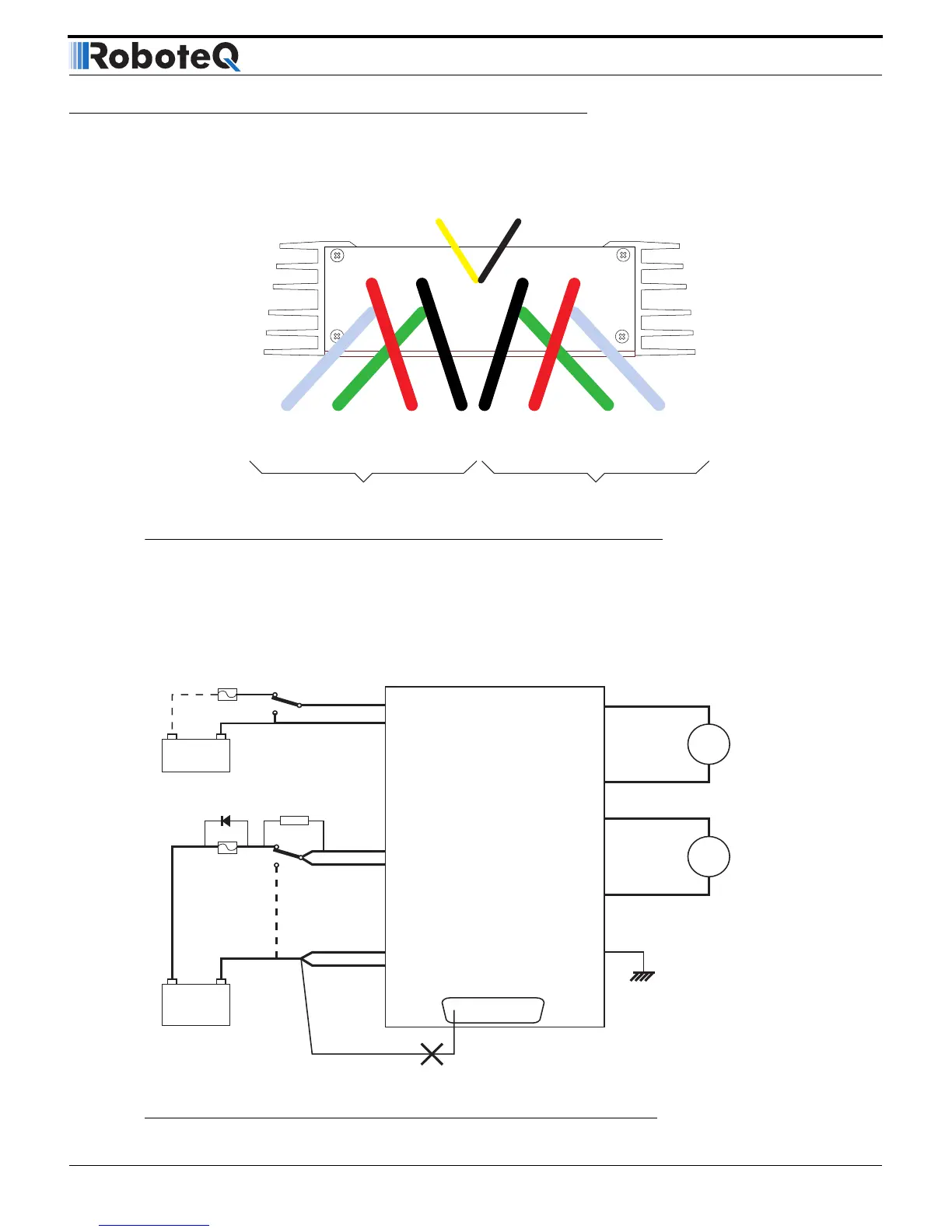
Power connections are made by means of heavy gauge wires located at the back of the controller.
The diagram below shows how to wire the controller and how to turn power On and Off.
Ground (-)
Black
(top)
Power Control
Yellow
Motor 2
VBat (+)
Red
Ground (-)
Black
Motor (-)
White
Motor (+)
White
Motor 1
VBat (+)
Red
Motor (-)
Green
Motor (+)
White
FIGURE 8. Rear Controller Layout
Motor 1
VMot/Red
PwrCtrl/Yellow
SW1 Main
On/Off Switch 1A
F2
1A
Diode
>20A
Resistor
1K, 0.5W
+-
SW2
Emergency
Cut-off Switch
F1
White/M1+
Green/M1-
White/M2+
Green/M2-
Earth Tab
I/O Connector
VMot/Red
Ground/Black
Ground/Black
Ground/Black
Motor 2
Main
Battery
Backup
Battery
Note 5
Note 6
Do not Connect!
Note 1
Note 4
Note 3 Note 2
FIGURE 9. Powering the controller. Thick lines identify MANDATORY connections

Related product manuals