5. Select Air Dryer function
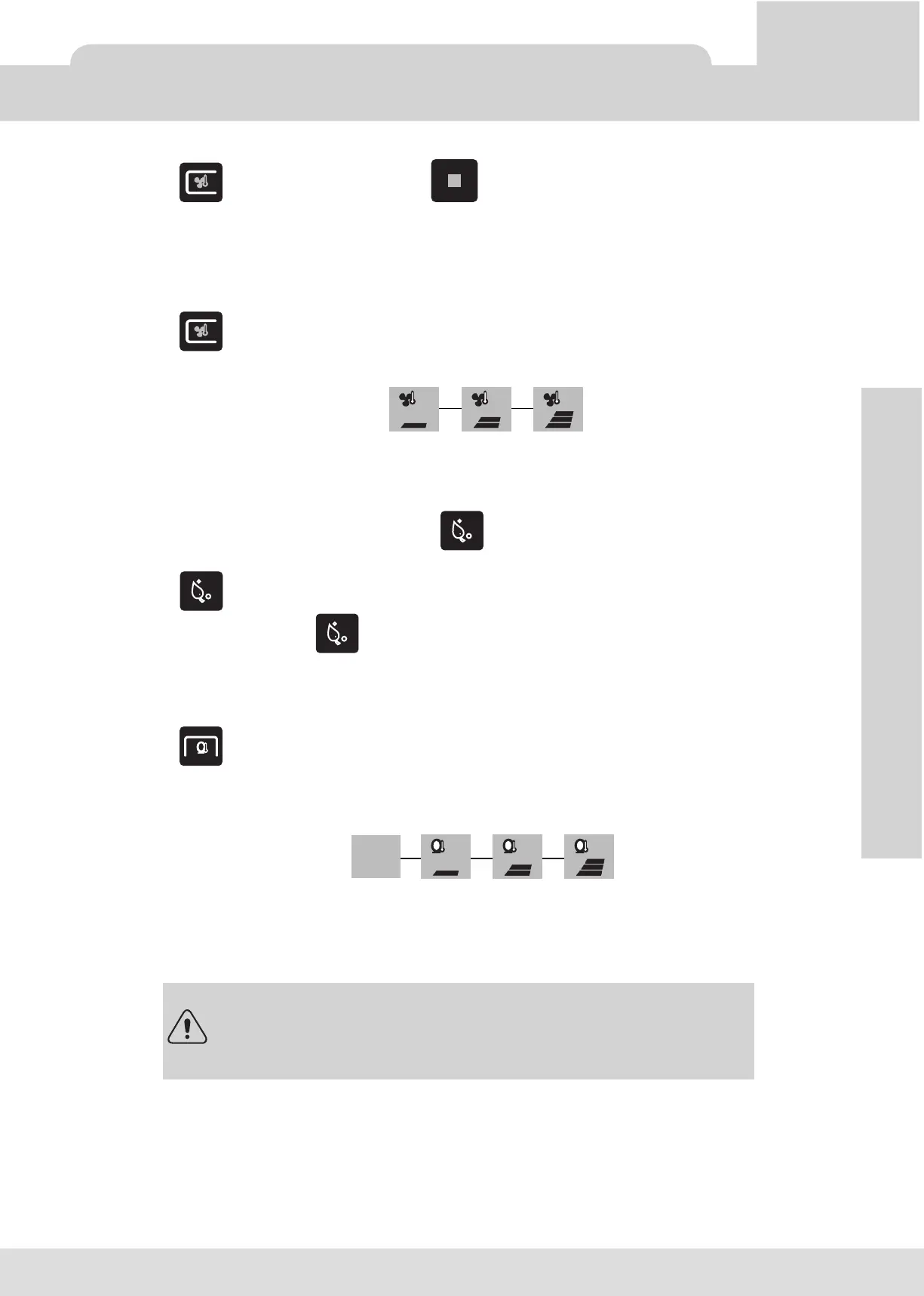
1) Press button to start the dryer, press button to stop the dryer.
Note:
Dryer function will automatically stop after 5 minutes. Please push the button again to activate the
function.
6. Adjusting Air Dryer Temperature
1) Press button to activate warm fan, repeat until preferred temperature is achieved.
2) There are three temperature levels: low<medium<high
3) The function displayed on the LCD :
7. Deodorizer function
1) In the auto mode (the LCD screen will display ) the deodorization will start automatically once the
MULTICLIN is occupied.
2) Press for 3 seconds to switch between auto (default) <---> manual options
3) In the manual mode press to activate/deactivate the deodorizer.
4) Deodorizer device will stop automatically after leaving the seat for 60 seconds.
8. Seat temperature adjustment
1) Press to adjust the seat temperature. Repeat until preferred level is achieved
2) There are 4 temperature levels: OFF<Low<Medium<High
3) The function displayed on the LCD :
11
OPERATION
DO NOT inert fingers or any other objects into the intake fan.
The setting of water and seat temperature will take a few minutes to heat up.
Temperature settings are stored in memory according to the last settings.
In case of power supply shortage this settings will be reset.
OPERATION
Remote Control
Low
Medium
High
45˚ C 52˚ C 59˚ C (±5°C)
Low
Off
Room
temperature
Medium
High
35˚C 37.5˚C 40˚ C (±3°C)



 To Next Page