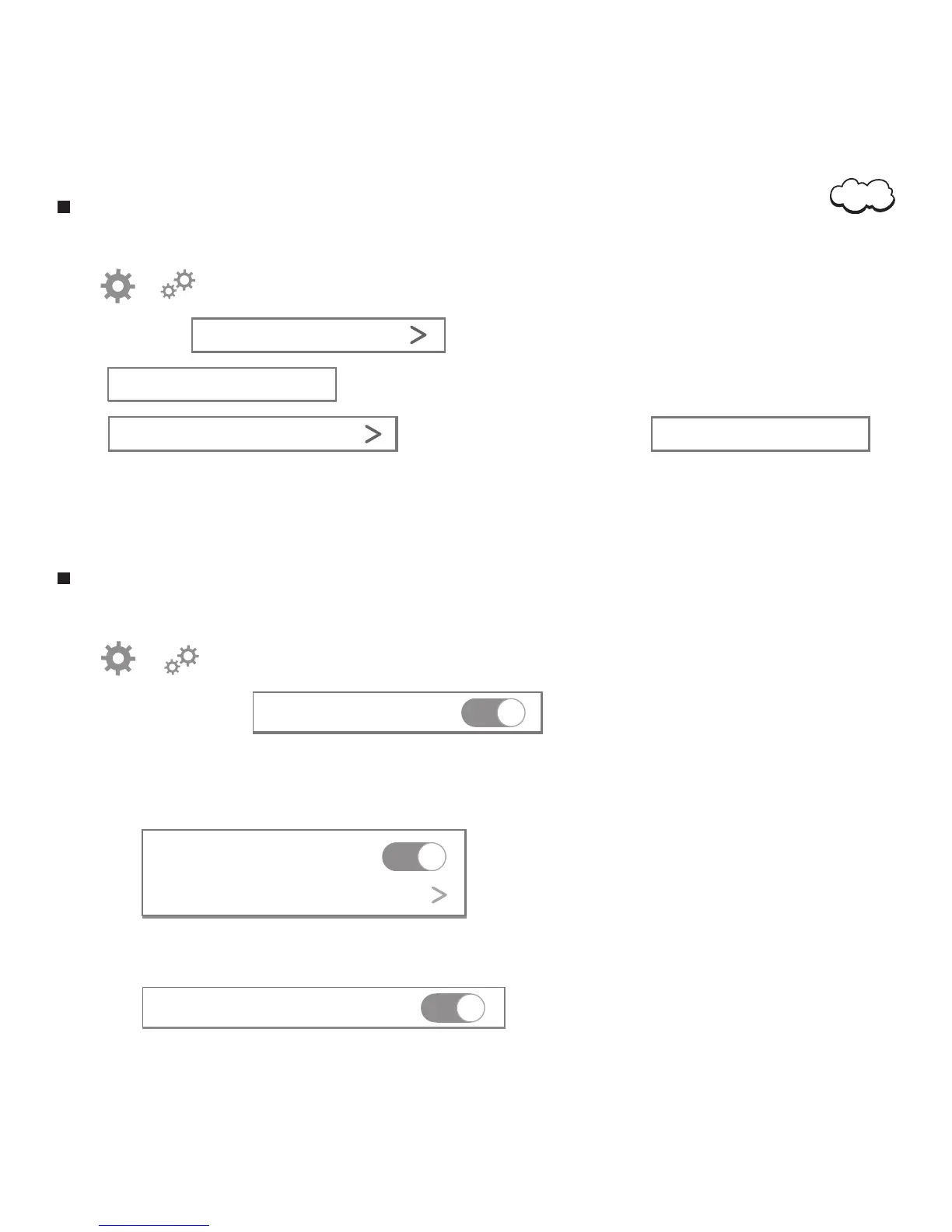
Camera System Time Setting
1. Open the application.
3. Choose ‘Time.’
Time
2. Tap or to access the monitor setting menu.
Alarm Notifications Setting
1. Open the application.
2. Tap or to access the monitor setting menu.
4. You can choose one or more options :
Sensitivity Normal
Movement Detection
4.1 When you enable ‘Motion Detection’ . once there is someone moves, you will get notifications on your
mobile phone.
3. Enable ‘Notifications’.
Push Notification
4.2 When you enabe ‘Save Alarm Video on SD Card’ . Once the motion detection is triggered.
The camera will record a video for 15 seconds on the SD Card.
Save Alarm Video on SD Card
4. Tap The time of camera will sync from your phone.
Sync from phone time
5. Tap to choose time zone. Then tap
to enable Time Zone setting.
Device Time Zone GMT -8
Sync from Time Zone
Note. Make sure the time and time zone is as same as phone. otherwise your phone can not get alarm
notifications.
08


 To Next Page