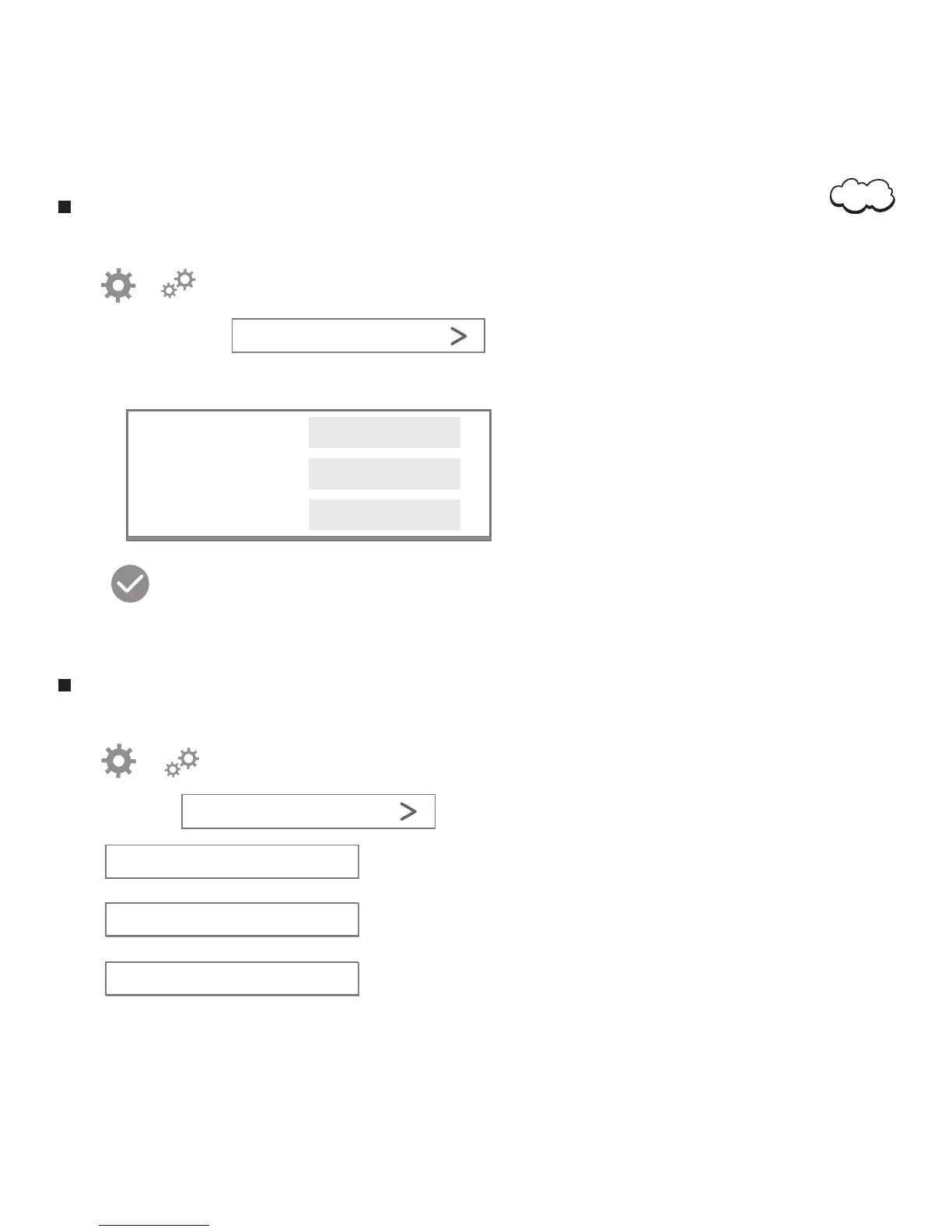
Change Password
2. Tap or to access the monitor setting menu.
3. Choose ‘Password.’
4. Enter current password and new password:
5. Tap
You have now successfully changed your password.
1. Open the application.
Password
System
2. Tap or to access the monitor setting menu.
3. Tap ‘System’.
4. Tap to reboot camera.
1. Open the application.
5. Tap to restore camera to factory settings.
System
6. Tap to upgrade camera firmware.
Reboot Camera
Restore Factory Settings
Upgrade Firmware
Current Password
New Password
Confirm Password
09


 To Next Page