EasyManua.ls Logo

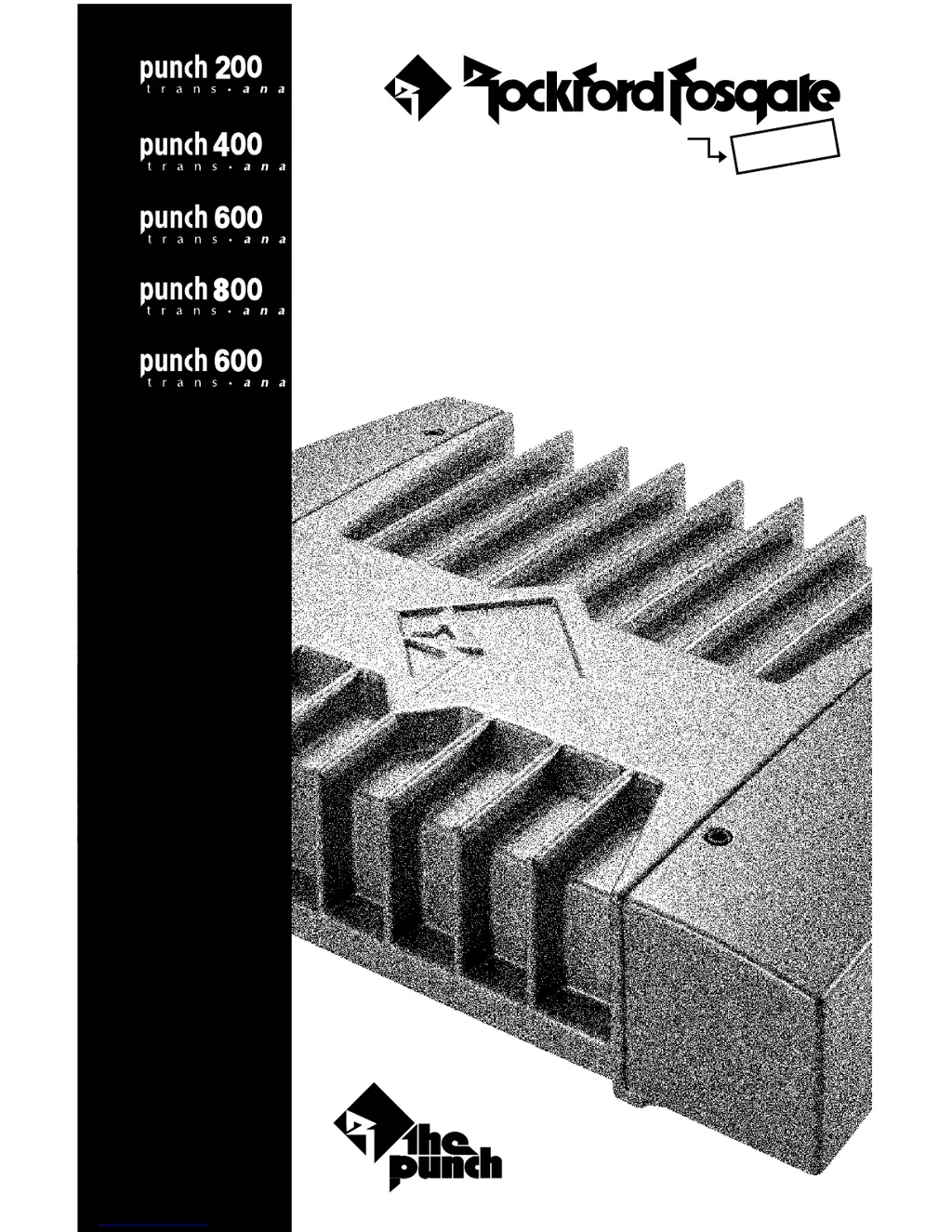
Rockford Fosgate PUNCH 600 - User Manual

Rockford Fosgate PUNCH 600
54 pages
Print Icon
To Next Page IconTo Next Page
Loading...
® ®
car audio
fanatics
for
punch
multi-channel Amplifiers
Operation & Installation
®
4-channel
4-channel
4-channel
4-channel
5-channel

Other manuals for Rockford Fosgate PUNCH 600

Questions and Answers

  • B
    Brittney JohnsonAug 16, 2025
    Why my Rockford Fosgate PUNCH 600 does not turn on (Power LED is off)?
    • A
      Alyssa VazquezAug 16, 2025
      If your Rockford Fosgate Amplifier does not turn on and the power LED is off, it could be due to several reasons: * The voltage applied to the REM terminal of the amplifier is not between 10.5 and 15.5 volts, or there is no voltage present. Check the alternator, battery, fuse, and wiring, repairing as necessary. If the voltage exceeds 15.5 volts, have the electrical system inspected by a certified car service center. * The voltage to the B+ terminal of the amplifier is not within the range of 10.5 to 15.5 volts, or there is no voltage present. Check the alternator, battery, fuse, and wiring, and repair if needed. For voltages above 15.5 volts, consult an authorized car service center. * The amplifier might not be properly grounded. Check the wiring and repair as needed.
  • C
    Chelsea GalvanAug 22, 2025
    Why am I getting engine noise when using high level inputs on my Rockford Fosgate PUNCH 600 Amplifier?
    • R
      riverapaulAug 22, 2025
      Engine noise when using high-level inputs on your Rockford Fosgate Amplifier may occur because the TOPAZ input circuitry (in Rockford amps) or floating input circuitry (in non-Rockford amps) does not have a reference to 'chassis ground.' This noise typically appears at the auxiliary amplifier whose inputs are fed from the pass-thru output of the first amp. To resolve this, supply a reference ground to the TOPAZ input circuit (or floating input circuit in non-Rockford amps). Connect the shield of the RCA input from the auxiliary amp to the chassis ground of the radio, or as an alternative, connect the RCA shield to the amplifier's power ground terminal.
  • J
    John MannAug 25, 2025
    What to do if my Rockford Fosgate Amplifier has no sound but the power LED is on?
    • N
      Nicholas AndrewsAug 26, 2025
      If your Rockford Fosgate Amplifier isn't producing sound even though the power LED is on, here's what you can check: * Ensure the RCA input from the source unit is correctly connected and functioning. Try substituting with a known working source and cables, repairing or replacing as needed. * Inspect speaker leads for shorts, either to each other or to the vehicle's chassis. Disconnect existing speakers and test with known working speakers and wires. If the amplifier then works, repair the wiring and speaker installation. * Test the speakers themselves for defects by disconnecting the existing ones and trying known working speakers. If the amplifier works, repair or replace the faulty speakers.
  • S
    Susan MurphyAug 28, 2025
    What to do if my Rockford Fosgate PUNCH 600 Amplifier speaker output is low or distorted?
    • M
      Michele SchultzAug 28, 2025
      To address low or distorted speaker output from your Rockford Fosgate Amplifier: * Readjust the input gains of the amplifier, as the input gain signal might be incorrectly set. * Verify the source unit output. If it's too low or has no output, check the system with a known working source and repair or replace the original source as needed. * Check for low battery voltage or significant voltage drops to the amplifier under load. Inspect the alternator, battery, fuse, and power and ground wiring, and repair as necessary.
  • S
    shellywadeAug 31, 2025
    How to fix engine noise when using high level inputs with Rockford Fosgate Amplifier?
    • T
      Timothy MaciasAug 31, 2025
      To get rid of engine noise when using high level inputs on your Rockford Fosgate Amplifier: supply reference ground to the TOPAZ input circuit (or floating input circuit in non-Rockford amps). Connect shield of RCA input from auxiliary amp to chassis ground of radio or connect the RCA shield to the amplifier's power ground terminal.
  • G
    George SmithSep 6, 2025
    Why is the speaker output low or distorted on my Rockford Fosgate PUNCH 600?
    • J
      Justin LoweSep 6, 2025
      Low or distorted speaker output from your Rockford Fosgate Amplifier can stem from several causes. It may be that the input gain signal for the amplifier is incorrectly set, so readjust the input gains. Another possibility is a source unit output that is too low or has no output, in which case you should check the system with a known working source and repair or replace the original source as needed. Finally, it could be due to low battery voltage or large voltage drops to the amplifier under load. In this case, check the alternator, battery, fuse, and power and ground wiring, repairing as necessary.
  • C
    Christina CooperSep 9, 2025
    What to do if my Rockford Fosgate Amplifier makes a turn-on pop noise?
    • P
      Peter BirdSep 9, 2025
      A turn-on pop noise in your Rockford Fosgate Amplifier can be due to a voltage spike from the output of a preceding component entering the amplifier through the input signal. Disconnect the input signal to the amplifier and turn the amplifier on and off. If the noise is eliminated, connect the REM lead of the amplifier to the source unit with a delay turn-on module. Alternatively, a voltage spike from the remote turn-on lead could be entering through the REM input terminal. Try using a different 12-volt source for the REM lead of the amplifier, such as directly from the battery. If the noise is eliminated, use a relay to isolate the amplifier from the noisy turn-on output.
  • R
    Ruth WestSep 12, 2025
    What to do if my Rockford Fosgate PUNCH 600 Amplifier makes noise (turn-on pop)?
    • M
      Michael DuranSep 12, 2025
      To address turn-on pop noise in your Rockford Fosgate Amplifier: * Disconnect the input signal to the amplifier and turn it on and off. If the noise is eliminated, connect the REM lead of the amplifier to the source unit with a delay turn-on module, as the voltage spike from the output of the preceding component might be entering the amplifier through the input signal. * Try using a different 12-volt source for the REM lead of the amplifier (e.g., directly from the battery). If the noise disappears, use a relay to isolate the amplifier from the noisy turn-on output, as the voltage spike from the remote turn-on lead might be entering through the REM input terminal.
  • B
    bhoganNov 17, 2025
    How to eliminate engine noise in my Rockford Fosgate Amplifier?
    • J
      Jaime BanksNov 18, 2025
      Engine noise in your Rockford Fosgate Amplifier can be caused by several factors. The noise might be radiating into the RCA signal cable, so check the connections and reroute the RCA cables away from high current sources. A bad component in the signal chain could also be the source, so check connections and bypass additional components like cross-overs and equalizers between the source unit and the amplifier, connecting one component at a time to identify the culprit. Another cause could be noise radiating into the speaker cables. Try disconnecting existing speakers and connecting a test speaker to the output terminals of the amplifier; if the noise disappears, reroute the speaker cables away from high voltage sources. Multiple grounds in the audio system can also introduce noise. Inspect ...

Summary

SPECIFICATIONS

Power Ratings and Specifications

Details dynamic power, continuous power, S/N ratio, and crossover parameters.

Detailed Component Specifications

Covers dimensions, frequency response, protection, fuse ratings, equalization, and input impedance.

GETTING STARTED

Advanced Operation Guide

Provides in-depth technical information for advanced users.

Installation and Setup Guide

Offers guidance for installing and setting up the amplifier.

Troubleshooting Introduction

Introduces the troubleshooting section for common amplifier issues.

INTRODUCTION

Punch Amplifier Accessory Pack Contents

Lists the components included in the amplifier's accessory pack.

PUNCH MULTI-CHANNEL AMPLIFIER FEATURE CHART

DESIGN FEATURES

Amplifier Connector and Control Layouts

Illustrates the physical layout of inputs, outputs, and controls on amplifier models.

Detailed Feature Explanations

Provides detailed descriptions of the amplifier's various design features and technologies.

INSTALLATION CONSIDERATIONS

MOUNTING LOCATION

Trunk Mounting Recommendations

Recommends optimal vertical mounting in the trunk for best cooling.

Passenger Compartment Mounting Tips

Discusses mounting in the passenger area, emphasizing adequate ventilation.

Engine Compartment Mounting Warning

Explicitly advises against mounting amplifiers in the engine compartment.

BATTERY AND CHARGING

WIRING THE SYSTEM

Power and Ground Connections

Guides on preparing and connecting power and ground wires to the amplifier and vehicle.

Input and Speaker Connections

Details connecting RCA/high-level inputs and speaker outputs to the amplifier.

USING PASSIVE CROSSOVERS

TABLE OF CROSSOVER COMPONENT VALUES

INSTALLATION EXAMPLES

Stereo Input Configuration (4-Channel)

Shows RCA and high-level input connections for 4-channel models.

CROSSOVER OPERATION

Crossover Frequency and Mode Settings

Explains the operation of high-pass, low-pass, and full-range crossover modes.

ADVANCED OPERATIONAL FEATURES

Punch Bass Control Operation

Describes the function and adjustment of the Punch Bass feature.

Pass-Thru Functionality Explained

Explains the Pass-Thru feature for daisy-chaining amplifiers.

POWER CONNECTIONS

4-Channel Amplifier Power Wiring

Illustrates power connections for 4-channel Punch amplifiers.

5-Channel Amplifier Power Wiring

Illustrates power connections for the 5-channel Punch 600 amplifier.

MODES OF OPERATION

2-Channel Mode Configuration

Details wiring and settings for operating the amplifier in 2-channel mode.

3-Channel Mode Configuration

Details wiring and settings for operating the amplifier in 3-channel mode.

4-Channel Mode Configuration

Details wiring and settings for operating the amplifier in 4-channel mode.

5-Channel Mode Configuration

Details wiring and settings for operating the amplifier in 5-channel mode.

SYSTEM DIAGRAMS

200 Watt 3-Way System Diagram

Provides a system diagram for a 200 Watt 3-Way setup.

325 Watt 4-Way System Diagram

Provides a system diagram for a 325 Watt 4-Way setup.

525 Watt 4-Way System Diagram

Provides a system diagram for a 525 Watt 4-Way setup.

650 Watt 4-Way System Diagram

Provides a system diagram for a 650 Watt 4-Way setup.

TROUBLESHOOTING

Amplifier Power and Sound Issues

Addresses problems like the amplifier not turning on or producing sound.

Speaker Output and Noise Issues

Covers distorted output, low volume, and amplifier noise problems.

Engine Noise Troubleshooting Guide

Guides on diagnosing and resolving engine noise and interference issues.

DYNAMIC POWER MEASUREMENTS

Understanding PowerCube Measurement Methodology

Explains the methodology and interpretation of dynamic power measurements.

LIMITED WARRANTY INFORMATION

Warranty Coverage and Exclusions

Outlines what is covered and not covered under the product warranty.

How to Obtain Service and Support

Provides instructions and contact information for warranty service.

INTERNATIONAL INFORMATION

Rockford Fosgate PUNCH 600 Specifications

General IconGeneral
Power Output600 Watts
Channels2
Frequency Response20 Hz - 20 kHz
Peak Power Output1200 Watts
CrossoverVariable
Bass Boost0 - 18 dB

Related product manuals