13ROCSTOR‐ROCPRO850usermanual
PARTITIONINGANDFORMATTINGTHEROCPRODRIVEONAMACOS
AllRocstordrivesarefactoryformattedwithFAT32,unlessotherwisestatedonthebox.
WARNING:FormattingandPartitioningtheRocproDrivewilldestroyallofitsdata.Toprotect
yourdata,backitupbeforeformattingorpartitioningthisdevice.
IMPORTANTNOTES:
1. Allprogramsshouldbeclosedbeforebeginning.
2. ConnecttheRocstorharddiskdrivetoyourcomputerusingtheappropriatecables.
3. TurnONtheRocstorharddiskdrive.SomeRocstorHDsarebus‐poweredandturnON
automatically.LookforaBlueorGreenlight.
4. “Click”meansleftclick.“RightClick”willbesolabeled.
5. Somecomputersaresetsoasingle“click”willperformthetask,suchasopeninga
window.Dependingonyourmousesetting,youmayhavetodoubleclicktogettothe
nextwindow.Ifasingleclickdoesnotopenthenextwindow,pleasedoubleclick.
INSTRUCTIONSFORPARTITIONINGANDFORMATINGFROMFAT32toHFS+:
1. ConnecttheRocstordrivetothecomputerviaaport.
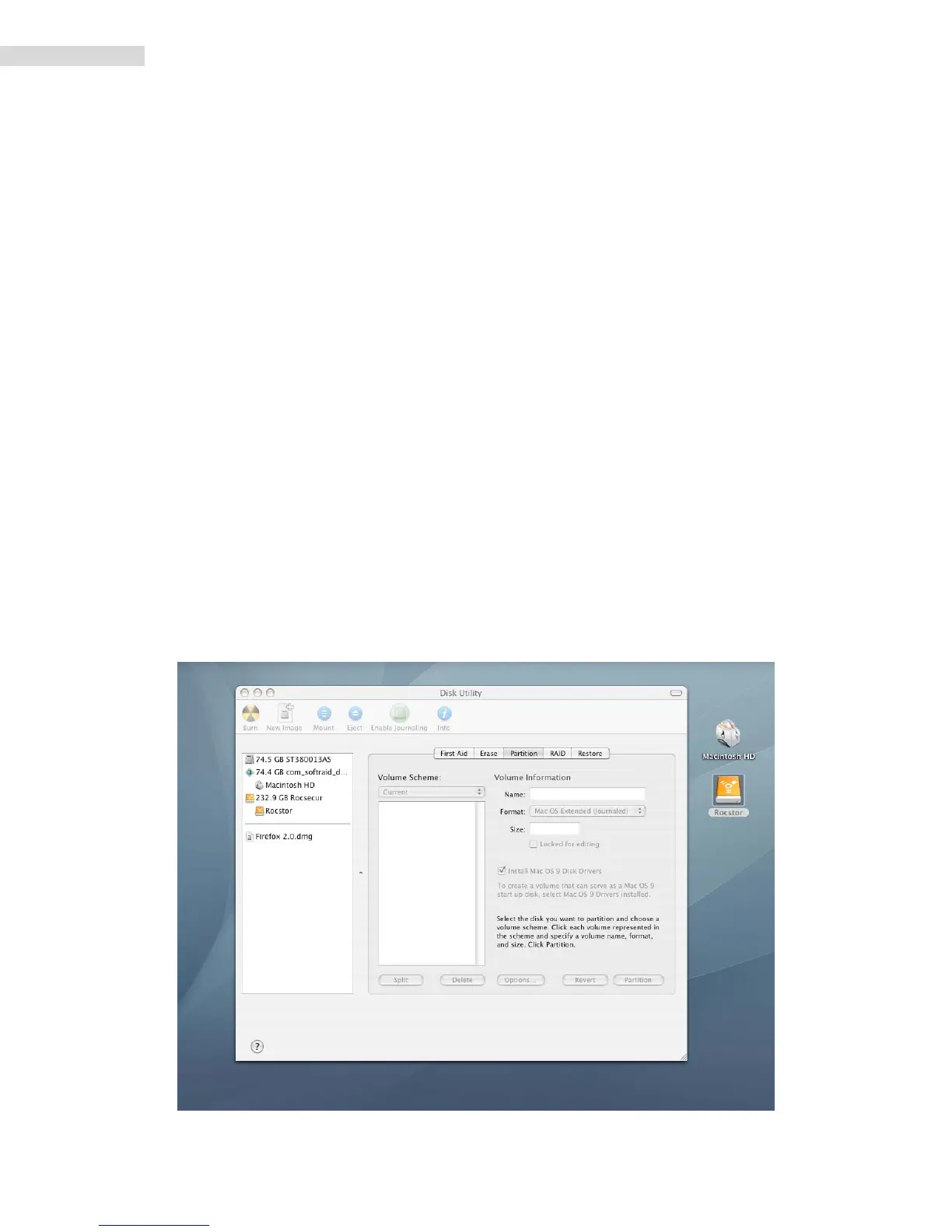
2. ThedrivewillappearasaniconontheDesktoponthemiddlerightside.Theiconwill
representthemethodofconnection(USB,FireWireandSATA).













 To Next Page