22ROCSTOR‐ROCPRO850usermanual
3. Iftheicon“MyComputer”doesnotshowonyourdesktop,clickontheStarticononthe
lowerleftofyourscreen.IftheControlPanellinkisnotdisplayed,clickontheSettingslink
andthenclickontheControlPanellink.
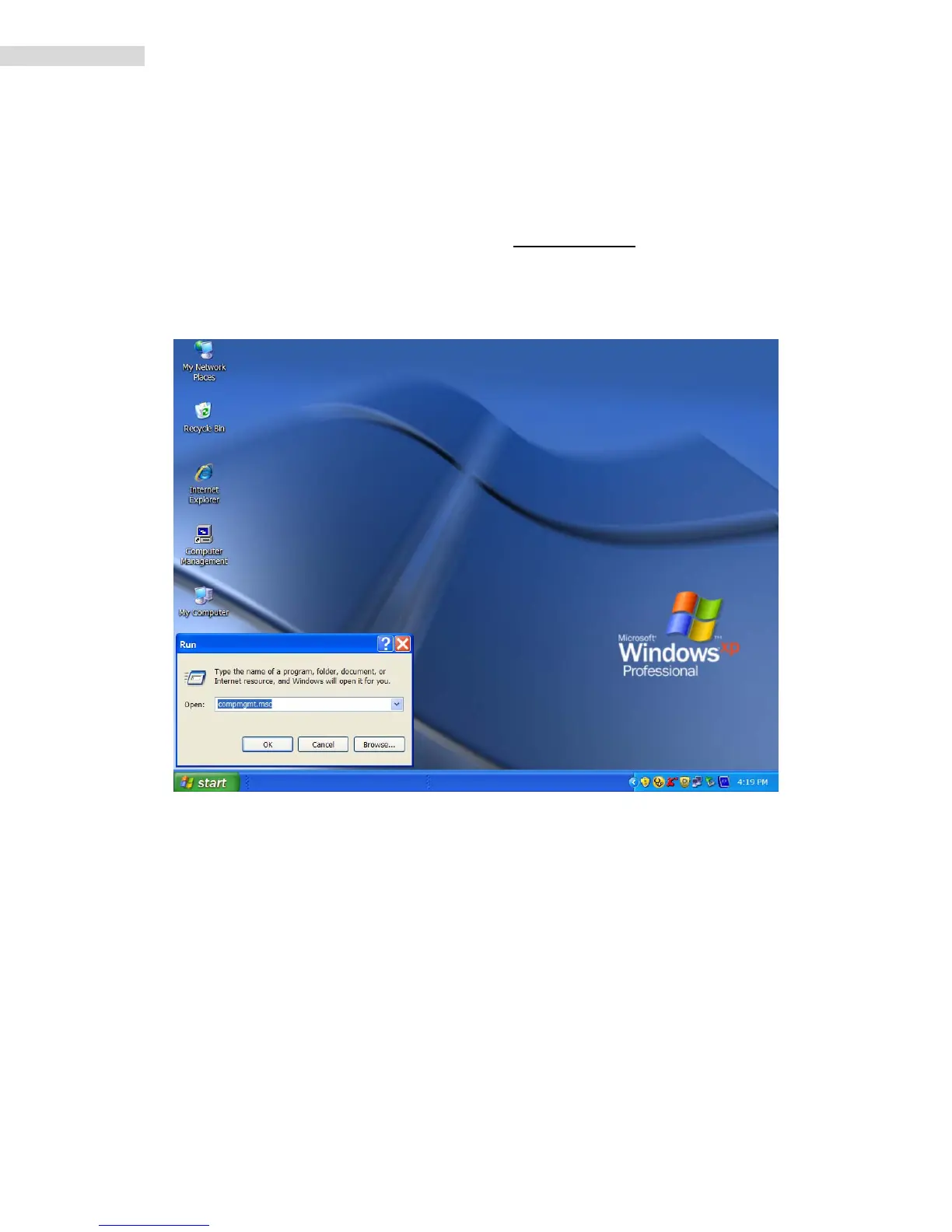
4. ClickontheStarticononthelowerleftofyourscreen.ClickonRun.Deleteanything
listedintheOpenwindow.Typethefollowing:compmgmt.mscandthenclickOK.Skipto
INSTRUCTION#4(InstructionsforPartitioningandFormattingfromFAT32toNTFS{page
24}).













 To Next Page