EasyManua.ls Logo

RODE Microphones NT-USB+ - Connecting NT-USB+ to Mobile Devices

RODE Microphones NT-USB+
10 pages
Print Icon
To Next Page IconTo Next Page
To Previous Page IconTo Previous Page
Loading...
07-07-2023 10:21
NT-USB+ | USER GUIDE & SUPPORT | RØDE
https://rode.com/en/user-guides/nt-usb-plus
4/10
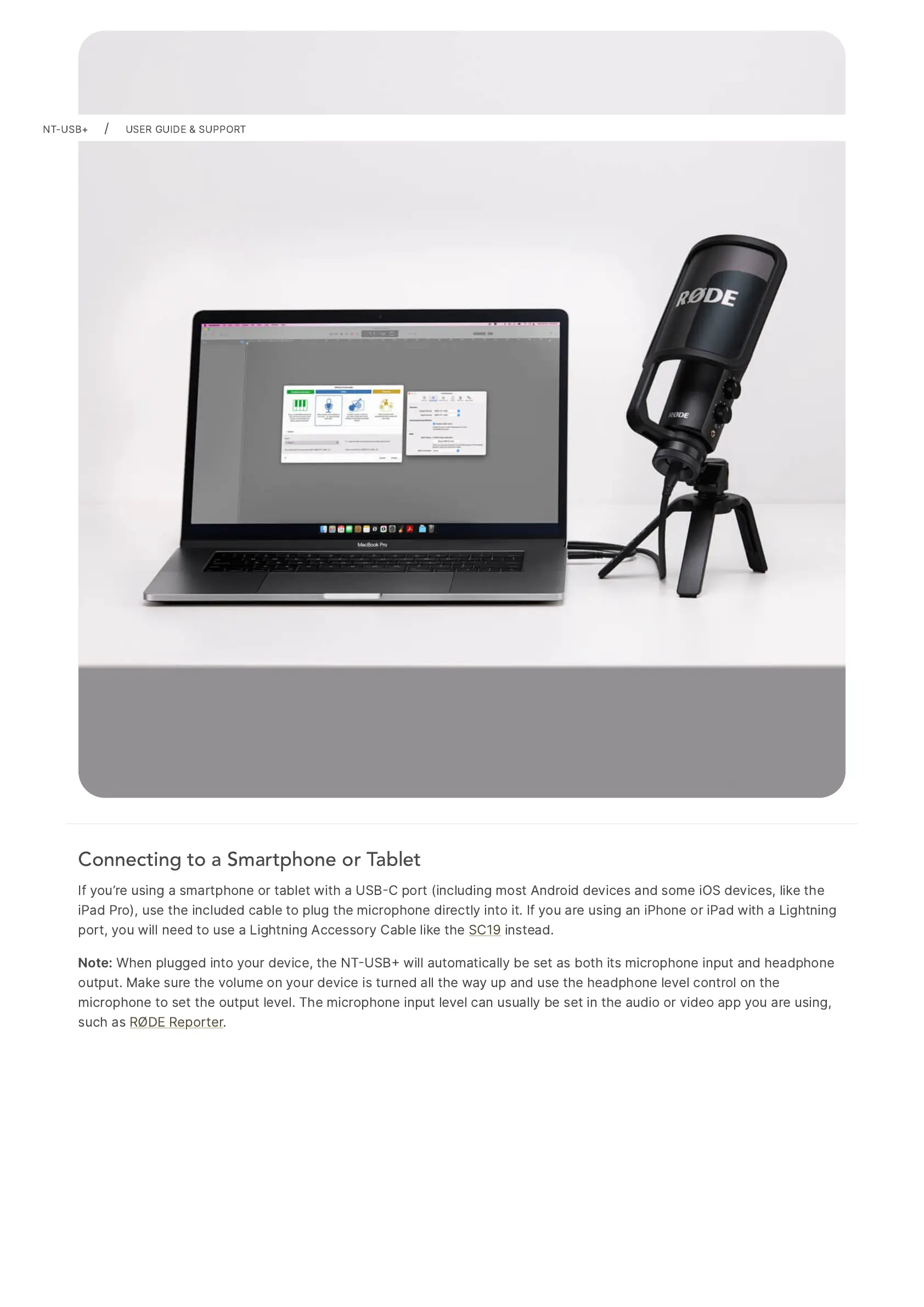
Connecting to a Smartphone or Tablet
If
youre
using
a
smartphone
or
tablet
with
a
USBC
port
(including
most
Android
devices
and
some
iOS
devices,
like
the
iPad
Pro),
use
the
included
cable
to
plug
the
microphone
directly
into
it.
If
you
are
using
an
iPhone
or
iPad
with
a
Lightning
port,
you
will
need
to
use
a
Lightning
Accessory
Cable
like
the
SC19
instead.
Note:
When
plugged
into
your
device,
the
NTUSB
will
automatically
be
set
as
both
its
microphone
input
and
headphone
output.
Make
sure
the
volume
on
your
device
is
turned
all
the
way
up
and
use
the
headphone
level
control
on
the
microphone
to
set
the
output
level.
The
microphone
input
level
can
usually
be
set
in
the
audio
or
video
app
you
are
using,
such
as
RØDE
Reporter.
NT-USB+
/
USER
GUIDE
&
SUPPORT

Other manuals for RODE Microphones NT-USB+

Related product manuals