EasyManua.ls Logo

RODE Microphones NT-USB+ - Headphone Output and Monitoring; Headphone Level Control; Monitor Mix Control Explained

RODE Microphones NT-USB+
10 pages
Print Icon
To Next Page IconTo Next Page
To Previous Page IconTo Previous Page
Loading...
07-07-2023 10:21
NT-USB+ | USER GUIDE & SUPPORT | RØDE
https://rode.com/en/user-guides/nt-usb-plus
5/10
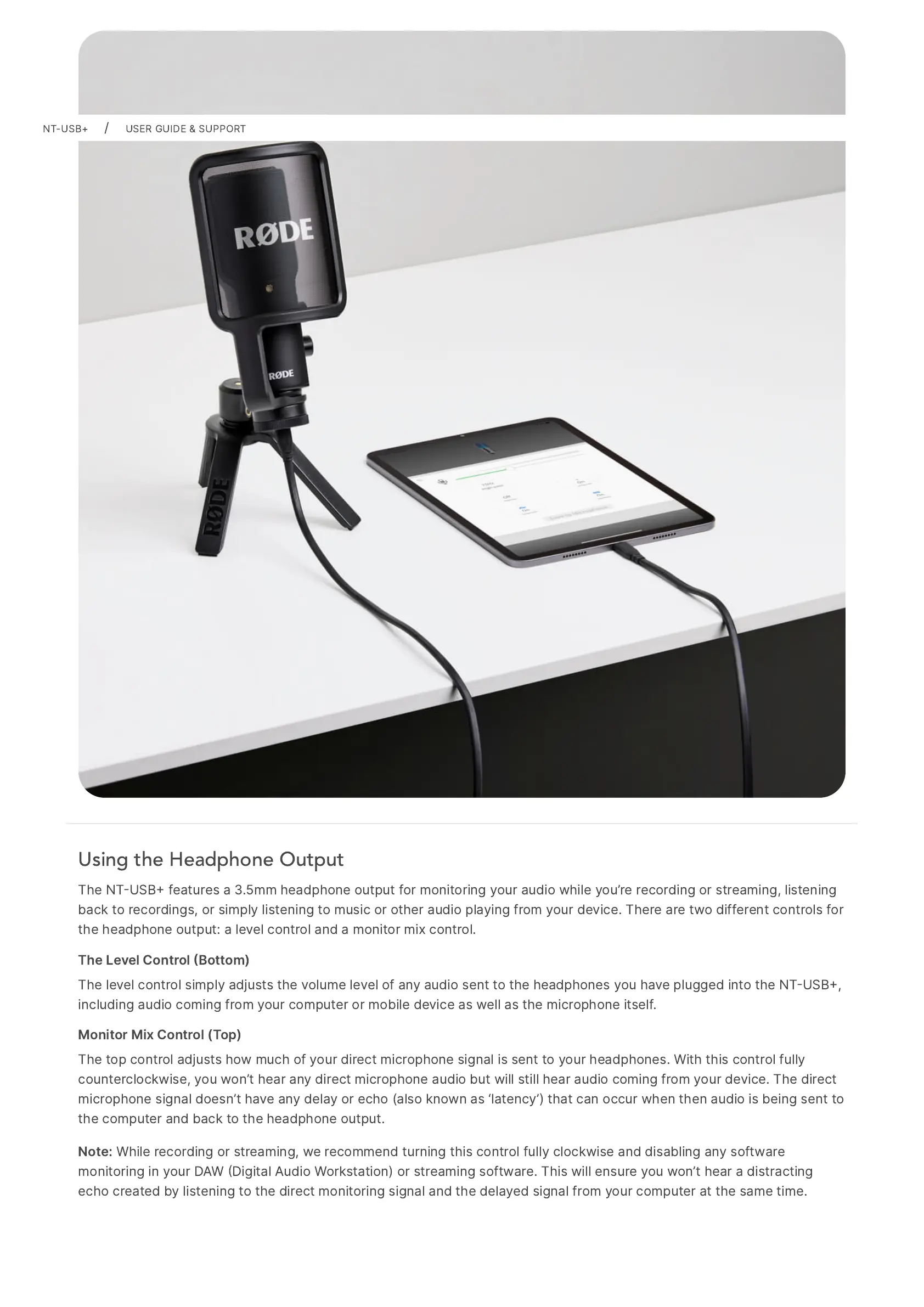
Using the Headphone Output
The
NTUSB
features
a
3.5mm
headphone
output
for
monitoring
your
audio
while
youre
recording
or
streaming,
listening
back
to
recordings,
or
simply
listening
to
music
or
other
audio
playing
from
your
device.
There
are
two
different
controls
for
the
headphone
output:
a
level
control
and
a
monitor
mix
control.
The
Level
Control
Bottom)
The
level
control
simply
adjusts
the
volume
level
of
any
audio
sent
to
the
headphones
you
have
plugged
into
the
NTUSB,
including
audio
coming
from
your
computer
or
mobile
device
as
well
as
the
microphone
itself.
Monitor
Mix
Control
(Top)
The
top
control
adjusts
how
much
of
your
direct
microphone
signal
is
sent
to
your
headphones.
With
this
control
fully
counterclockwise,
you
wont
hear
any
direct
microphone
audio
but
will
still
hear
audio
coming
from
your
device.
The
direct
microphone
signal
doesnt
have
any
delay
or
echo
(also
known
as
latency)
that
can
occur
when
then
audio
is
being
sent
to
the
computer
and
back
to
the
headphone
output.
Note:
While
recording
or
streaming,
we
recommend
turning
this
control
fully
clockwise
and
disabling
any
software
monitoring
in
your
DAW
Digital
Audio
Workstation)
or
streaming
software.
This
will
ensure
you
wont
hear
a
distracting
echo
created
by
listening
to
the
direct
monitoring
signal
and
the
delayed
signal
from
your
computer
at
the
same
time.
NT-USB+
/
USER
GUIDE
&
SUPPORT

Other manuals for RODE Microphones NT-USB+

Related product manuals