EasyManua.ls Logo

RODE Microphones NT-USB+ - Using with RØDE Central App

RODE Microphones NT-USB+
10 pages
Print Icon
To Next Page IconTo Next Page
To Previous Page IconTo Previous Page
Loading...
07-07-2023 10:21
NT-USB+ | USER GUIDE & SUPPORT | RØDE
https://rode.com/en/user-guides/nt-usb-plus
7/10
Note:
When
used
with
RØDE
Connect,
the
monitor
mix
control
on
your
NTUSB
will
be
disabled
and
automatically
set
to
the
fully
clockwise
position.
This
means
youll
hear
your
microphone
audio
at
full
volume,
with
no
latency
(see
'Monitor
Mix
Control'
section
for
more
information).
Download
RØDE
Connect
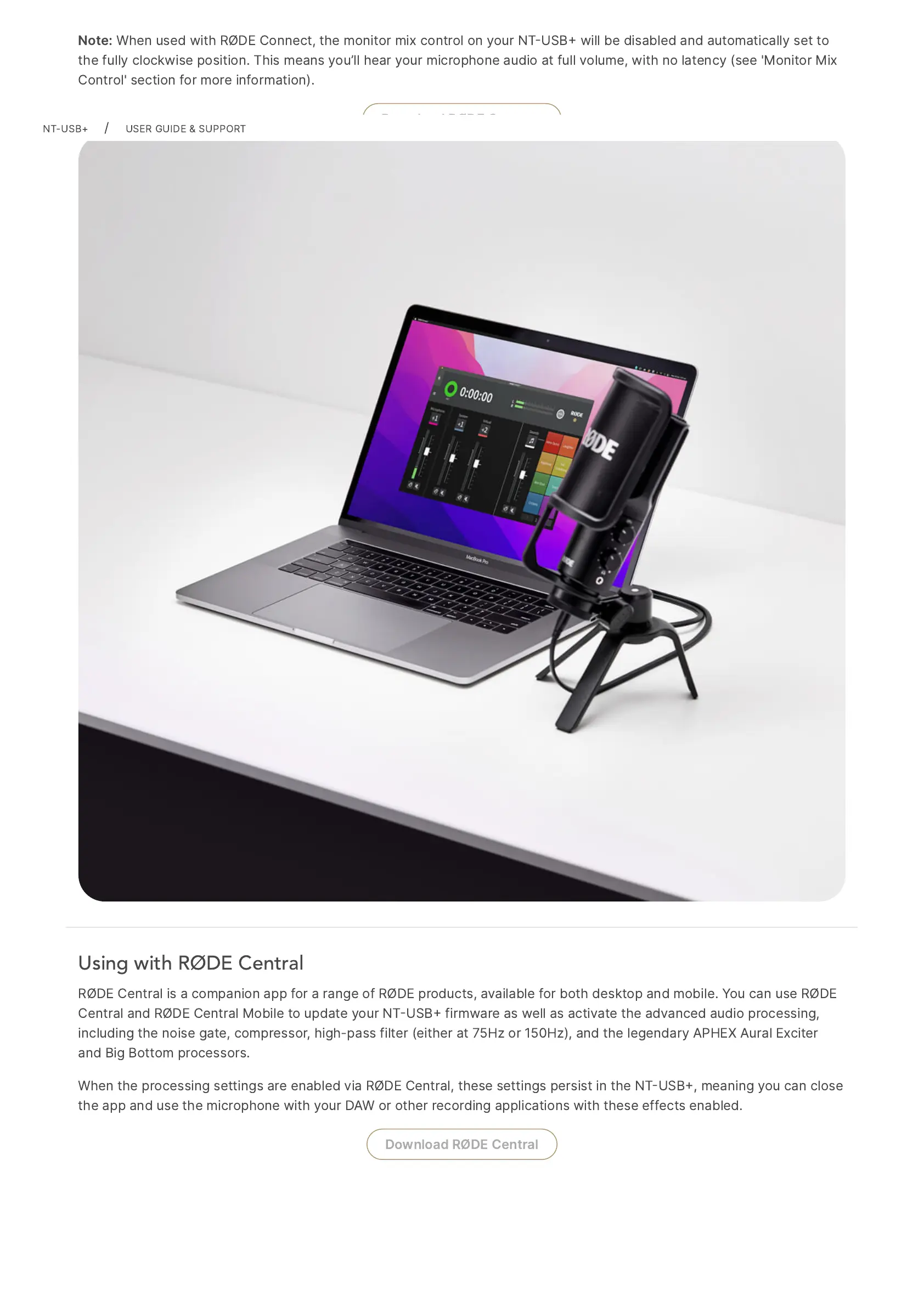
Using with RØDE Central
RØDE
Central
is
a
companion
app
for
a
range
of
RØDE
products,
available
for
both
desktop
and
mobile.
You
can
use
RØDE
Central
and
RØDE
Central
Mobile
to
update
your
NTUSB
firmware
as
well
as
activate
the
advanced
audio
processing,
including
the
noise
gate,
compressor,
high-pass
filter
(either
at
75Hz
or
150Hz),
and
the
legendary
APHEX
Aural
Exciter
and
Big
Bottom
processors.
When
the
processing
settings
are
enabled
via
RØDE
Central,
these
settings
persist
in
the
NTUSB,
meaning
you
can
close
the
app
and
use
the
microphone
with
your
DAW
or
other
recording
applications
with
these
effects
enabled.
Download
RØDE
Central
NT-USB+
/
USER
GUIDE
&
SUPPORT

Other manuals for RODE Microphones NT-USB+

Related product manuals