10
To get started, here is an overview of the basic operations of the Rodgers organ.
Turn On/Turn Off
Turning On:
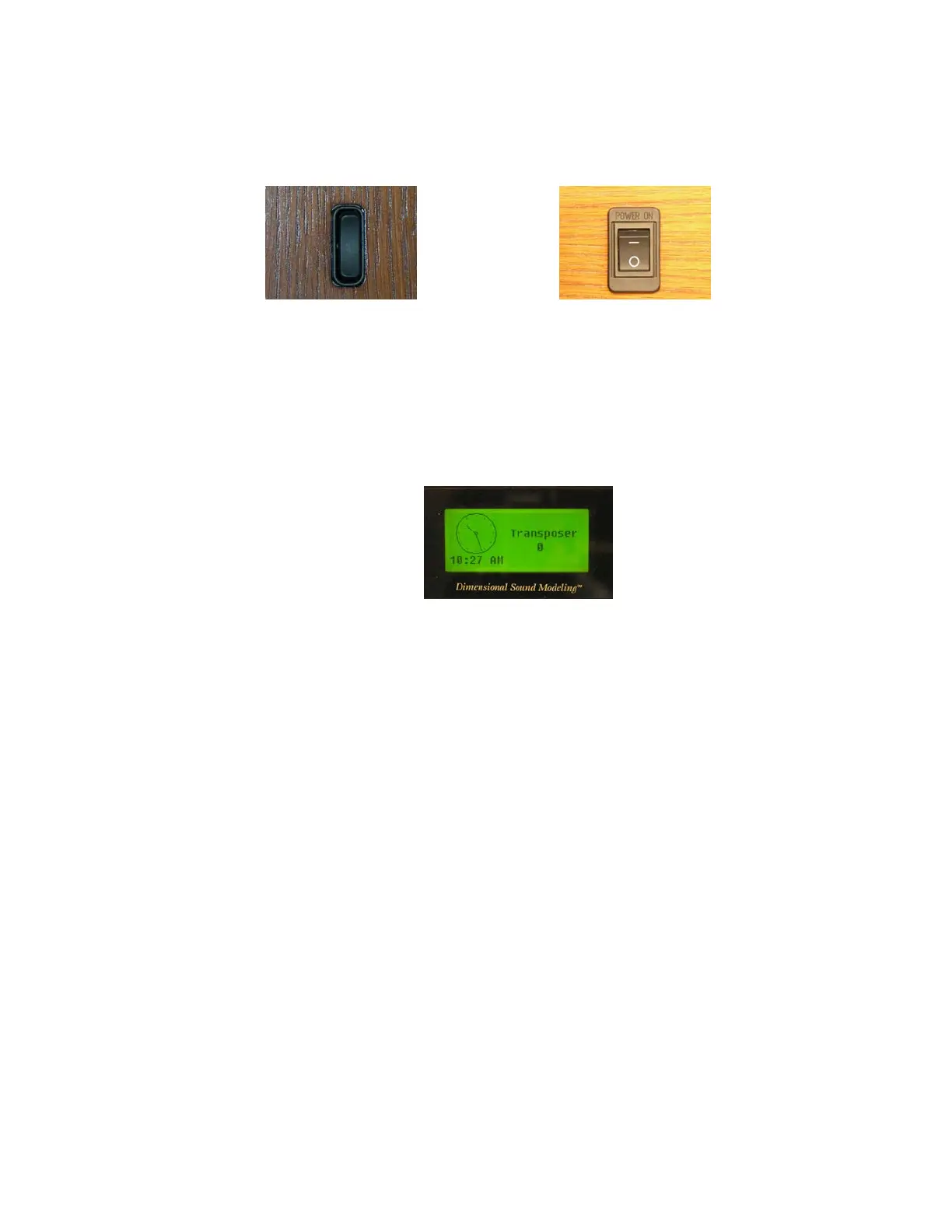
Depending on model, press and hold the top of the On/Off rocker switch for
approximately 2 seconds and release or press the top of the On/Off switch labeled (―)
until it locks into place. The instrument identification message appears in the display
window. The organ then performs a diagnostic test of its systems over the next few
seconds. When completed, the display window reads TRANSPOSER O. The organ is
ready to play.
Turning Off:
Press and hold the bottom of the On/Off rocker switch for no more than 1-2
seconds and release, or press the bottom of the On/Off switch labeled (O) until it
locks into place.
! Depending on model, the organ may be equipped with an Automatic Shutdown
feature. See the AG
Manuals and Pedalboard
The organ has keyboards played by the hands, commonly referred to as manuals. Each manual
plays an assortment of stops, known as a division. The keyboard played by the feet is referred to
as the pedalboard, and stops played by the pedalboard make up the Pedal division.
Depending on model, a Solo division may also be available. This division is not assigned to a
specific manual and stops are assigned to a particular division by the organist. This may also be
referred to as a “Floating division.” Three manual organs contain, in order from bottom to top,
the Choir Manual, the Great Manual, and the Swell Manual.
Activating Stops
The term stop is used to describe a single voice on an organ. Stops are activated by Rocker
Tablets (tabs) and/or Drawknobs. Depending on model, a stop may also be activated by a








 To Next Page