14
General Pistons
General pistons affect the entire organ. Up to 12 General pistons are available, depending on
model. They are located on thumb pistons under the left-hand side of the Great and Swell
manuals. In addition, they are duplicated on toe pistons adjacent to the expression shoes. To
recall a registration stored on a general piston, you could press either the corresponding thumb
piston or toe piston; in other words, to select general piston 3, you could either press thumb
piston 3 under the Swell manual or toe piston 3. The duplication of pistons allows you to use
either your hand or foot to recall the same registration, depending on what is most convenient.
Divisional Pistons
Divisional pistons affect a single division. There are up to six divisional pistons for the Great,
Swell and Choir; these pistons are either numbered from one to as many as six or one to five
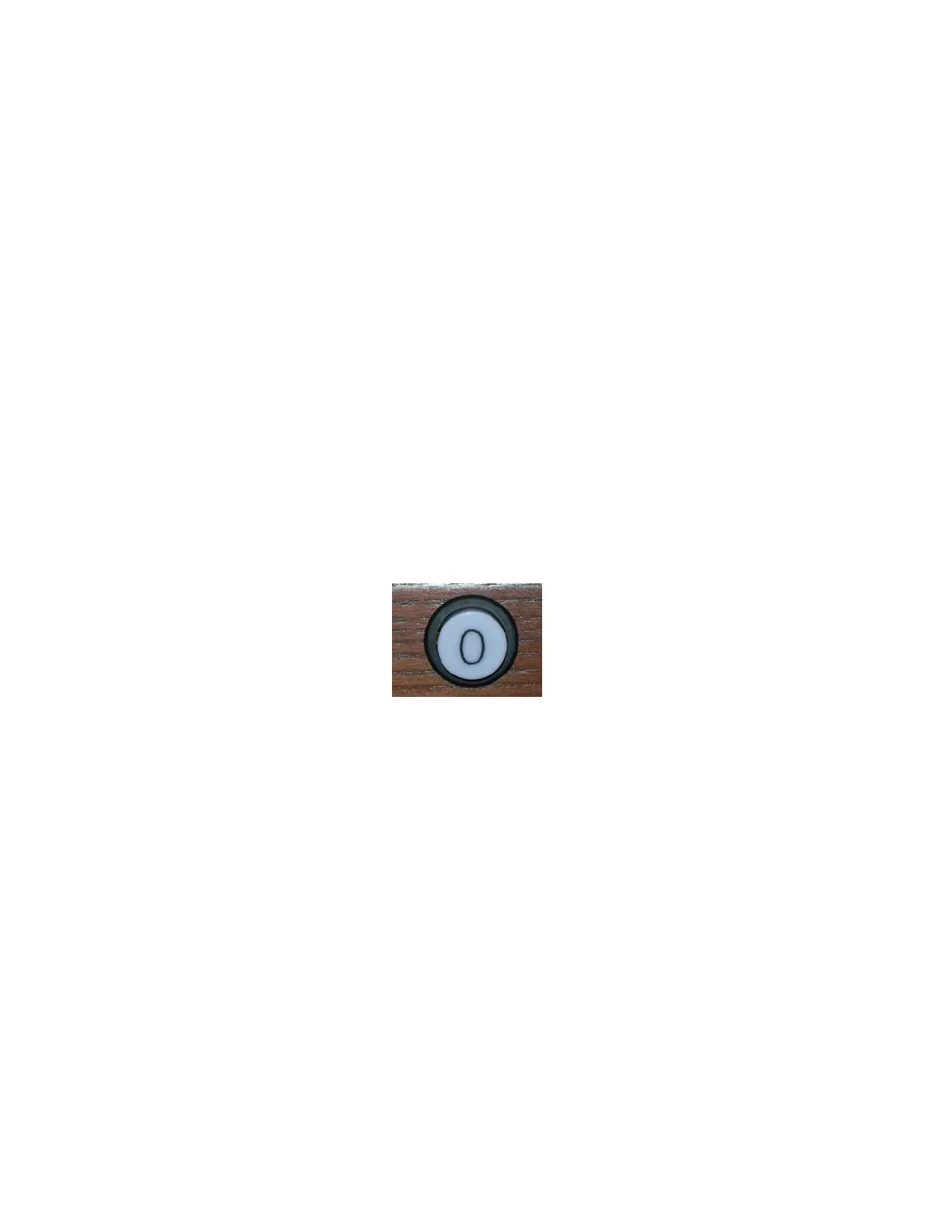
with the sixth labeled O for the divisional cancel depending on model. These pistons are located
under the corresponding manual. For example, Great divisional pistons are located underneath
the Great manual near the middle of the keyboard. Swell divisional pistons are below the Swell
manual, and Choir divisional pistons are located under the Choir manual.
Some Rodgers models feature Pedal divisional pistons. They are located on the toe pistons to the
right of the expression shoes or under the Choir manual to the far left.
General and Divisional Cancel
When TRANSPOSER is displayed in the window, ALL stops, couplers and MIDI settings can
be cleared by pressing the General Cancel piston, (O) located under the Choir manual at the
right-hand side of the keyboard. Depending on model, stops can be cleared in a particular
division by pressing a Divisional Cancel piston (O) located to the right of the #5 divisional
combination action pistons.
Setting a Piston
The Rodgers organ is equipped with factory registrations, each of which can be used for a wide
variety of musical effects. However, the contents of any piston can be easily changed to suit
your particular needs. To set a new registration on a piston:
1. Select the desired stops, couplers and MIDI settings.
2. Press and hold the SET piston. While continuing to hold SET, press the piston
(General or Divisional) to be programmed.
3. Release both pistons. The new registration is now stored.
! A memory level must be unlocked before it can be changed. See below.








 To Next Page