15
Combination Memory Levels
Rodgers advanced combination action system has up to 100 memory levels depending on model.
This effectively multiplies the number of available combination pistons by up to 100.
Combinations stored one memory level don’t affect those stored on other memory levels; each of
the memories is independent.
Many organists keep regularly used registrations, such as those used for hymns, on one memory
and use other memory levels for preludes, postludes and choral accompaniments, which may
change week to week.*
*Note: A variety of useful registrations have already been stored when the organ arrives from
the factory.
Selecting Memory Levels
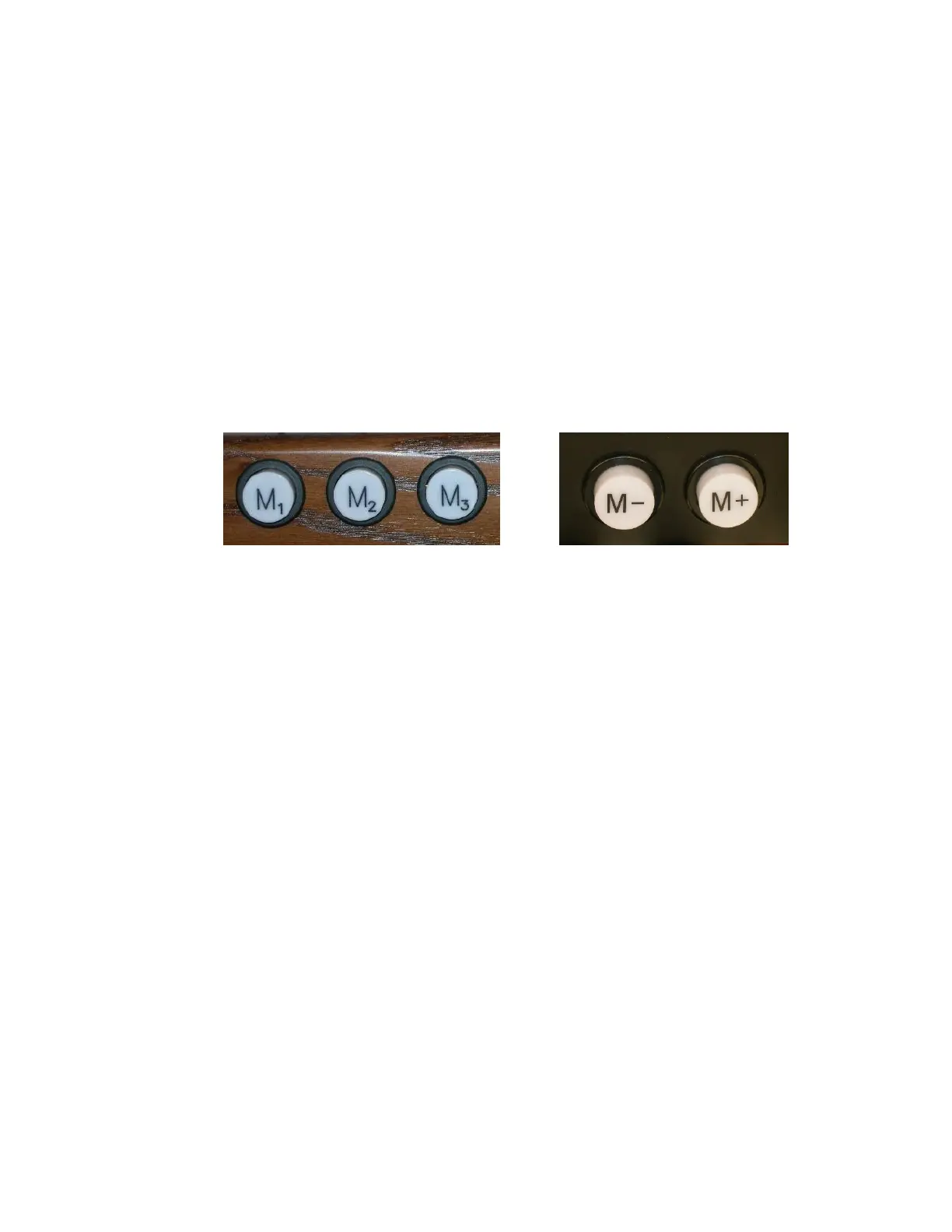
Memory Levels can be selected by pressing the corresponding piston M1, M2, M3, etc. or the
pistons labeled M+, or M- depending on model. When M+ and M- are used, the selected
memory level appears in the display window.
To select a memory level:
Press the corresponding memory piston (M1, M2, M3, etc.). The piston will light or
press the M+ piston or M- piston until the desired level 1 thru 100 (labeled 0),
depending on model, is displayed in the window. In either case, M1 is automatically
selected when the organ is turned on.
! With Rodgers Memory Card System™ or USB data port unlimited memory levels are
available. See the AG
Console Displays, Indicators, and Menus
The Rodgers organ is equipped with an informative display for many of the console functions
described in this section. The Console Display normally indicates the Transposer setting,
however, it can be used to adjust many other controls and preferences including MIDI settings,
Voice Palette selections, Dimensional Sound Modeling parameters, Tremulant rate and depth,
and many others.
Two controls are used to select and modify the features found in the Console Display. The
smaller knob is the Select knob; it is used to select the menu item to be changed. The larger dial
is called the Alpha dial; it is used to change the settings in a selected menu. Most of the features
that can be modified in the Console display will follow this pattern:








 To Next Page