SYSTEM CONFIGURATION AND SETUP
9
System Conguration and Setup
CHAPTER 4
CheckMate™ Keypad
The CheckMate™ features a 34-key keypad, with keys for the alphabet A through Z and
numerals 0 through 9. The numerals are shared with letters F through P and S. Switch
between these letters and the numbers using the “Alpha/Numeric” key. There are also
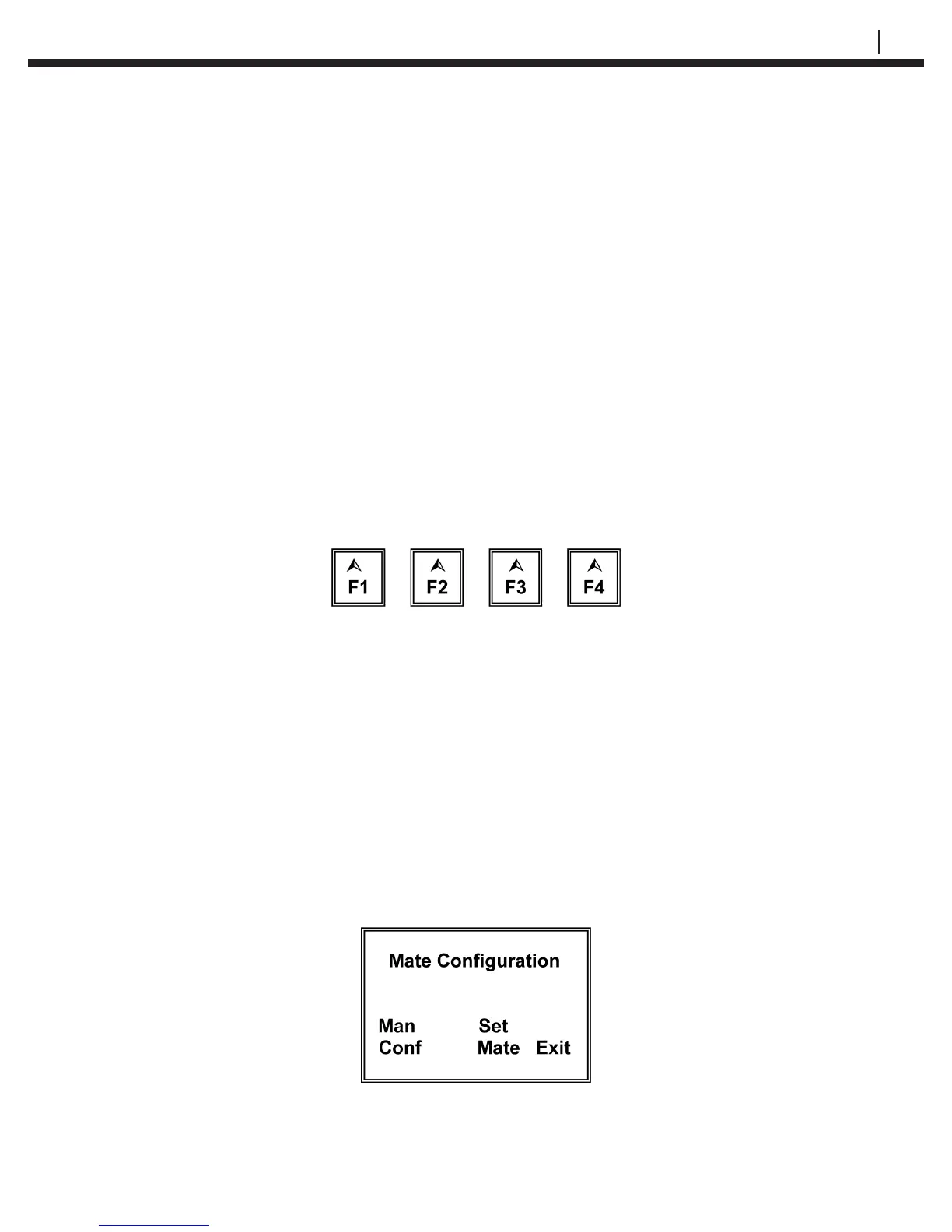
four soft keys, F1 through F4 (as shown below). The soft keys are multi-function keys
used to make on-screen selections.
Figure 4.1 CheckMate™ Function Keys
Setting the Time and Date on the CheckMate™
The CheckMate™ has its own clock so that individual probe readings are automatically
time and date stamped.
To set the internal clock for Time and Date:
From the Standby display, press SetUp (F4) to go to the Mate Conguration display:


 To Next Page