12
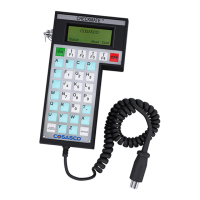
CHECKMATE™
Clearing Memory on CheckMate™
Normally it will not be necessary to clear the memory on the CheckMate™
unless extraneous entries have been made, for example, when initially
experimenting with the system. Alternatively, if the equipment is to be
transferred to a new location, then it is recommended to clear the memory
to avoid confusion with any previously collected data. To clear the memory,
proceed as follows.
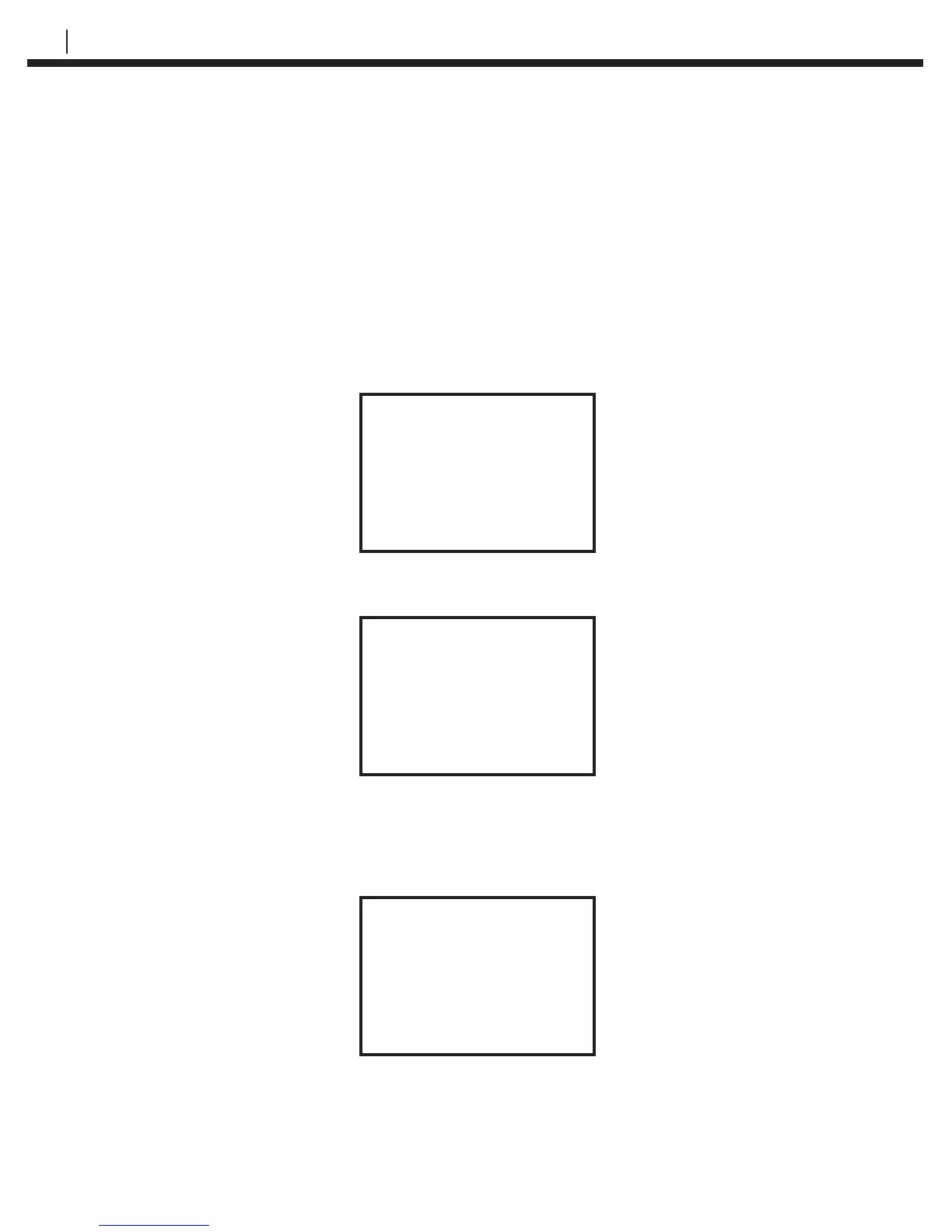
From the Standby display, press SetUp (F4) to go to the Mate Conguration display:
Mate Conguration
Man Set _
Conf Mate Exit
Press Set Mate (F3) to go to the Mate Settings display:
Mate Settings
Set Set Clr
Units Time Mem Exit
Press Clr Mem (F3) to go to the clear memory conrmation screen:
WARNING!
This will ERASE all
Of the Mates Data!
Clear Abort
Press Clear (F1) to clear all memory.
Note: this will clear readings stored in internal memory.


 To Next Page