4.3. Ground the Computer
Follow the instructions below to ground the computer to land. Be sure to follow
every grounding requirement in your place.
Warning Whenever the unit is installed, the ground connection
must always be made rst of all and disconnected lastly.
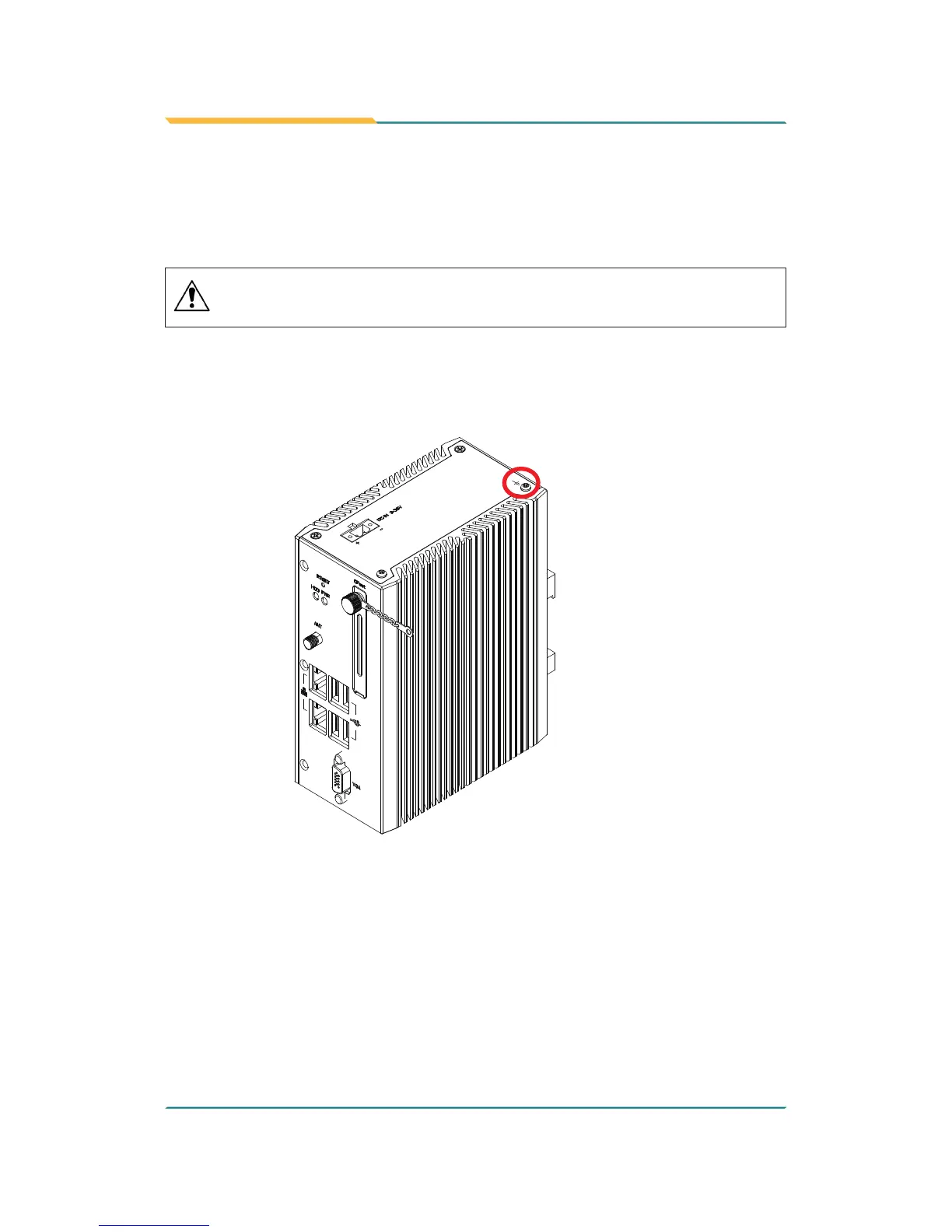
1. See the illustration below. Remove the ground screw from the side panel.
2. Attach a ground wire to the rear panel with the screw.


 To Next Page