5.6. Exit
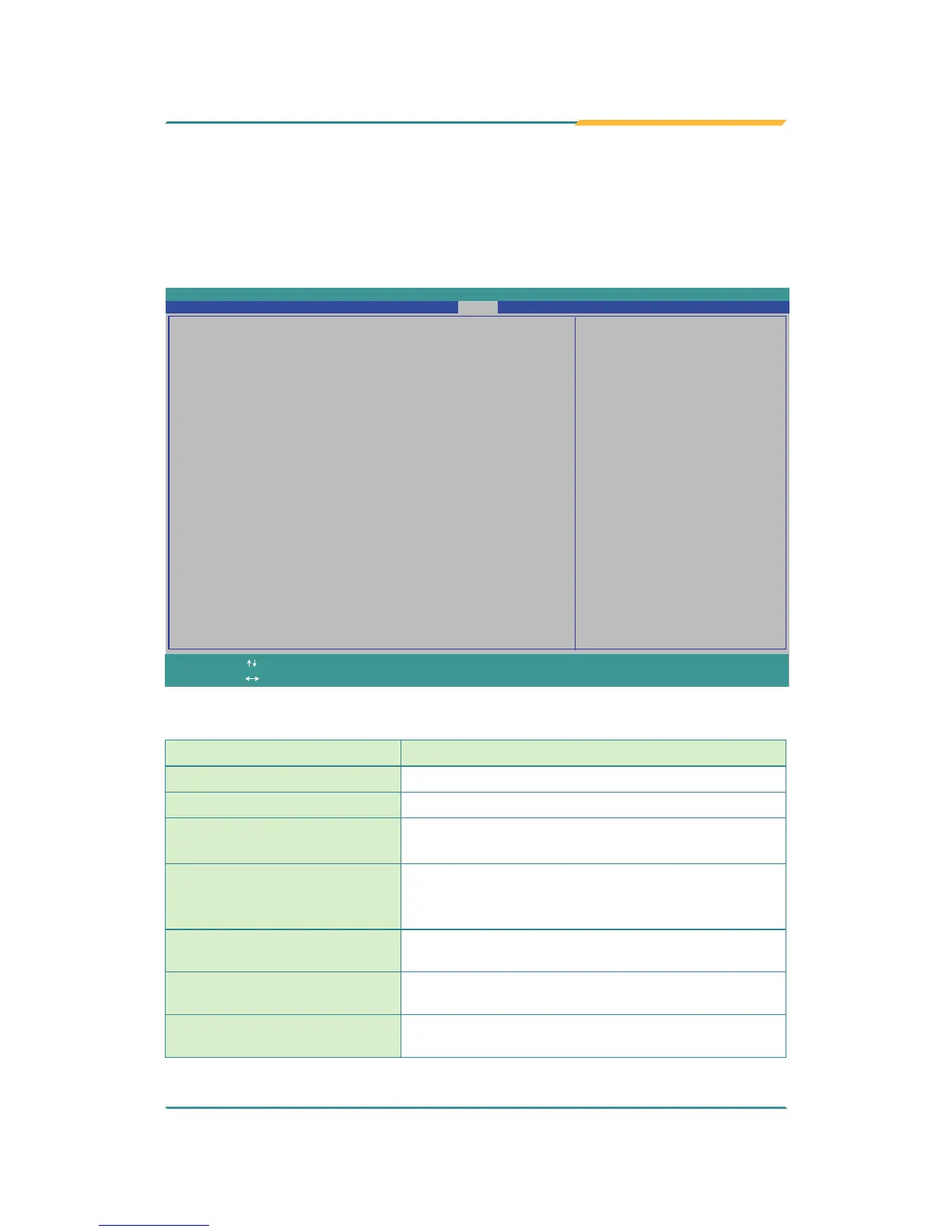
The Save & Exit menu features a handful of commands to launch actions
from the BIOS Setup utility regarding saving changes, quitting the utility and
recovering defaults.
InsydeH20 Setup Utility
Rev. 5.0
Exit system setup and save
your changes.
Advanced Security Power Boot Exit
Main
Exit Saving Changes
Save Changes Without Exit
Exit Discarding Changes
Load Optimal Defaults
Load Customer Defaults
Save Customer Defaults
Discard Changes
Change ValuesF5/F6
Select
SubMenu
Enter
Select Item
Select Menu
F1
ExitESC
Help Setup DefaultsF9
Save and ExitF10
The features settings are:
Setting Description
Exit Saving Changes
Saves the changes and quits the BIOS Setup utility.
Save Changes Without Exit
Save Changes but does not quit the BIOS.
Exit Discard Changes
Quits the BIOS Setup utility without saving the
change(s).
Load Optimal Defaults
Restores all settings to defaults.
This is a command to launch an action from the
BIOS Setup utility rather than a setting.
Load Custom Default
Load custome default values
Save Custom Default
Save current setting as custome default
Discard Changes
Discard all changes without Exit.


 To Next Page