Video Operations
32
4. Turn the [VALUE] knob to select the channel you want to
display in the foreground (CH1 through CH4).
Select the channel shot against the blue or green background.
MEMO
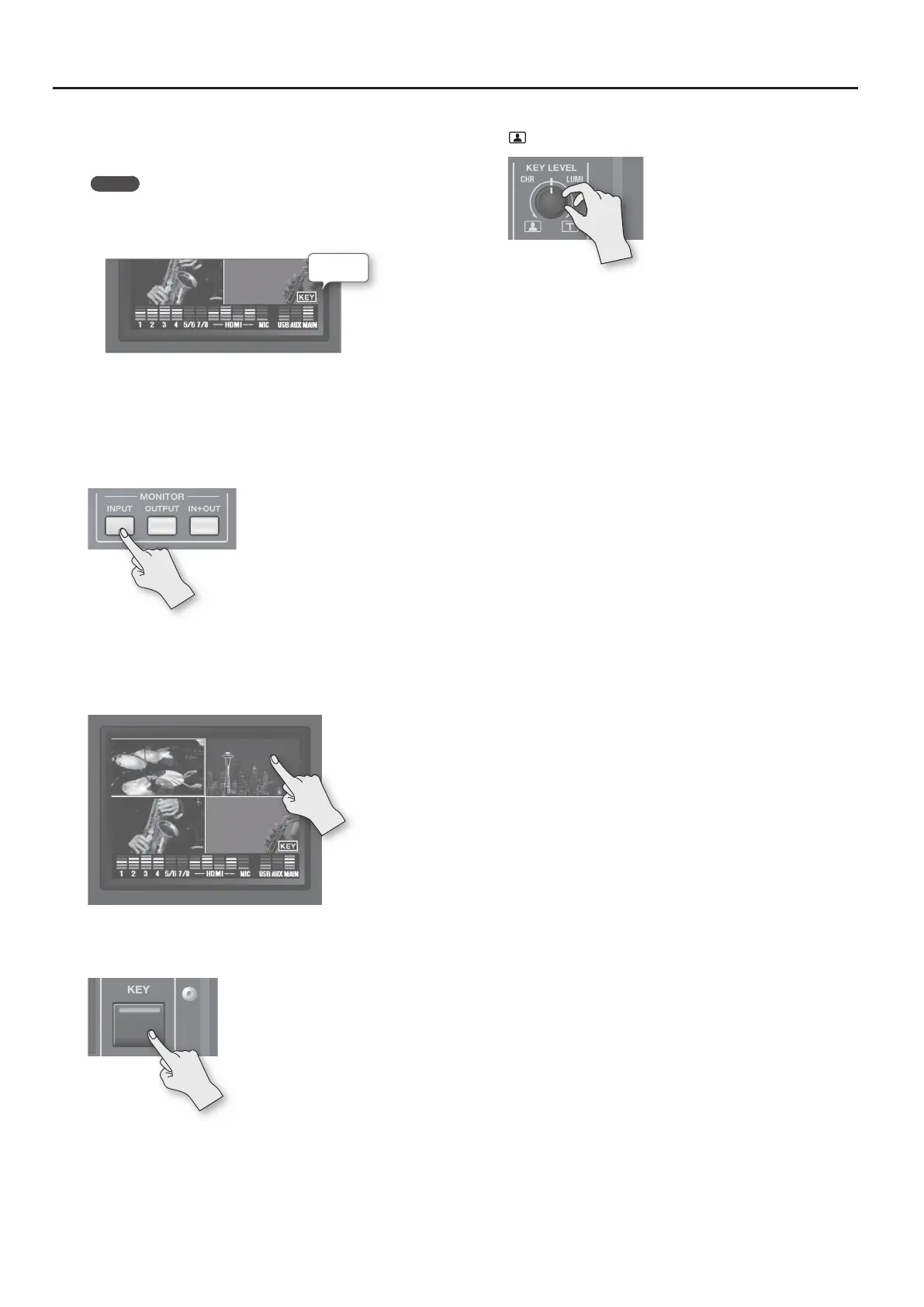
• The selected channel (the channel shown in the foreground in
key composition) is displayed on the channel screen with a KEY
icon.
KEY icon
• You can disable operation of the [KEY] button by selecting the
“OFF” item.
5. Press the [MENU] button twice to quit the menu screen.
6. Press the MONITOR [INPUT] button, making the button
light up.
Input from the source equipment (channels 1–4) is displayed on the
monitor.
7. Touch the channel screen you want to make the
background video.
A red border is displayed around the selected channel screen.
8. Press the [KEY] button.
The [KEY] button lights up and the video on the channels
you selected in steps 4 and 7 is composited.
9. Turn the [KEY LEVEL] knob counterclockwise toward “CHR
” to adjust the degree of extraction.
Positioning the [KEY LEVEL] knob at center completely extracts the
foreground picture, leaving only the background visible.
Turn the [KEY LEVEL] knob clockwise from center to nd just the
right amount of keying.
10. To make the foreground video disappear, press the [KEY]
button again.
The [KEY] button goes dark and the picture displayed in the
foreground disappears.



 To Next Page