11 EN
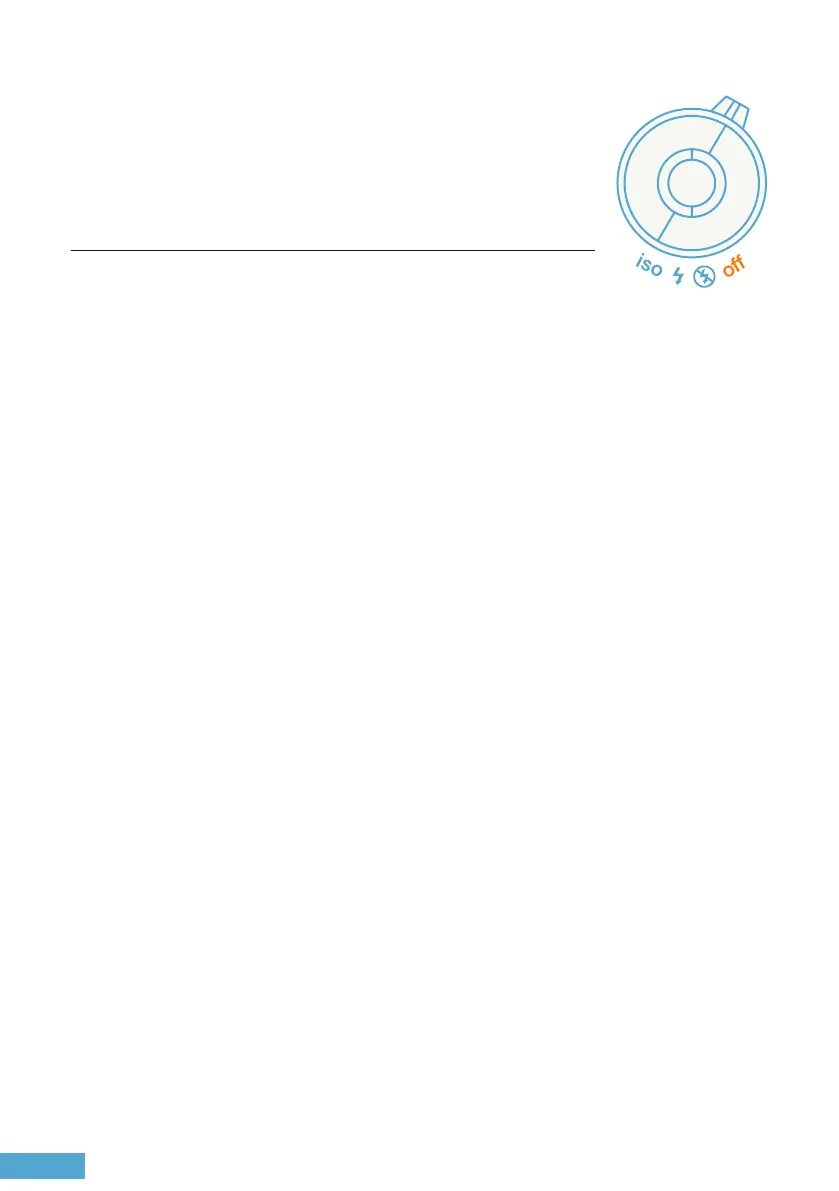
Mode Selector
Mode Selector
ISO / Flash / No Flash / O
No Flash
O
Flash
ISO
Flash is forced o all the time, even when the scene is dark.
Switches the camera o. Always set to ‘o’ when the camera is not
in use to prevent battery drainage.
e camera will detect the lm’s ISO automatically if it is DX coded. If
the lm cartridge does not contain a DX code, the default ISO will be
set to 100. To set ISO manually, press the sele button to cycle through
available ISO options shown on the OLED display, and stop when the
desired ISO appears.
e ash will re on all shots except in very bright scenes.
e ash will adjust its intensity based on the subject’s distance for
optimal lighting. For a brighter ash eect:
• Use ash mode with A+2 exposure compensation on the shutter
speed dial
• Use larger apertures like f/2.8 or f/4.0 for a longer ash range
indoors.


 To Next Page