12
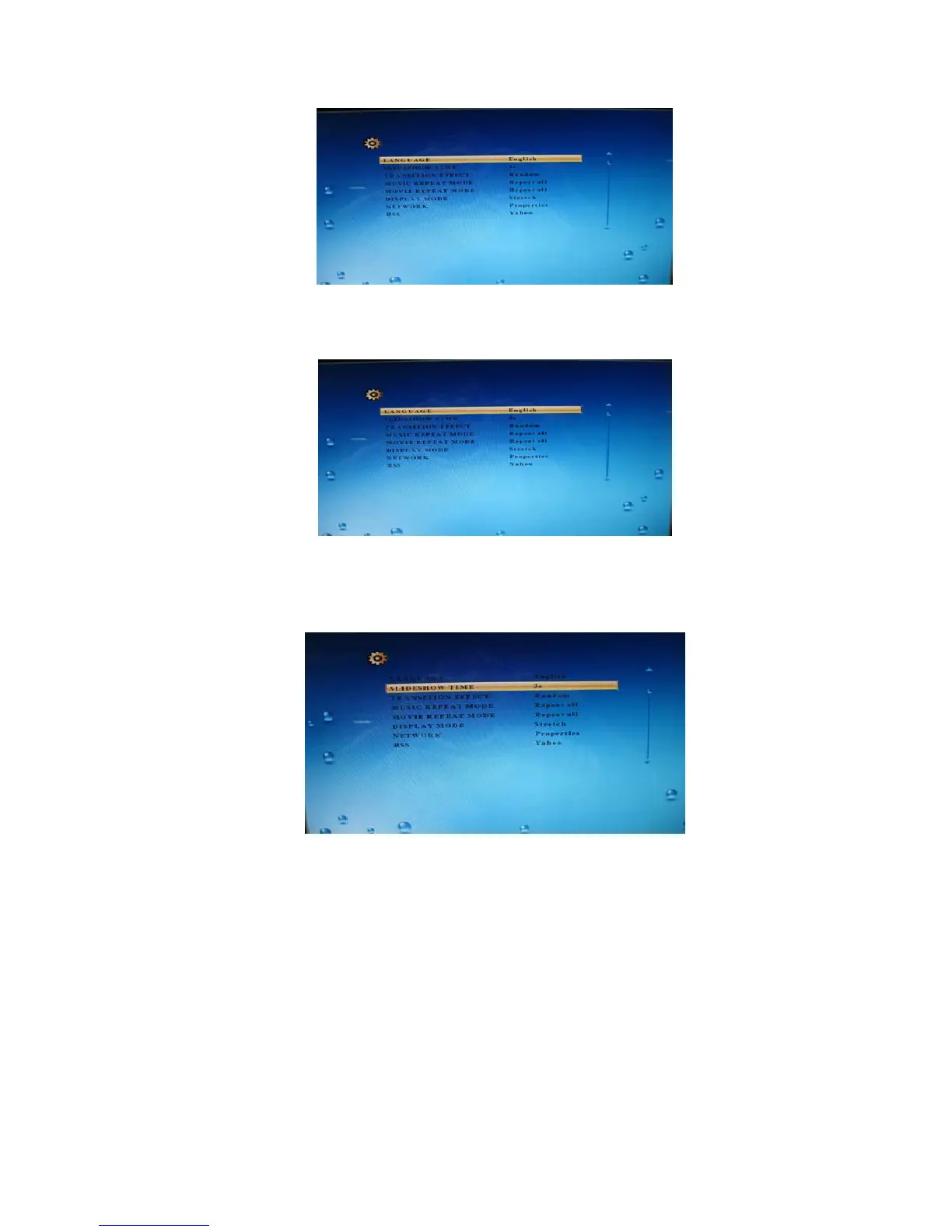
LANGUAGE
Press ▲ or ▼ to select LANGUAGE in the setup menu, then press –> or <– to change your
selection (English).
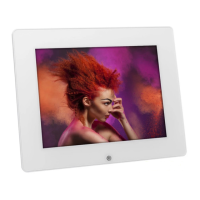
SLIDESHOW TIME
Press ▲ or ▼ to select Slideshow Duration in the setup menu, then press –> or <– to change
your selection (3s/15s/1mins/5mins/1hour)
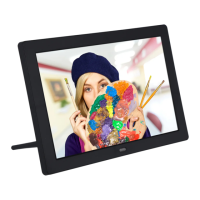
TRANSITION EFFECT
Press ▲ or ▼ to select slideshow mode in the setup menu, then Press –> or <– to change your
selection
(Off/Bottom_To_Top/Top_To_Bottom/Left_To_Right/Right_To_Left/Door_Close/Door_Open/Hori
_Cross/Verti_Cross/Random/Fading)


 To Next Page