13
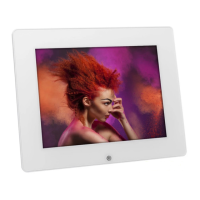
MUSIC REPEAT MODE
Press ▲ or ▼ to select Movie Repeat Mode in the setup menu, then Press –> or <– to change your
selection ( Repeat one/ Repeat All)
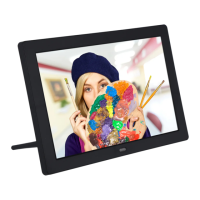
MOVIE REPEAT MODE
Press ▲ or ▼ to select Movie Repeat Mode in the setup menu, then press –> or <– to change your
selection (Repeat One/Repeat ALL)
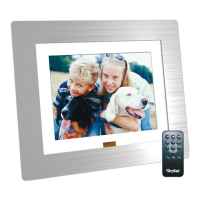
DISPLAY MODE
Press ▲ or ▼ to select Display mode in the setup menu, then Press –> or <– to change your selection
(Cinema/Crop/Stretch)


 To Next Page