20
4.7 HOLD MODE
MODEL 54e pH/ORP SECTION 4.0
CALIBRATION
Placing the Controller on Hold for Maintenance. Before performing main-
tenance or repair of the sensor, the Controller can be placed in hold (refer
to Section 5.6 to enable this feature) to prevent process upsets while the
reading is off-line. This will place the current outputs into the selected
default states (see Section 5.6). The relays will act as selected in relay
default, see Section 5.7.
Before removing the sensor from the process, press any key and then
Enter (F4). When the hold mode has been enabled, the hold mode
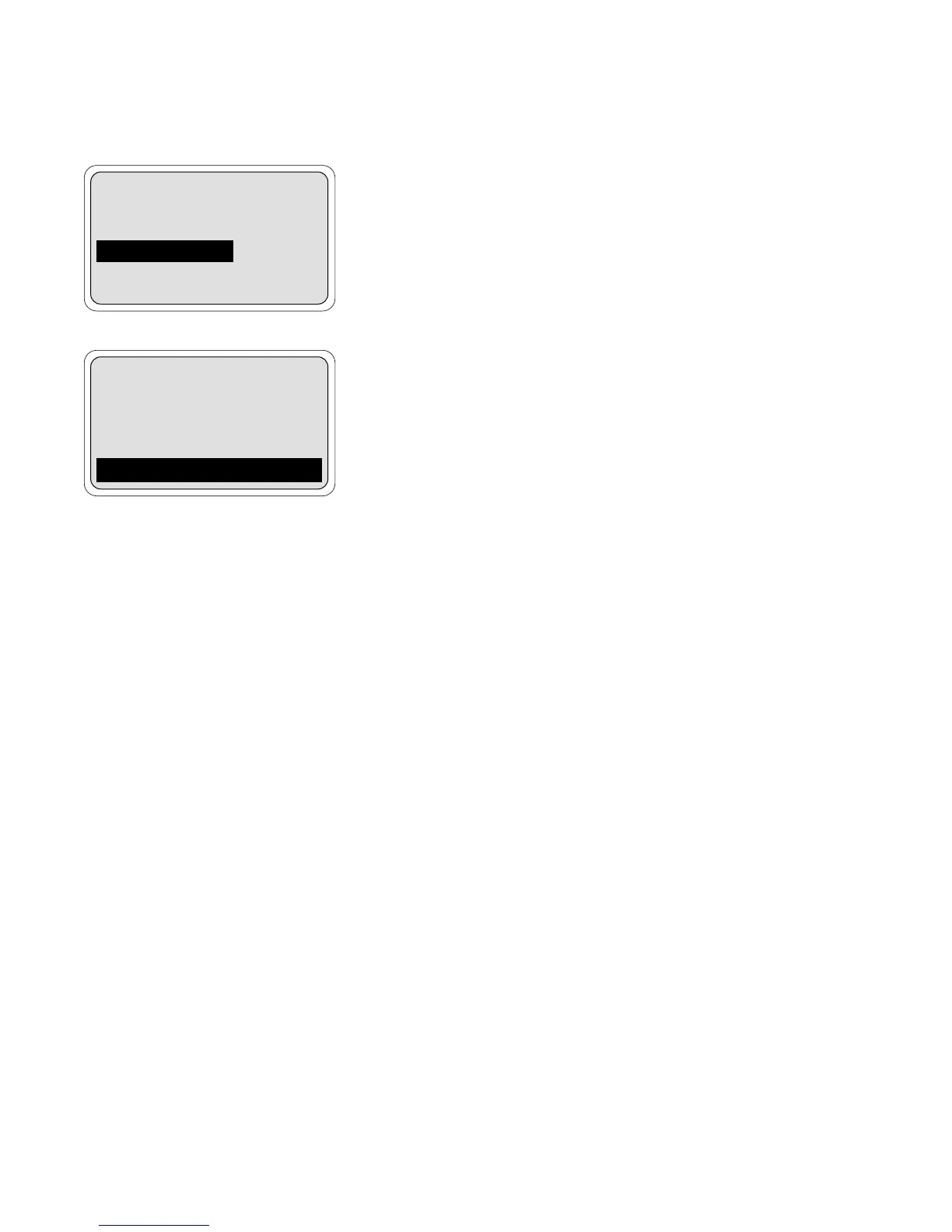
screen (on the left) will appear prior to calibration. To continue without
putting the controller in hold, simply press Cont (F3). To put the controller
in hold, press Edit (F4), use the arrow key to change the "Off" to "On" and
press Save (F4).
NOTE
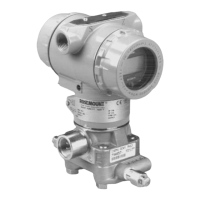
When the Hold Mode is activated ("On"), "Hold Mode Activated"
will always appear on the bottom line of the display.
Always calibrate after cleaning or repair of the pH sensor. After installing
the sensor back into the process, always change the Hold Mode setting
to OFF.
7.00pH
Hold Mode: Off
Exit Cont Edit
7.00 pH
26.2°C 12.0mA
Hold Mode Activated


 To Next Page