NK-Hub User Guide (v01) Installation • 4–3
5. Click Install.
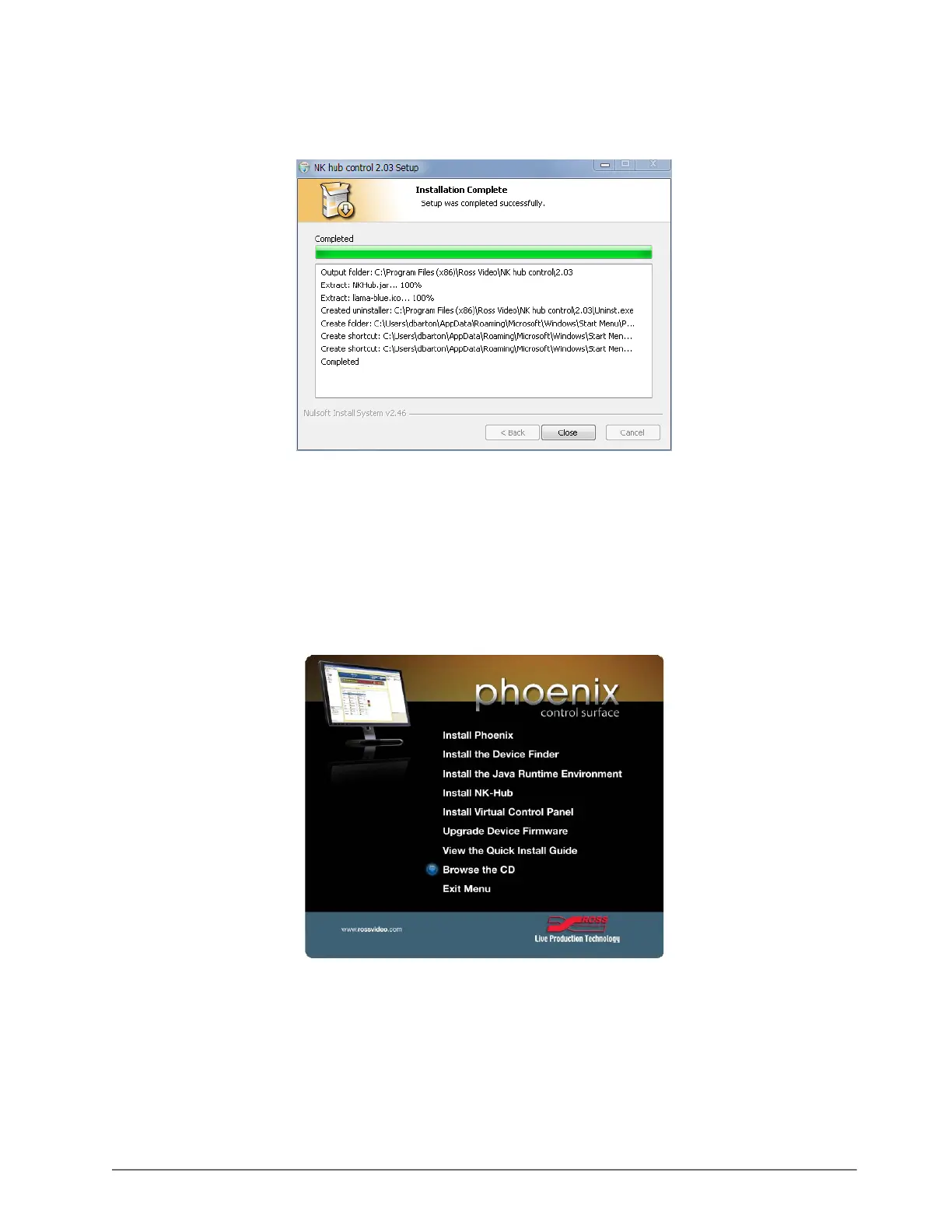
A progress bar indicates the progress of the installation. The NK-Hub control window indicates when the
installation is complete.
6. Click Close.
The NK-Hub control window closes and the NK-Hub is ready for use.
Mac OSX and Linux
The following procedure explains how to install the NK-Hub on Mac OSX and Linux.
To install the NK-Hub on Mac OSX or Linux:
1. From the installation CD menu, select Browse the CD.
2. Double-click the software folder.
3. Double-click the NK-Hub folder.
4. Unzip the NKHub.zip file to a location on the hard drive.
5. Open the location on the hard drive where the file was unzipped.
6. Double-click the NKHub.jar file to run.













 To Next Page