NK-Hub User Guide (v01) Operating the NK-Hub • 5–3
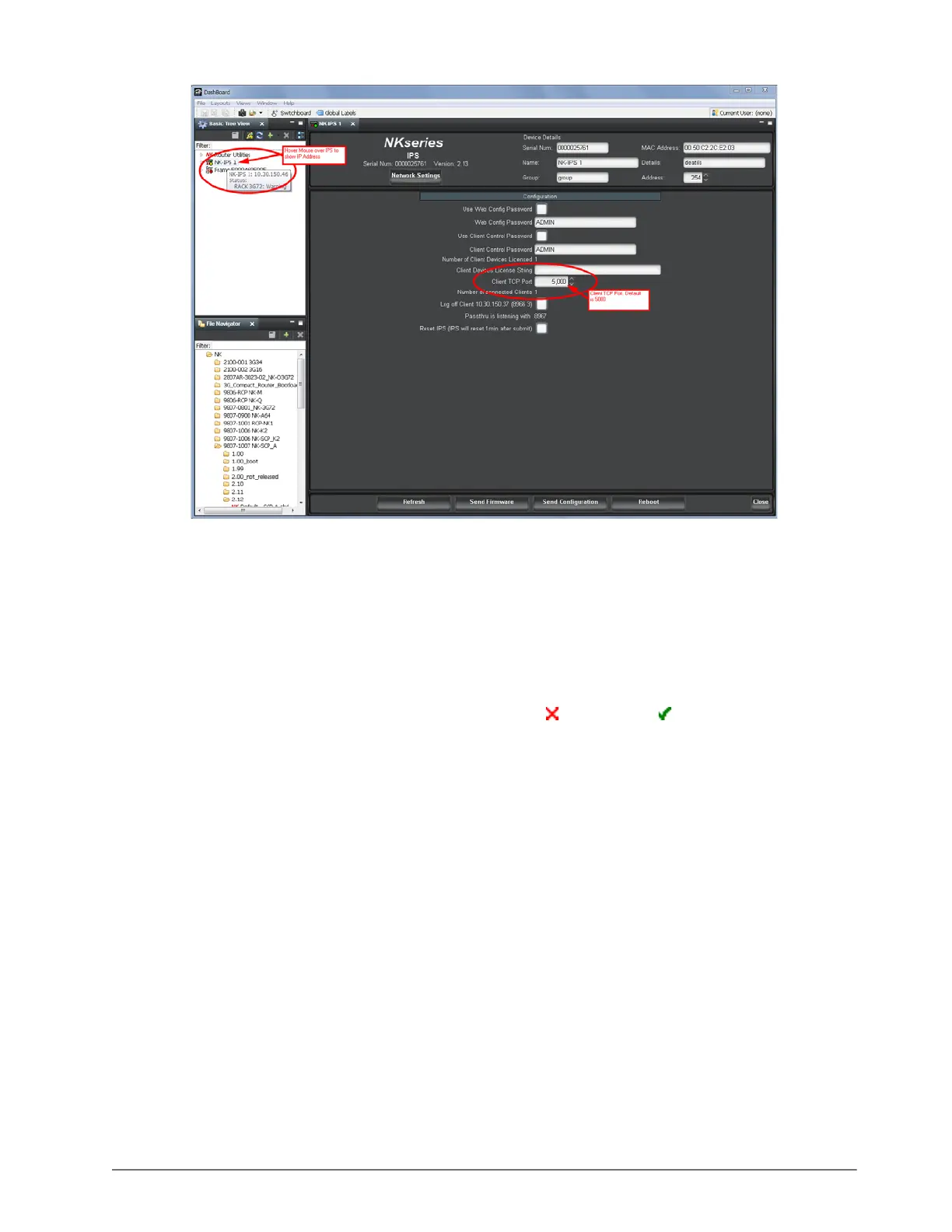
2. In the first row of the IPS table, enter the IP Address and TCP Port of the first NK-IPS.
3. Click Add to add another row to the IPS table.
A new row is added to the IPS table.
4. In the new row of the IPS table, enter the IP Address and TCP Port of the second NK-IPS.
5. If necessary, repeat steps 2 to 4 to add more NK-IPS devices.
6. Click Connect.
The Connected column status changes from not connected ( ) to connected ( ).
Configuring NK Series Routers and Panels
Sending crosspoint commands via the NK-Hub adds delays to the switch messages. Control panels, in particular,
must be configured to minimize unnecessary retries and tolerate longer delays in receiving responses.
Configuring Retry Delay
The retry delay sets the maximum time a panel will wait for a response before retransmitting switch requests. If this
delay is shorter than the round trip through the NK-Hub and the receiving NK-IPS, then retrying will worsen the
situation by adding more switch requests to handle.
To set the retry delay:
1. In DashBoard, double-click the control panel in the Basic Tree View.
A tab for the control panel opens in the main window.
2. In the Configuration section, set the Comms Retry Delay Factor to 250ms.













 To Next Page