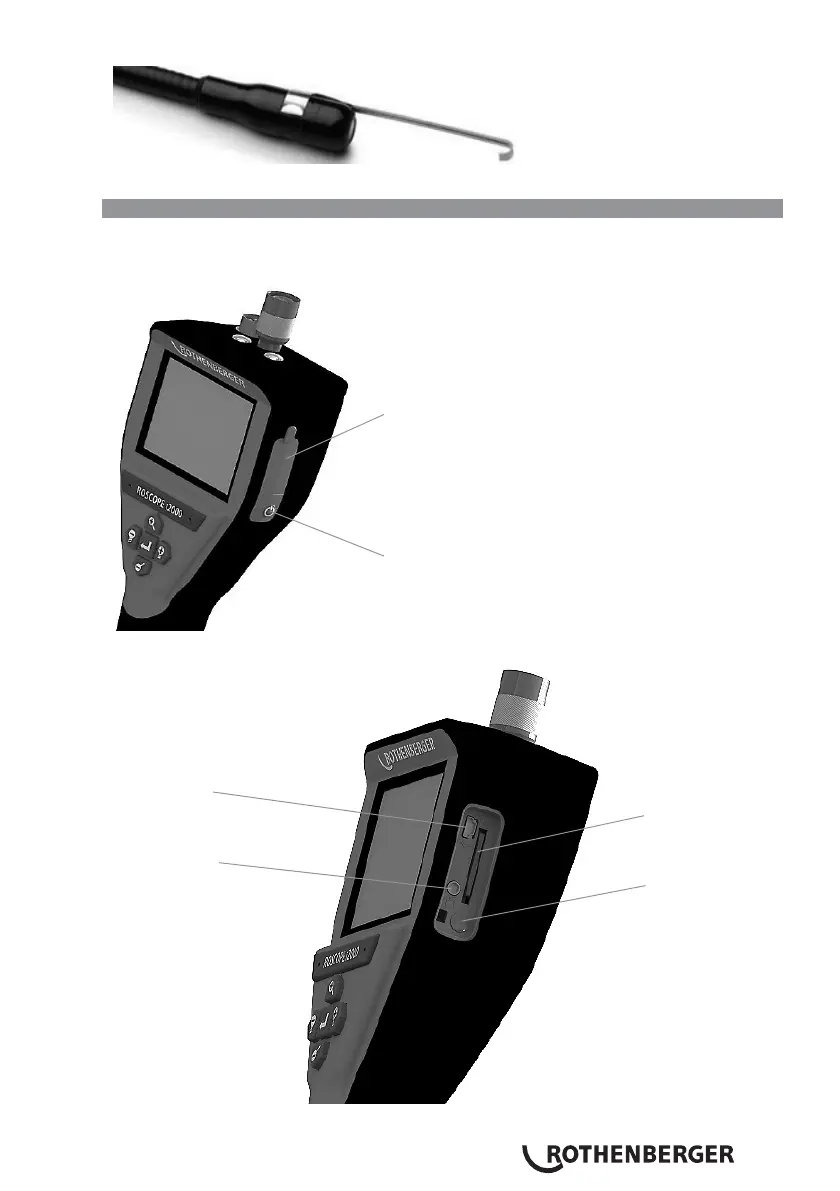
Figure 9 – Installing an Accessory on the Connector
“A”
imager
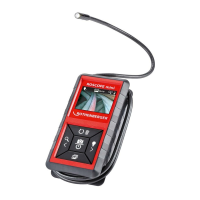
3.6 Installing the SD Memory Card
Locate the tab on the port cover (Figure No. 10), lift and pull to remove the cover and expose the
SD card slot. (SD card is included). Insert the SD card into the slot (Figure No. 11) making sure the
contacts are facing towards you and the angled portion of the card is facing down.
Silicon Cover
Power Button
Figure 10 – Port Cover and Power Button
Mini USB Port
SD Card Slot
Video Out Port
Power Button
Figure No. 11 – Unit Inputs / Outputs


 To Next Page