4 On-Screen Navigation
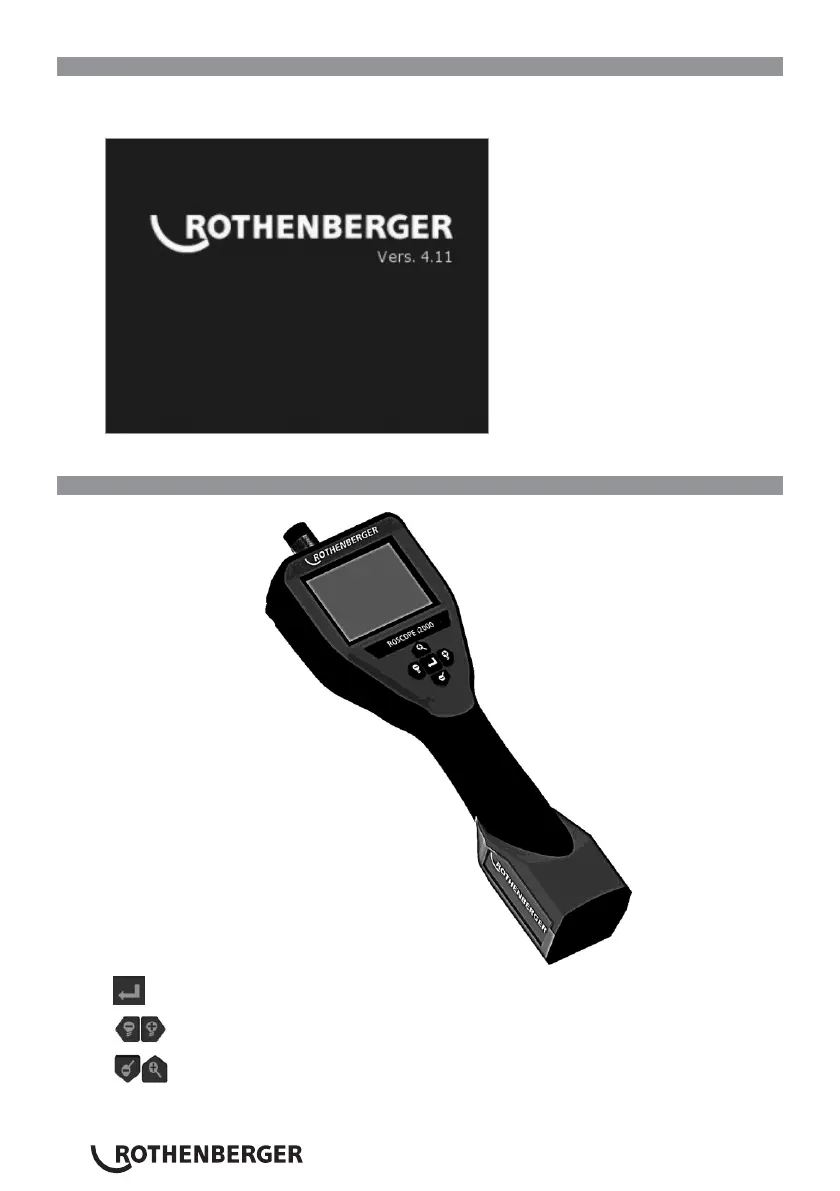
When the ROSCOPE i2000 inspection device is powered on, the first screen that is displayed is
referred to as the splash screen (Figure No. 12). This screen tells you the device is booting up.
Once the product is fully powered up, the screen will automatically switch to the live screen.
Figure No. 12 – Start-up / Splash Screen – Indicates Current Firmware Version on the Handheld
Unit
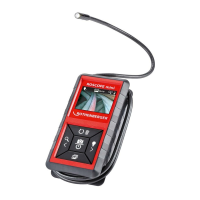
5. Navigation Buttons
Capture Picture or Video (on/off)
LED Brightness +/-
Zoom Image


 To Next Page