CD and Radio Digital Audio
14
RADIO PRE-SET BUTTONS
The six pre-set buttons (7) can be used to
manually store up to eighteen FM
stations (six each on FM1, FM2 and FMA)
and six each on MW and LW. The
pre-sets are programmed as follows:
Programming the pre-sets
•
Select the required waveband (FM1,
FM2, FMA, MW or LW).
•
Tune to the desired frequency using
either automatic or manual tuning
and wait until the desired frequency
or the station name (FM waveband
with RDS active only) appears in the
display.
•
Press and hold one of the pre-set
buttons until the station is heard again
after a brief interruption
(approximately 2 seconds). The
frequency is now stored at that preset
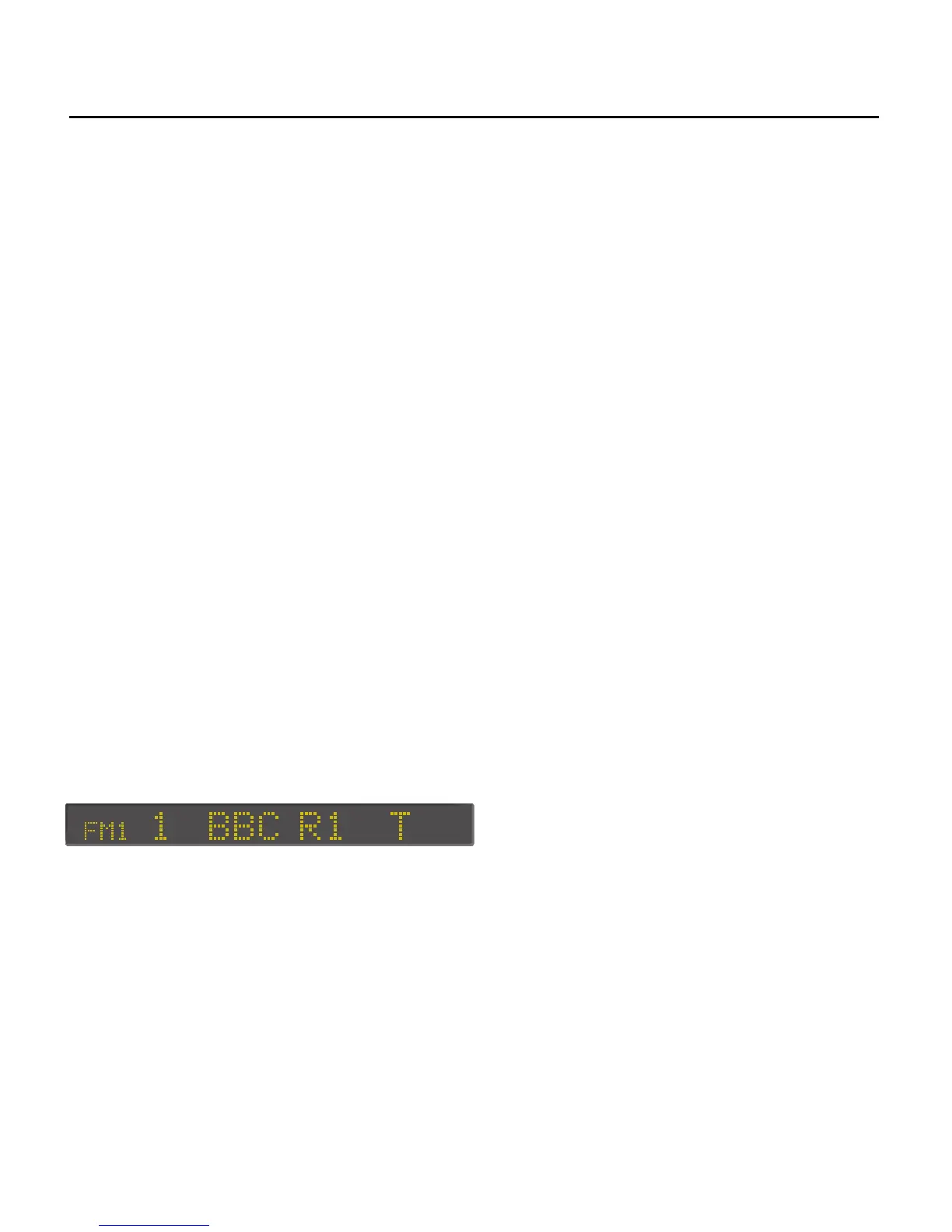
button on that waveband. The display
shows the pre-set number, together
with the waveband and frequency of
the station you have tuned (or the
name of the station if tuning an FM
station with RDS active).
Operation of the pre-sets
Once the pre-set buttons have been
programmed, select the desired
waveband and then press the pre-set
button of your choice.
NOTE: Once the pre-sets have been
programmed, they will be retained by
the unit until they are re-programmed -
even if the battery is disconnected.


 To Next Page