CD and Radio Digital Audio
12
RADIO TUNING - AUTOMATIC
Select the required waveband (FM1,
FM2, FMA, MW or LW - See ’OPERATING
MODES’).
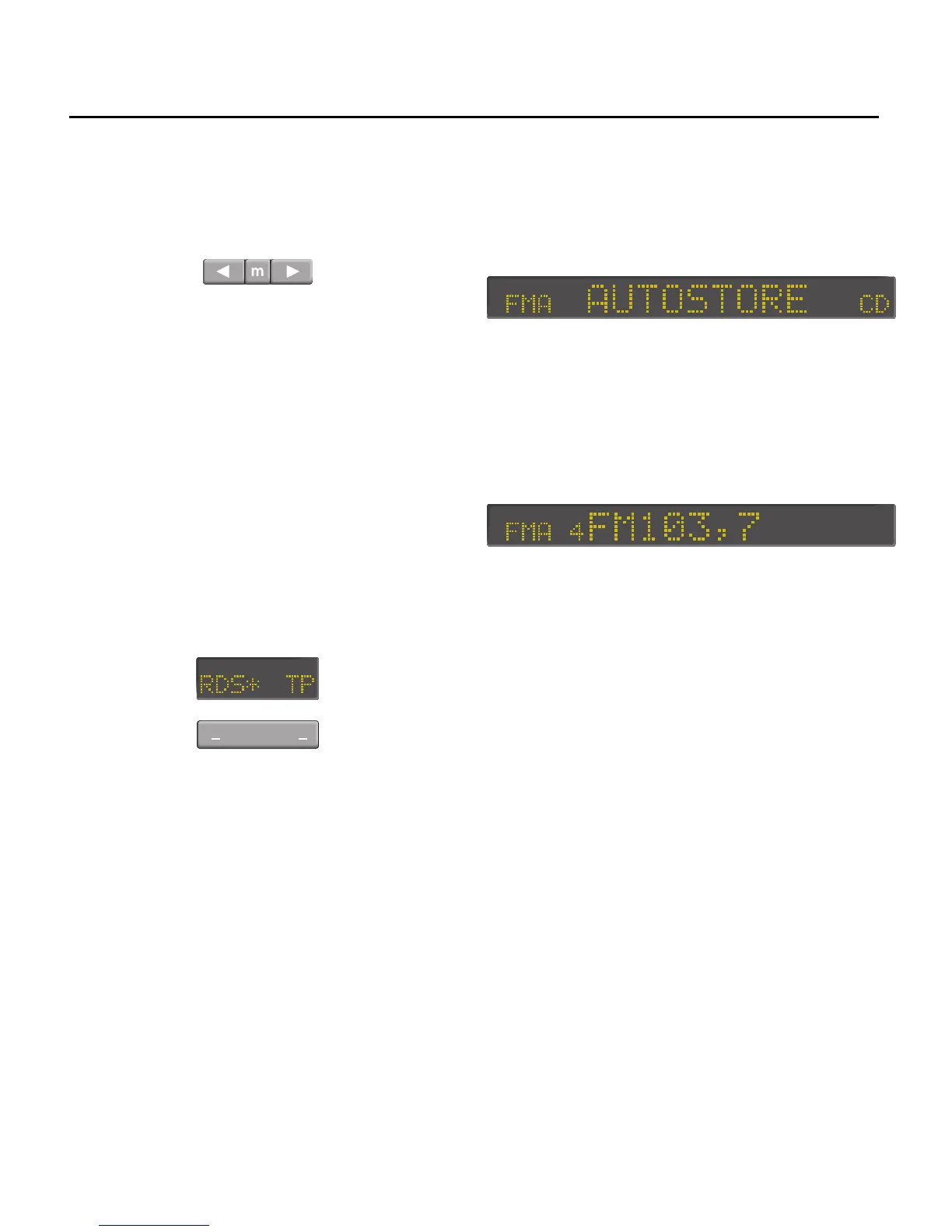
Press either the left or right tuning button
(6). The radio automatically searches
through the frequency range (either up
or down depending on which button is
pressed) looking for stations of
acceptable strength. The search then
stops unless you elect to continue by
pressing the tuning button again.
When a station is detected, the
frequency of the current station selected
is shown on the display unless RDS is
selected while tuning one of the FM
wavebands, in which case the name of
the RDS station will be displayed during
reception.
To turn on RDS press the left side of the
switch below the RDS display. When RDS
is turned on, an asterisk will appear next
to RDS in the display.
AUTO-STORE
Auto-store enables rapid tuning and
storage of the six strongest FM radio
signals in a single operation. This facility is
useful if you are in an unfamiliar area and
have little knowledge of local transmitter
frequencies.
Programming auto-store
Press and hold the FM selection button (5
- see ’OPERATING MODES’). The radio
automatically switches to the FMA
memory range, the sound mutes and the
display shows ’AUTOSTORE’:
Auto-store scans the waveband to find
the six strongest frequencies and then
stores them on the FMA waveband’s
pre-set buttons (7) in order of signal
strength. Each time a station is stored the
display shows the frequency and
relevant pre-set number.
When the auto-store operation is
complete, all ’auto-store’ frequencies
remain stored on the pre-sets until the
process is repeated.
NOTE: Auto-store overwrites any stations
already stored on the FMA pre-set
buttons.
Operating auto-store
To tune to one of the auto-store
frequencies, select ’FMA’, then press the
pre-set button (7) of your choice. The
frequency or radio station name and
pre-set number appears in the display,
depending on whether RDS is active.


 To Next Page