CD and Radio Digital Audio
11
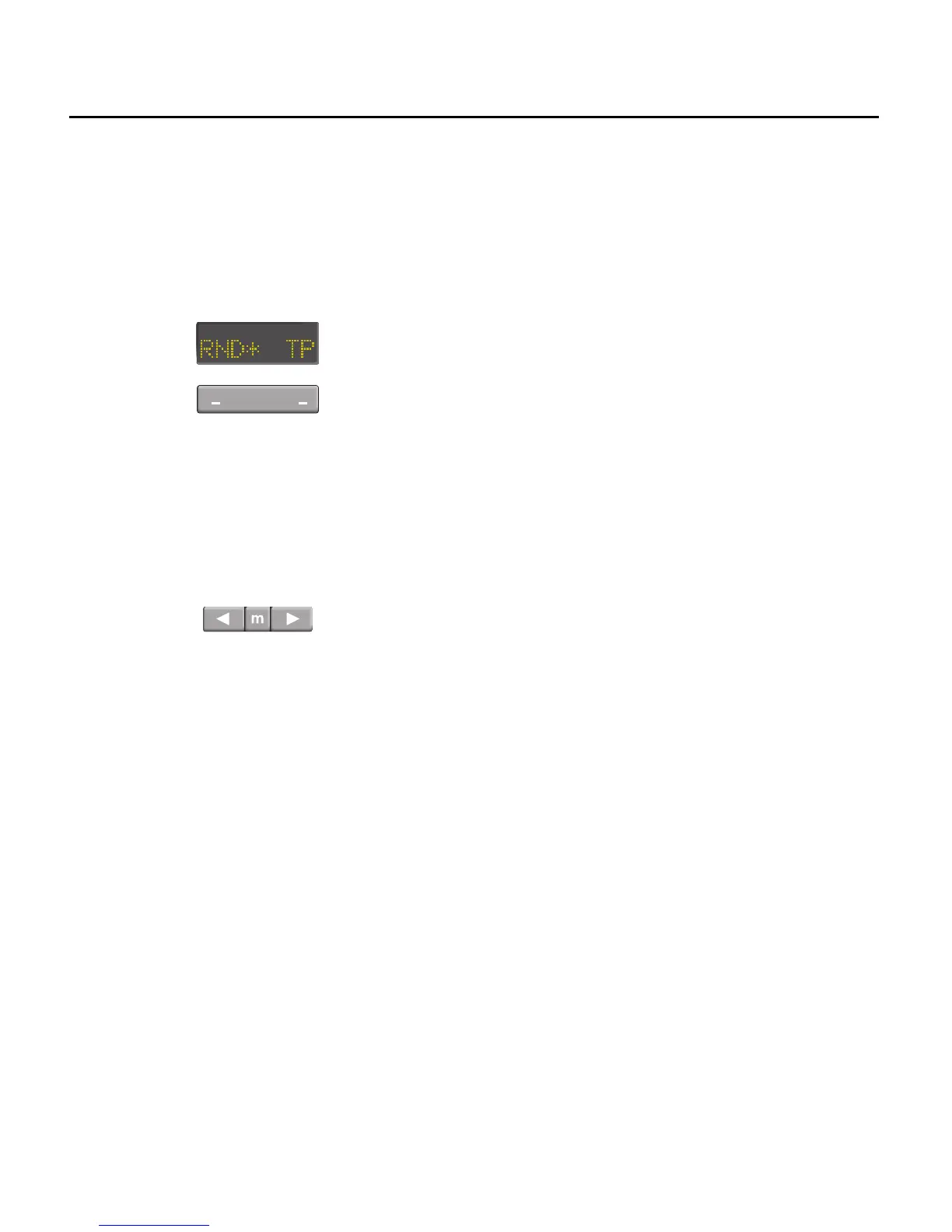
15. Random play button (RND)
Press the RND button, each track is
played in random order. The display
shows the number of the track being
played (e.g. ’TR 1’). Random selection
continues until the function is switched
off by pressing the RND button a second
time.
With RND operational, the track selection
buttons can still be operated. To
advance to the next track press the right
button, to return to the start of the
current track or go to a previous track
use the left button.
16. Traffic programme (TP) button
Press the right hand side of the switch to
turn the TP function on or off. When TP is
on, an asterisk is shown before the TP
legend in the display (see ’Traffic
programme’ information). When a traffic
programme is detected, CD play will be
suspended for the duration of the traffic
announcement. At the end of the
broadcast CD play will be resumed.


 To Next Page