CD and Radio Digital Audio
18
In remote areas, it may be impossible to
locate a ’TP’ station. However, the radio
continues searching for one (interrupted
by warning beeps). If this occurs, you are
advised to switch off the ’TP’ mode.
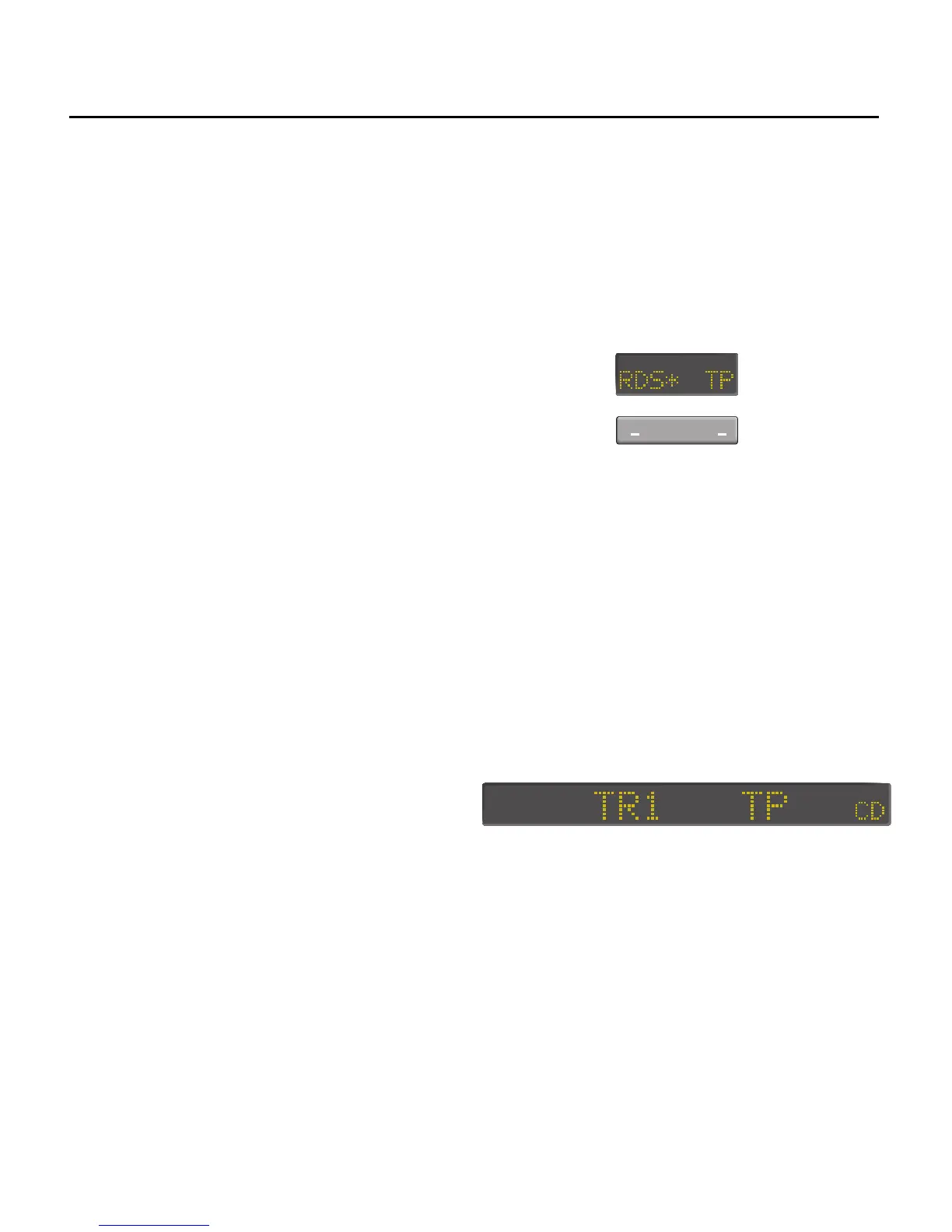
When ’traffic programme’ is on (TP
indicator illuminated, preceded by an
asterisk), occasional and very brief
muting may occur, while the radio
searches for traffic information
broadcasts. For this reason, it is
recommended that the traffic
programme mode is switched off when
not required. It is also recommended
that the traffic programme mode is
switched off when storing stations on the
pre-sets or operating auto-store.
TP selection
When the TP function is active, traffic
programmes are automatically selected
in the following order:
•
If a programme broadcasting
traffic reports is received, its traffic
reports are used.
•
If the programme you are tuned
to does not broadcast traffic
reports but other stations on the
FM waveband you are tuned to
does, their traffic reports are used.
Switching off traffic programme
To switch off the traffic programme
mode, press the right hand side of the
switch beneath the traffic programme
(TP) display to turn the function off. When
TP is switched off, the TP legend in the
display is NOT preceded by an asterisk.
Adjusting the volume of traffic reports
Turn the volume knob (1) during traffic
reports until the desired volume is
obtained. This volume stays the same for
radio traffic reports during radio and CD
operation.
Traffic information during CD play
When the radio is in the traffic
programme mode CD play is interrupted
by traffic information broadcasts as and
when they occur. ’TP’ is indicated on the
main display after the CD track number:
During traffic announcements, the
display still indicates the CD track
number.
CD play is resumed at the end of the
traffic report.


 To Next Page